
用于人声、鼓、贝斯和器乐的 AI MP3 分离器
上传 MP3,让 AISongCreator 将完整混音分离为干净 stems,适合混音、采样、练习和创作者剪辑。这个 MP3 分离器专注于 stem separation,而不是简单裁剪时间线,因此无需安装桌面软件,也能把成品歌曲变成可工作的音频部件。
为真正 Stem Separation 打造的 MP3 分离器
大多数 MP3 Splitter 搜索结果仍然只是在按时间裁剪文件。AISongCreator 处理的是用户真正提出的更难工作流:从 MP3 中分离人声、鼓、贝斯和器乐,让结果能进入混音、排练、剪辑或制作工程。
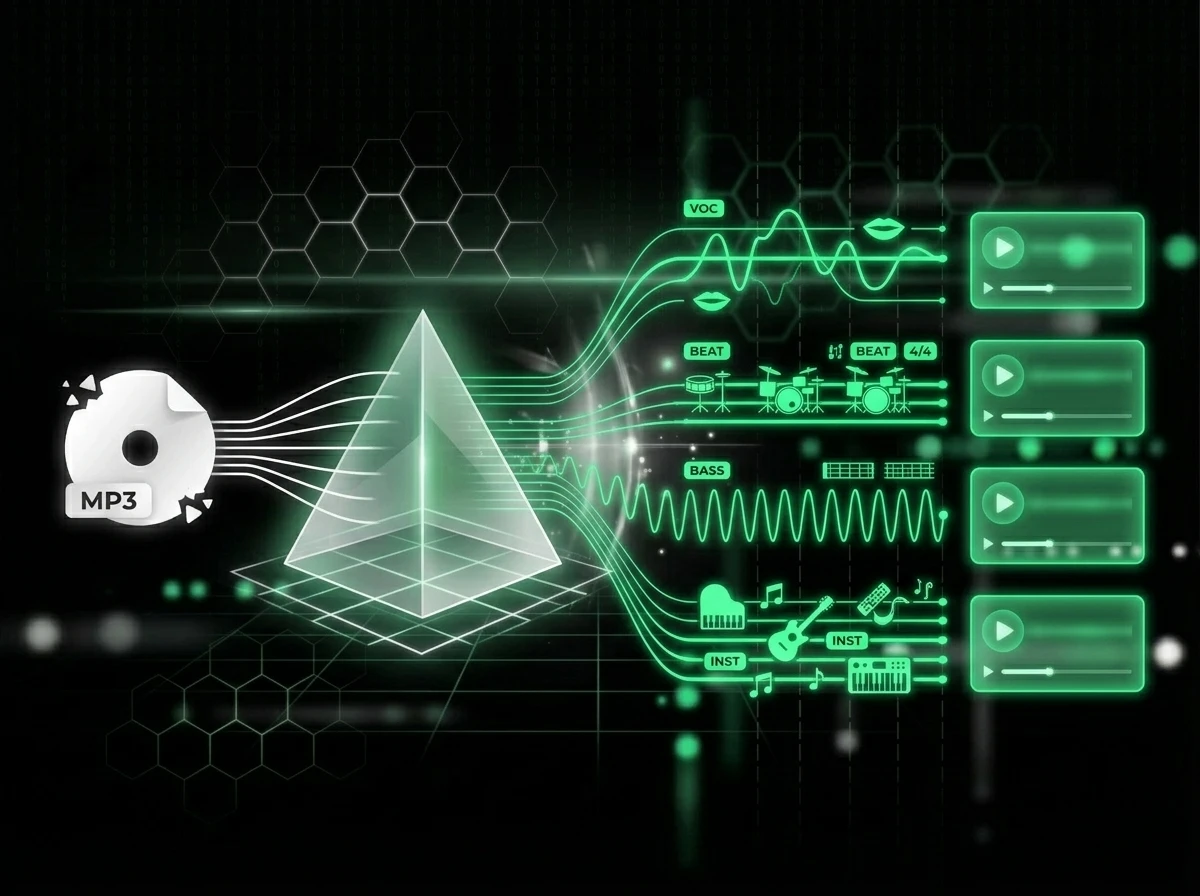
将 MP3 文件拆分为干净 Stems
AI MP3 分离器会分析完整混音,并把人声、鼓、贝斯和其他乐器分成独立 stems。当你需要可混音部件、卡拉 OK 式伴奏或练习音轨,而不是被剪碎的音频片段时,就使用这个 MP3 分离器。
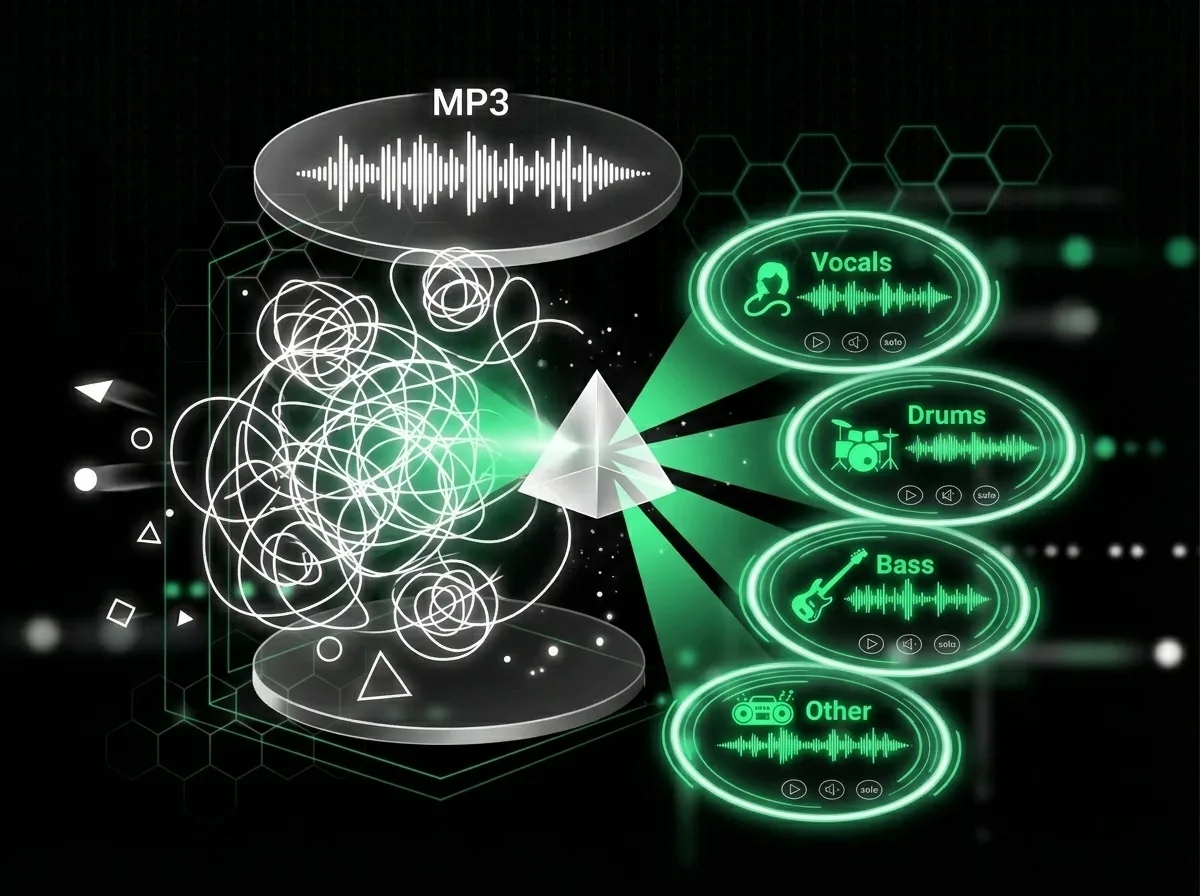
下载前预听每个 Stem
导出前可在 AISongCreator 内试听每个分离结果。这个 MP3 分离器帮助你发现串音,对比人声和伴奏结果,选择正确 stem,并只保留真正能放进 DAW 或视频编辑器的音频。
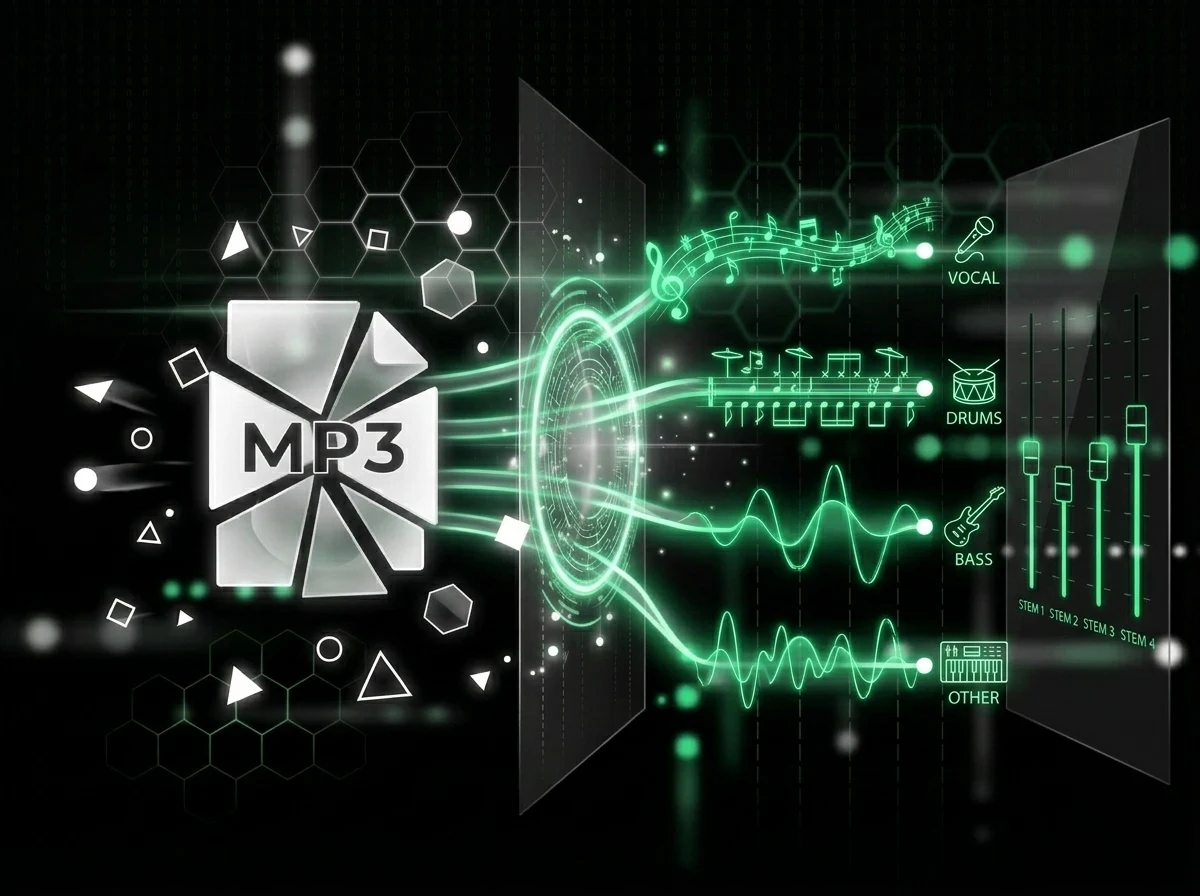
更快从采样进入工程
把分离出的 stems 拖进 DAW,跟着无鼓版本练习,或基于参考曲搭建新编曲。AI MP3 分离器保持浏览器工作流,制作人、DJ 和乐手无需配置即可在线 split MP3。
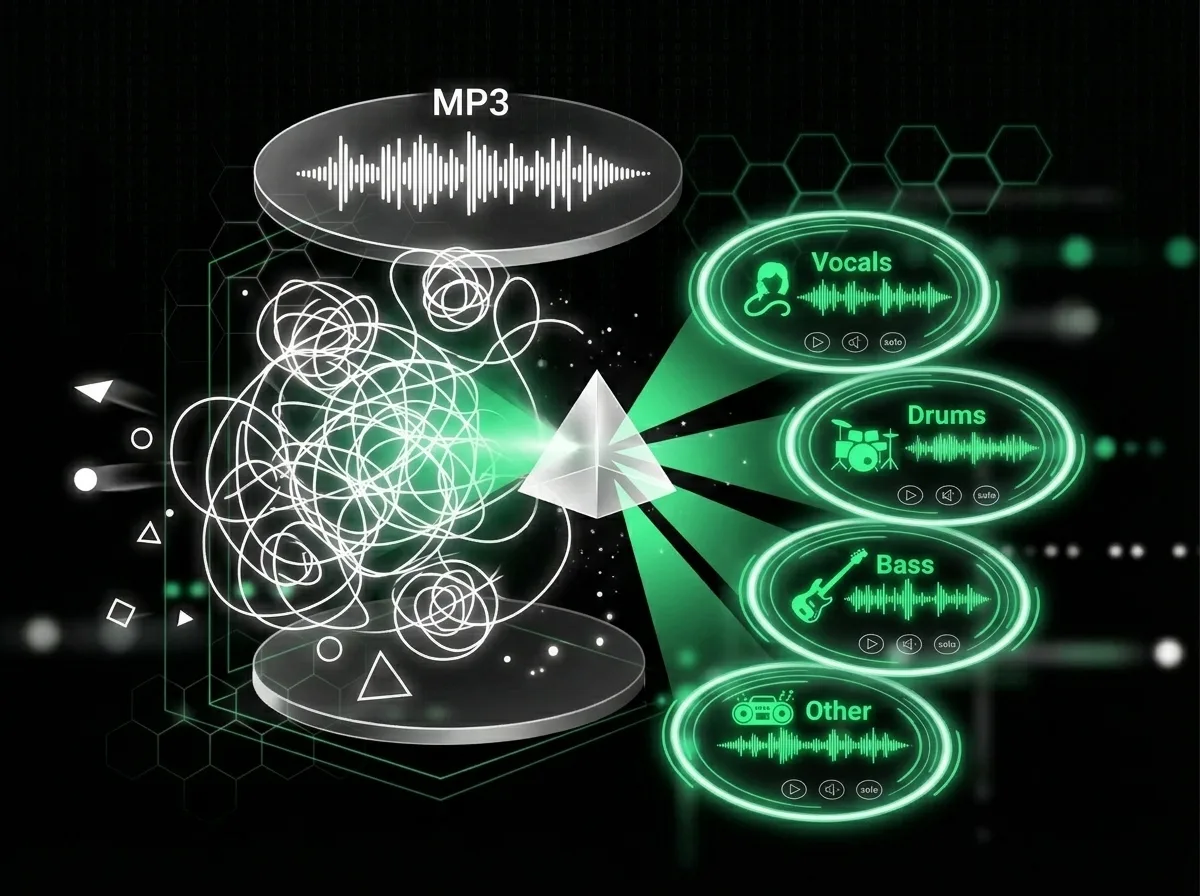
控制文件、模式和下载
需要 acapella 和伴奏时选择人声分离;需要鼓、贝斯、人声和其他声部时选择多 stem 模式。AISongCreator 将上传、预听、删除和 ZIP 下载集中在一个 MP3 分离器工作流中,便于项目交付。
谁会使用 AI MP3 分离器
搜索数据和创作者论坛呈现同一趋势:搜索 AI MP3 Splitter 的人通常并不想要基础裁剪器。他们想要人声分离、无鼓练习、acapella、伴奏,以及更快把 MP3 音频带入真实创作的方法。

Beatmakers 和制作人
制作人搜索常提到参考曲、loop、人声、鼓和贝斯。使用 AI MP3 分离器从 MP3 中提取旋律、律动或人声想法,再以更少噪声残留和更少手动 EQ 猜测重建新工程。
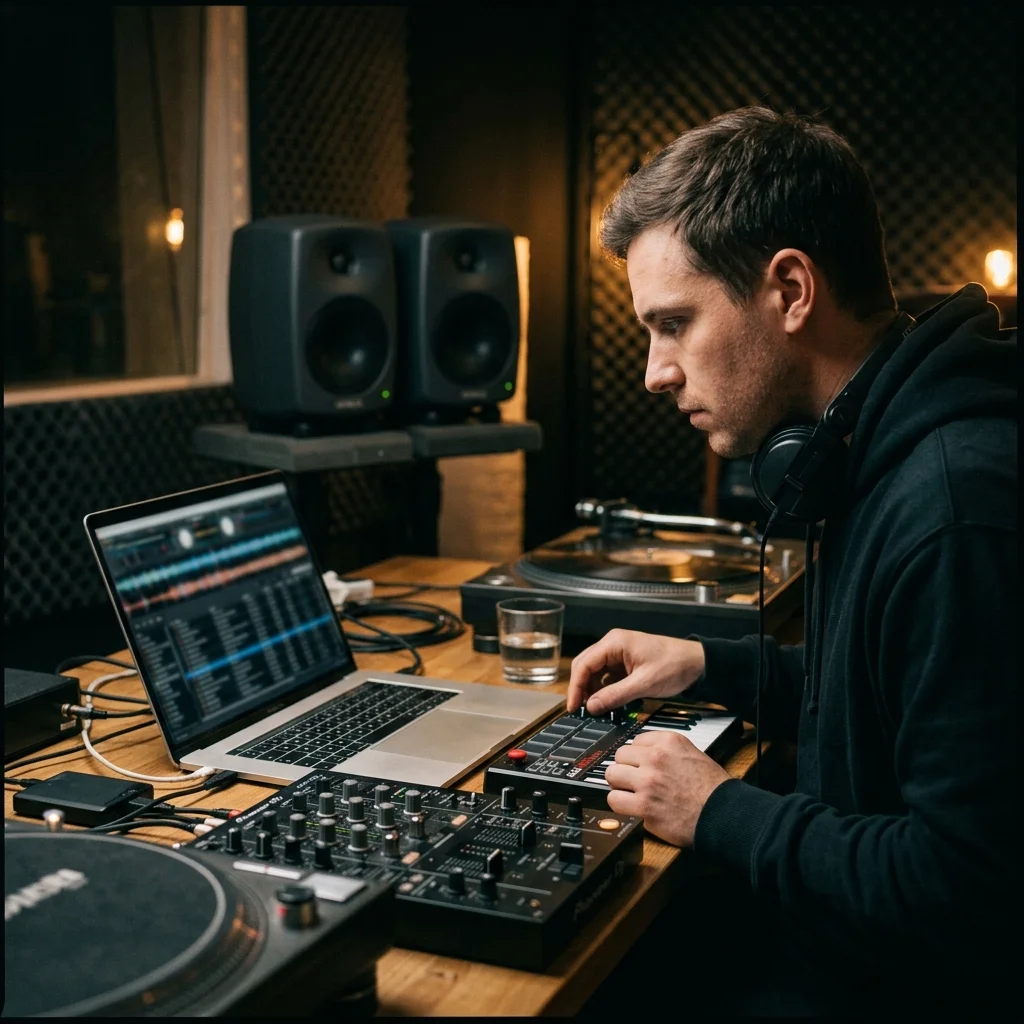
DJ 和 Remix 艺术家
“free AI MP3 stem splitter vocals drums bass”等长尾搜索显示出强烈 remix 意图。你可以从 MP3 文件创建 acapella、伴奏和鼓组编辑,再把更干净的部件用于 mashup、转场和现场歌单准备。
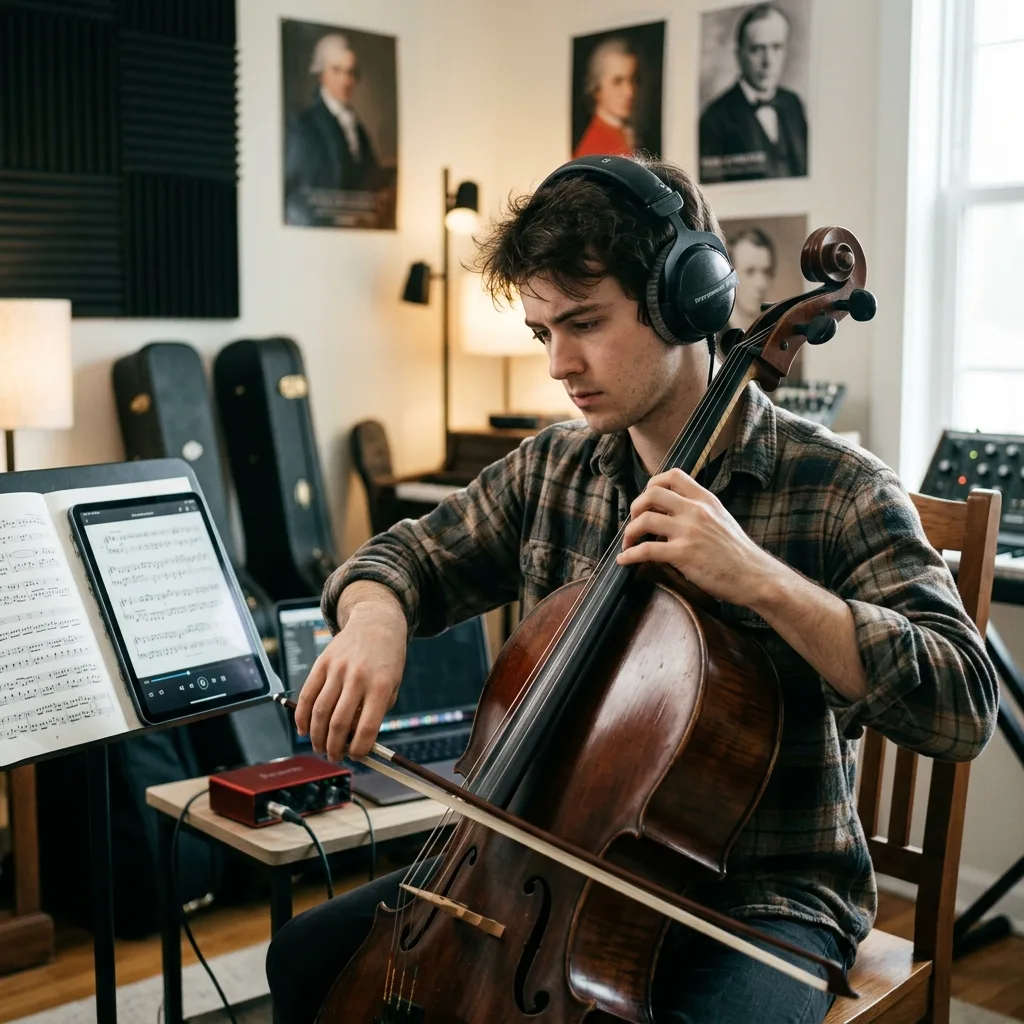
练习声部的乐手
练习型用户常寻找纯人声、无贝斯、无鼓和伴奏版本。这个 MP3 分离器帮助歌手、鼓手、贝斯手和吉他手隔离或移除声部,让排练更接近与灵敏伴奏乐队一起演奏。
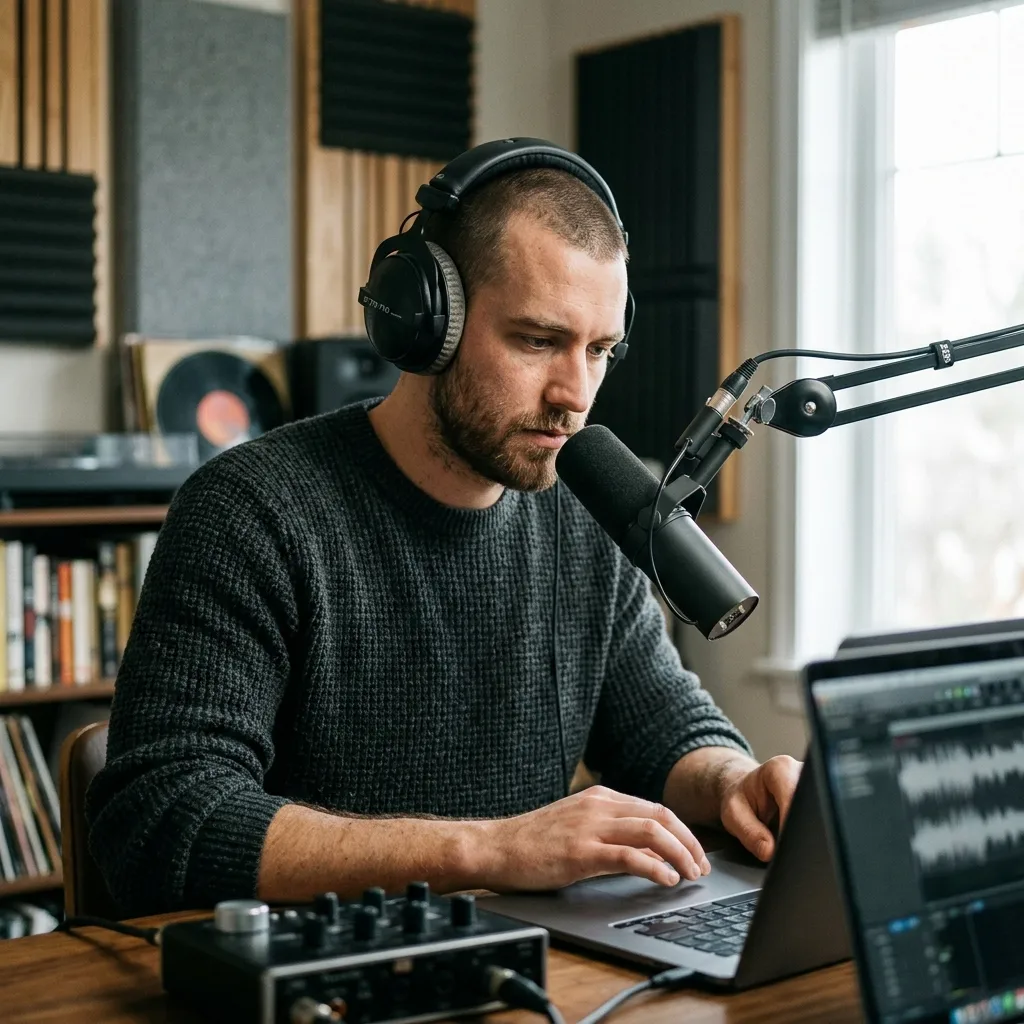
视频和播客创作者
内容创作者常需要把类似语音的人声从背景音乐中分离,减少干扰,或为短视频剪辑准备更干净 stems。AISongCreator 让 MP3 分离器保持在线且简单,这对快速推进剪辑很重要。
How to Use the MP3 Splitter Online
Split MP3 audio in a focused browser workflow: upload your track, choose the separation mode, review the output, and download only the stems that fit your project.
Upload Your MP3
Drag in an MP3 file or choose a track from your music library. AISongCreator prepares the audio for AI stem separation in the browser, so you can start from the file format most creators already have.
Choose the Stem Mode
Select multi-stem separation for vocals, drums, bass, and other parts, or use vocal mode when you only need voice and instrumental outputs. This keeps the MP3 Splitter workflow aligned with remixing, practice, or editing goals.
Preview and Download
Listen to each result, check for bleed or artifacts, delete anything you do not need, and download the stems that fit your remix, rehearsal, podcast, or video editing workflow.
AI MP3 Splitter FAQ
Answers to common questions about using a browser-based MP3 Splitter for vocal, drum, bass, and instrumental separation.
Is this MP3 Splitter the same as an MP3 cutter?
No. A basic cutter trims an MP3 by time. This AI MP3 Splitter separates the music inside the file into stems, so you can work with vocals, drums, bass, and instruments separately.
Can the AI MP3 Splitter separate vocals from instrumentals?
Yes. AISongCreator can create vocal and instrumental outputs, and multi-stem mode can also isolate drums, bass, and other musical elements for deeper editing, remixing, and practice.
Will there be audio bleed between stems?
Dense mixes can still leave some bleed because instruments overlap in the original recording. The MP3 Splitter is designed to reduce artifacts and give cleaner stems than manual EQ tricks, but final quality depends on the source file.
Can I split a full MP3 song online without software?
Yes. Upload the file in your browser, choose the separation mode, wait for AI processing, then preview and download the separated stems. No desktop installation is required.
What can I do after I split MP3 audio?
Use the stems for remixes, karaoke-style instrumentals, drumless practice tracks, content editing, sampling ideas, podcast cleanup, DJ edits, or as references for a new AISongCreator project.
How is AI MP3 Splitter different from AI Stem Splitter?
The AI Stem Splitter page covers broader stem separation workflows. This MP3 Splitter page focuses on users starting from MP3 files and searching for a direct way to split MP3 online into usable stems.
Is this a free MP3 Splitter?
AISongCreator lets users start from the browser and see the available splitting workflow before committing to a larger production setup. Account status, credits, and plan limits may affect how many MP3 Splitter tasks you can run.