



What an AI Jingle Generator Creates
Shape a Jingle Around the Message
The AI jingle generator gives each brand idea a concrete musical direction without pretending that one generic preset fits every campaign.

Turn a Brand Brief Into a Musical Hook
A slogan alone does not tell a composer who should care, where the music will play, or how the brand should feel. Give the AI jingle generator a clearer brief: name the product, describe the audience, identify the channel, and explain the emotional result. Add details such as playful pop for a family product, confident funk for a fitness launch, or warm acoustic music for a neighborhood shop. AISongCreator turns that context into a complete draft with melody and arrangement, so you can judge the message by listening. You do not need chord theory or production terminology; concrete campaign language is more useful than a long list of technical instructions.
Choose a Sung Hook or Instrumental Identity
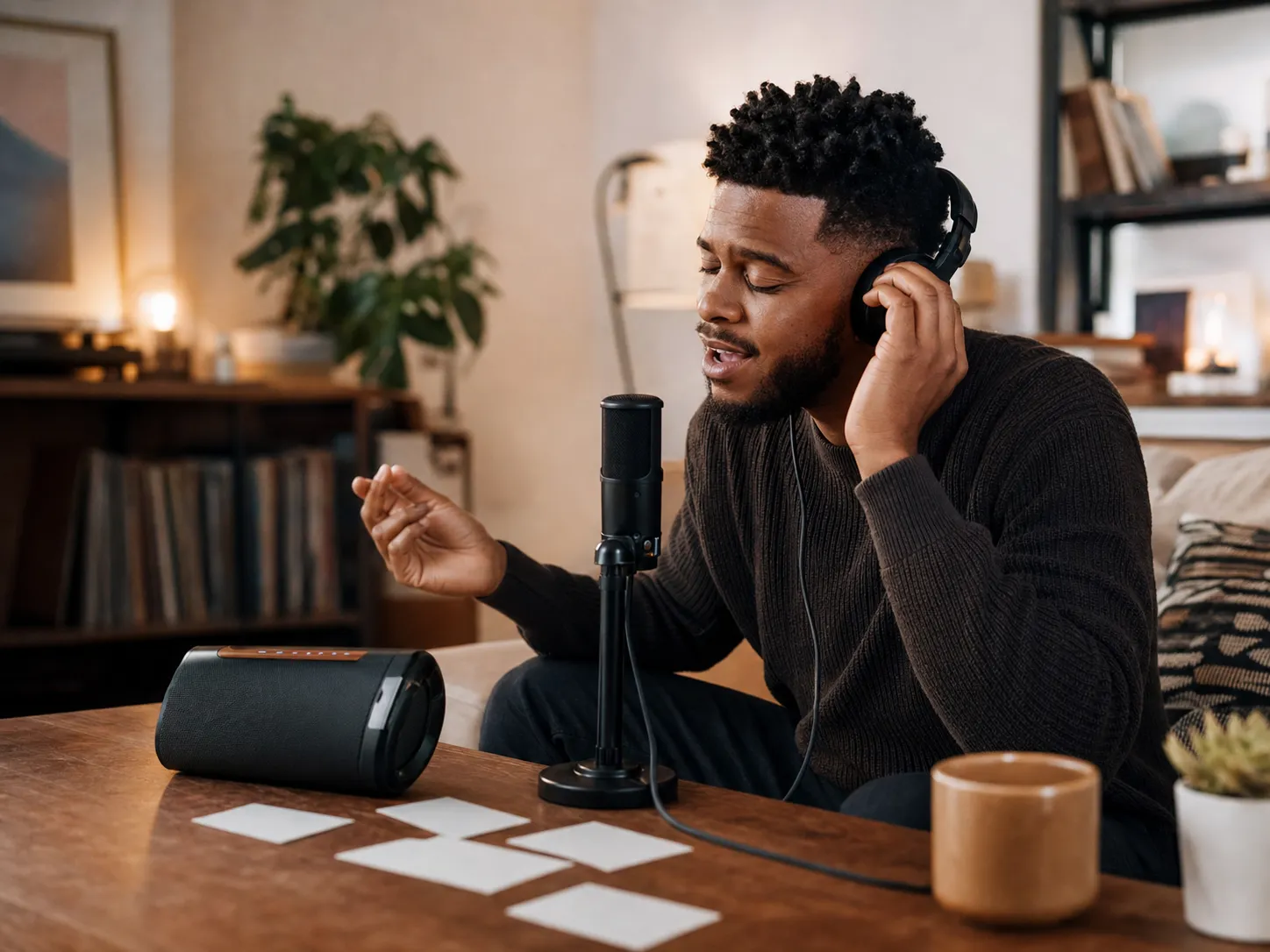
Some campaigns need the brand name sung clearly; others need music that supports narration without competing for attention. The AI jingle generator supports both directions. Add your slogan or custom lyrics when the words should become the hook, then guide the genre, mood, instruments, and vocal character. Choose an instrumental direction for podcast beds, product demonstrations, event openings, or videos with a voice-over already recorded. The generator creates music rather than spoken announcements, so it does not claim to produce station IDs, announcer reads, or DJ drops. That boundary keeps the workflow focused on the musical identity your audience will hear.

Compare Directions Before the Campaign Goes Live
A memorable jingle usually comes from a specific idea refined through listening, not from accepting the first generic result. Use the AI jingle generator to test contrasting but relevant directions: warmer vocals, a simpler chorus, brighter instruments, a more restrained instrumental, or a genre that better matches the customer. Preview the generated drafts, note what supports the message, and change one part of the brief before generating again. This makes feedback easier for a founder, client, editor, or content team because everyone can react to audible options. When a draft is ready, download the WAV or MP3 available with your plan and finish any exact ad-length edit in your audio or video editor.
Who Uses an AI Jingle Generator
The AI jingle generator is most useful when a real project needs distinctive music but the team still needs room to test the message, style, and audience fit.

Small Businesses and Local Brands
A local promotion can disappear when it uses the same stock background music as every other ad. The AI jingle generator lets a café, shop, service business, event organizer, or online store describe its own product, neighborhood, customer, and tone. Turn a short slogan into a sung hook, or create an instrumental theme for store videos and announcements. Compare playful, friendly, premium, or energetic versions before committing the idea to a campaign. AISongCreator gives the business an audible starting point without requiring a studio session for every early concept, while final usage and commercial rights remain tied to the active plan.
Marketing and Social Content Teams
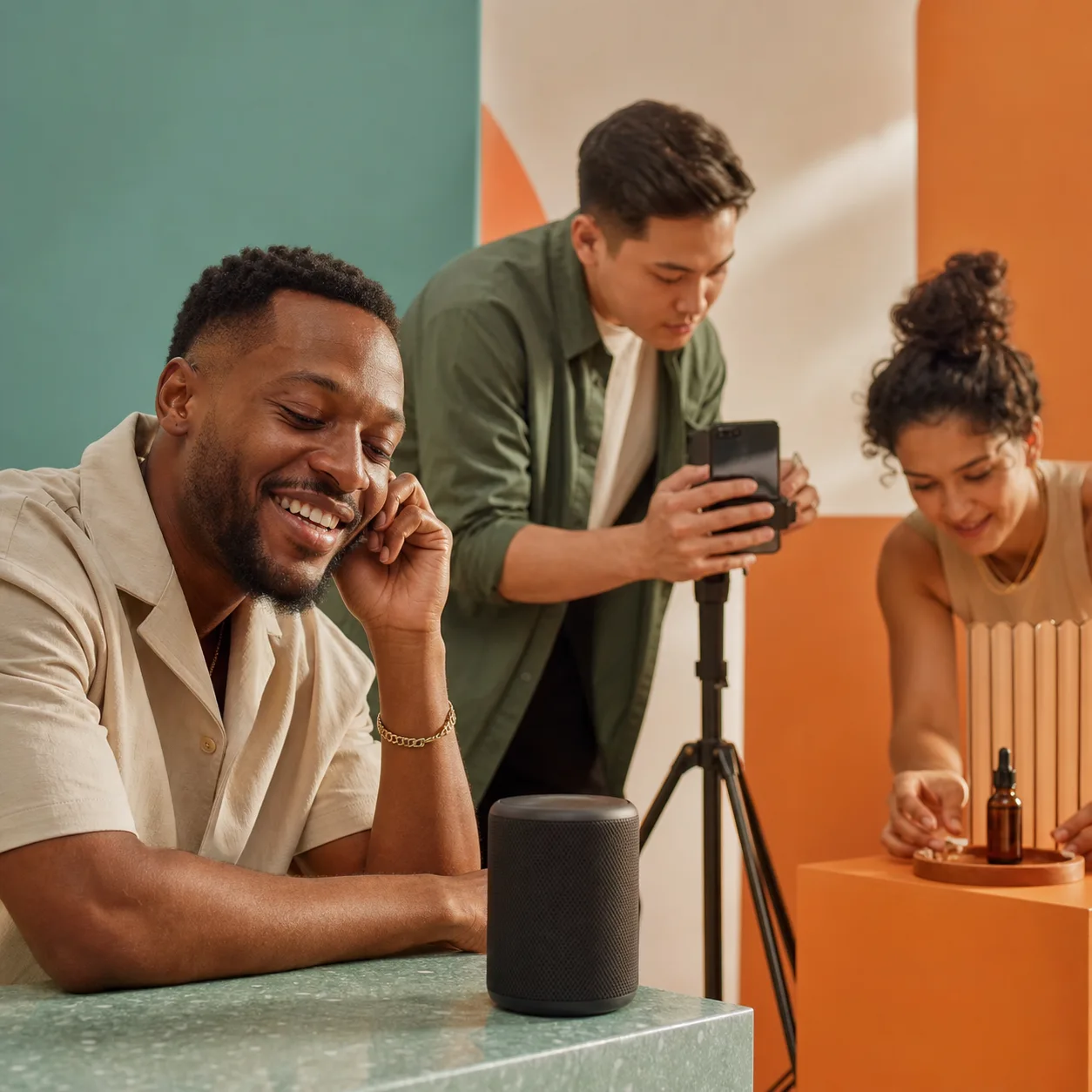
Campaign reviews stall when the brief says “upbeat and memorable” but nobody can hear what that means. Use the AI jingle generator to translate a product position, audience, channel, and mood into music drafts for a launch video, paid social concept, branded series, or seasonal promotion. A team can compare a vocal hook against an instrumental version, test genre choices, and give feedback on an actual arrangement. The AI jingle maker does not replace final editorial judgment; it makes that judgment faster and more specific by giving writers, designers, editors, and stakeholders the same sound to discuss.
Podcasters and Video Creators
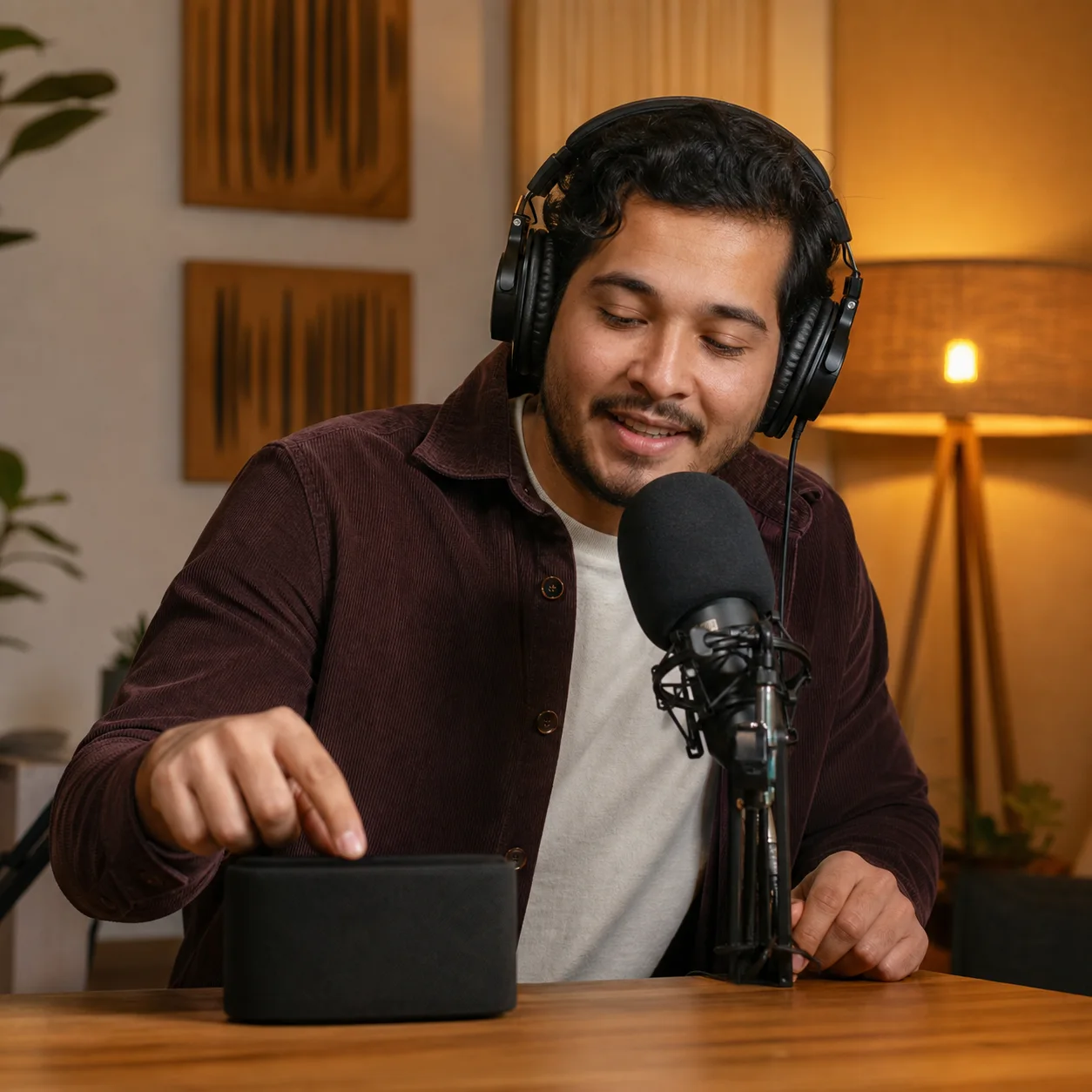
A creator intro needs to establish identity quickly without overwhelming the host, dialogue, or opening scene. The AI jingle generator can turn a show topic and audience mood into podcast intro music, a YouTube opening, a recurring segment theme, or a short branded transition. Request an instrumental when spoken content needs space, or add a compact sung phrase when the name should become part of the show. Preview multiple directions, keep the one that fits your pacing, and trim the chosen track to the exact edit length in your normal production workflow.
Build a Jingle in Three Practical Steps
A useful AI jingle generator workflow starts with the message, narrows the musical direction, and ends with listening and a focused revision.
Brief the Message and Audience
Write what the jingle must communicate before listing instruments. Include the brand or product, the slogan or phrase you want sung, the audience, and where the music will play. A brief such as “friendly bakery delivery ad for local families” gives the AI jingle generator more useful context than “make a catchy song.” Add custom lyrics when exact words matter, but use only text you wrote or have permission to submit.
Choose the Musical Direction
Select a use case, genre, mood, instruments, and vocal direction that support the same idea. Choose Sung Slogan, a vocal character, or instrumental output depending on the campaign. Keep the first direction coherent: warm acoustic instruments and a friendly vocal for a local shop, bold drums and a group chant for a launch, or restrained piano and strings under podcast narration. The AI jingle generator follows clearer signals when the prompt and tags agree.
Generate Listen and Refine
Run the AI jingle generator and listen for message clarity, memorable melody, vocal fit, and space for the surrounding content. Compare the drafts, then revise one useful variable instead of rewriting everything: shorten the lyric, change the mood, remove vocals, simplify the instruments, or shift the genre. Generate again when needed. Download options and commercial usage follow your plan, and any exact 10-second or 30-second cut should be completed in an audio or video editor.
AI Jingle Generator Questions
Straight answers about prompts, slogans, instrumentals, trials, downloads, commercial use, exact timing, and music-first capability.
What is an AI jingle generator?
An AI jingle generator creates music from a written brand, product, campaign, or content brief. You describe the message, audience, genre, mood, instruments, and vocal direction, and AISongCreator generates a melody and arrangement you can preview. The AI jingle generator can make a sung brand hook or an instrumental theme for advertising, podcasts, videos, events, and creator intros. It is different from a lyrics-only tool because it produces audible music, and it is different from a spoken radio-imaging tool because it does not provide announcer reads or station-ID effects.
What should I include in a jingle prompt?
Include the brand or product, the audience, the channel, the message, the desired feeling, and a few musical details. A useful AI jingle generator prompt might identify a social launch for a fitness app, request confident funk, name drums and brass, and ask for a short sung product name. Concrete context helps more than vague praise words. If narration will sit over the music, say that the arrangement should stay instrumental and leave space. Avoid naming artists or existing songs; describe tempo, instruments, vocal texture, rhythm, and mood instead.
Can I use my own slogan or lyrics?
Yes. Add a slogan or custom lyrics when you want the AI jingle generator to build the musical hook around specific words. Keep the line concise enough to sing naturally, use clear section labels if you provide longer lyrics, and pair the words with a matching style direction. Generation can vary in pronunciation, phrasing, and structure, so preview the result and simplify difficult wording when necessary. Submit only words you wrote or otherwise have permission to use; the generator cannot clear third-party slogans, lyrics, trademarks, or campaign claims for you.
Can the AI jingle generator make instrumental music?
Yes. Choose the instrumental direction when the music should support a voice-over, product demonstration, podcast host, event announcement, or visual sequence. Describe the role of the music as clearly as you would describe a vocal hook: name the audience, emotional movement, genre, rhythm, and instruments. The AI jingle generator then creates music without asking a vocal to carry the brand message. If you want both options, generate an instrumental brief and a separate sung brief so your team can compare which direction fits the edit.
Can I try the AI jingle generator for free?
You can use the credits available on your account to try music generation. The exact credit allowance, generation access, download options, and plan limits can change, so check the current pricing page rather than assuming unlimited free use. The AI jingle generator uses the same account and credit system as the main AISongCreator music workflow. A trial is useful for testing whether your brand brief, slogan, and style direction produce a promising concept before you decide how many versions or campaign assets you need.
Can I download and use my jingle commercially?
Download formats and commercial usage depend on the plan under which the track is generated. AISongCreator currently offers WAV or MP3 downloads according to plan, and tracks generated under a paid plan include commercial usage rights. Review the current plan details and commercial license before using a jingle in paid advertising, a client campaign, monetized content, distribution, or another commercial setting. The AI jingle generator creates the music, but it cannot approve third-party slogans, trademarks, lyrics, or other material you place in the prompt.
Can I generate an exact 10-second or 30-second jingle?
Not with an exact duration control in the current AI jingle generator. Describe a compact hook, short intro, or focused campaign idea, generate the music, and then trim or arrange the chosen draft to the required ad length in your audio or video editor. This is more honest than promising that every generated melody, vocal phrase, and ending will land on a precise timestamp. Keep the most important slogan early in the custom lyrics and avoid an overly complex brief when you know the final placement will be short.
Does it create radio station IDs or DJ drops?
No. AISongCreator is a music-first AI jingle generator, not a text-to-speech radio-imaging or DJ-drop system. It can create sung hooks, instrumental brand music, podcast intros, ad music, and campaign themes, but it does not provide an announcer voice, cloned voice, spoken station ID, DJ name drop, or dedicated radio effects chain. If your project needs music beneath an existing spoken read, choose instrumental output and combine the generated track with your recorded voice in an editor.