How to use the slowed and reverb generator
With AISongCreator, a slowed and reverb generator workflow takes three practical moves: upload audio, shape the slowed reverb generator settings, then export the version you trust from the slowed and reverb maker.
Upload a track to the slowed and reverb generator
Open AISongCreator and add an MP3, WAV, M4A, AAC, OGG, or another browser-readable audio file. The slowed and reverb generator keeps the preview in the current tab, so you can test an idea without building a DAW session, routing plugins, or preparing a new project just to hear one slowed reverb generator edit.
Shape the slowed reverb generator settings
Choose a preset or move the sliders yourself. Start near 0.85x for many vocal hooks, use a shorter reverb tail when drums need punch, add bass only when the mix needs weight, and use the slowed and reverb maker controls to compare a soft slowed reverb online edit with a deeper remix mood.
Export from the slowed and reverb generator
Use A/B preview to hear the original and processed track before rendering. When the timing, vocal entrance, reverb space, and bass balance feel right, render the slowed and reverb generator output as WAV for more editing or MP3 for fast drafts, social posts, and sharing.
Why this slowed and reverb generator works for fast edits
The slowed and reverb generator keeps the remix path focused: local upload, slowed reverb generator preview, practical presets, and WAV or MP3 export without DAW setup.
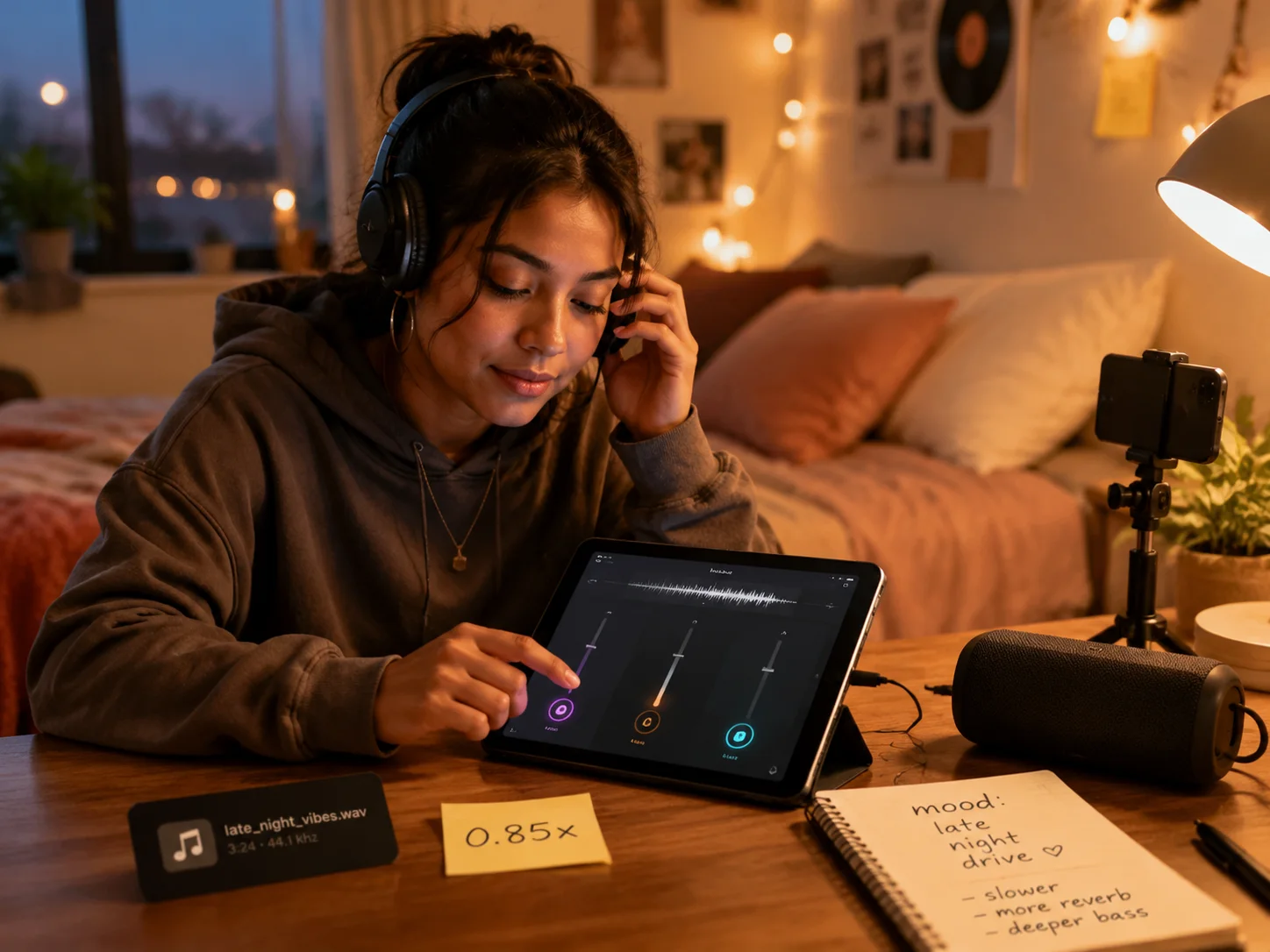
Browser slowed reverb workflow
With AISongCreator, you can open the slowed and reverb generator, upload one file, and start shaping speed, reverb, and bass in the browser. The slowed and reverb maker workflow is built for quick creator checks: a 0.8x draft for a short video, a darker 0.75x mood edit, or a lighter slowed reverb generator pass that keeps the vocal clear.

A/B preview before every render
Switch between the original track and the current effect while the same audio is loaded. The slowed reverb generator preview helps you judge whether the hook still lands, the first vocal line still feels natural, and the drop is not buried under too much reverb before the slowed and reverb maker renders a file.
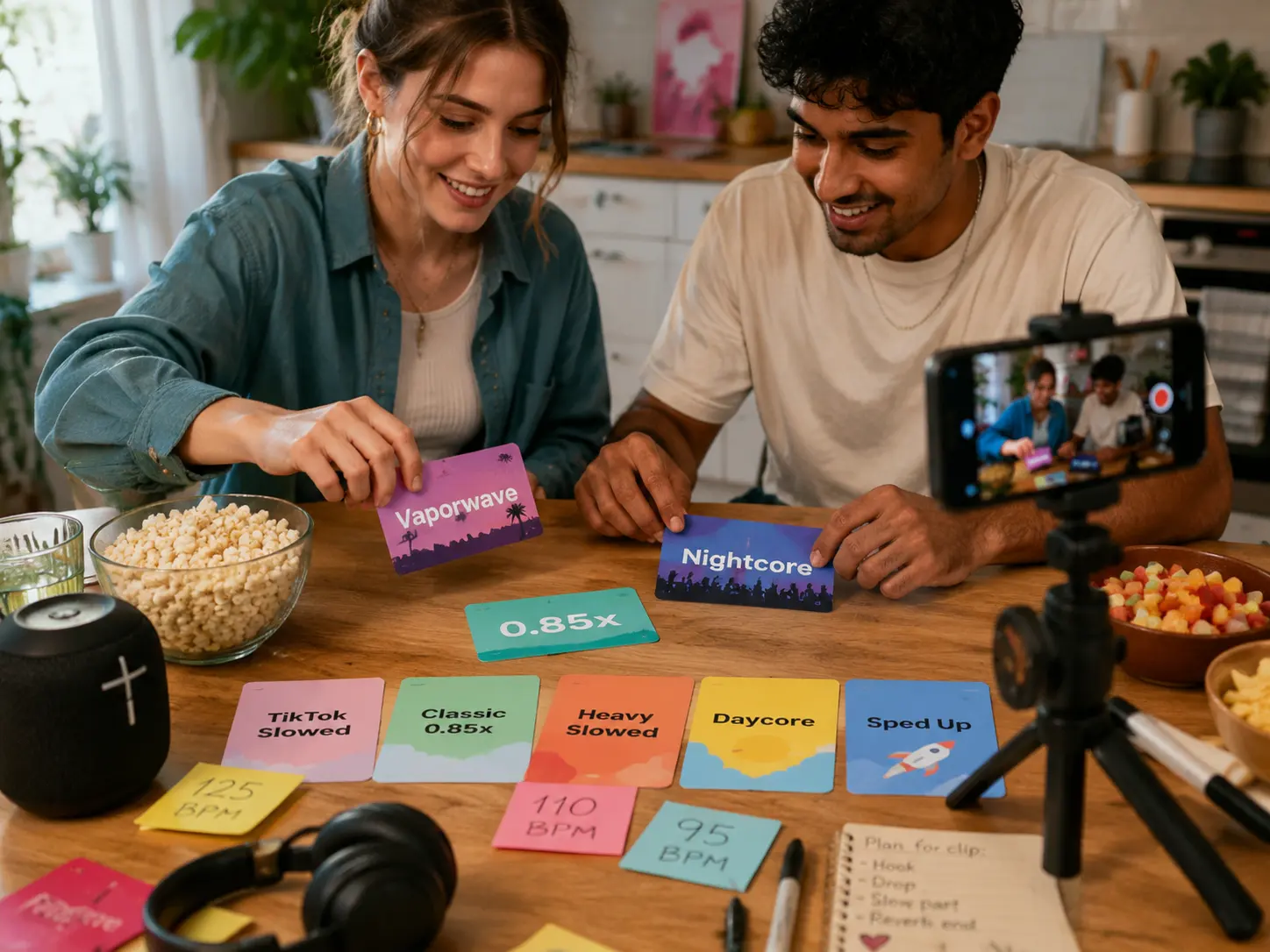
Presets that stay editable
Start with TikTok Slowed, Classic 0.85x, Heavy Slowed, Daycore, Vaporwave, Sped Up, or Nightcore, then fine tune every slider. Presets make the slowed and reverb generator approachable for beginners, while manual controls keep the slowed and reverb maker precise enough for repeat edits.

WAV and MP3 export choices
Render WAV when you want a higher-quality file for another editor, or download MP3 when a smaller file is better for drafts and quick sharing. The slowed and reverb generator keeps both export choices close to preview, so your slowed reverb generator session ends with a file you can actually use.
Slowed and reverb generator FAQ
Common questions about uploading audio, using a slowed and reverb generator, previewing slowed reverb online settings, and downloading finished files from the slowed and reverb maker.
What does a slowed and reverb generator do?
A slowed and reverb generator slows a song and adds reverb so the track feels wider, deeper, and more atmospheric. AISongCreator's slowed and reverb generator also gives you speed, bass, presets, A/B preview, and WAV or MP3 export, so the effect is something you can hear and adjust before rendering.
Can I make slowed reverb online without a DAW?
Yes. AISongCreator runs the slowed reverb generator in your browser, so you can upload an audio file, choose a preset, adjust three main controls, and preview the result without installing production software. A DAW is still useful for complex mixes, but quick slowed reverb generator tests in the slowed and reverb maker do not need one.
Which audio formats can I upload here?
The slowed and reverb maker accepts common browser-readable formats such as MP3, WAV, M4A, AAC, OGG, and similar audio files. If your browser cannot decode a file, the page asks you to try another format. For smoother rendering, keep uploads under 80 MB when possible.
What speed should I use for slowed reverb?
Many slowed reverb edits work between 0.75x and 0.9x. A vocal hook often feels natural near 0.85x, while a darker vaporwave-style edit may go slower. The slowed and reverb generator includes presets so you can compare several starting points before committing to a render.
Can the slowed reverb generator export WAV and MP3?
Yes. The slowed reverb generator can render WAV for further editing and MP3 for smaller files that are easier to send, test, or post. Preview first, then choose the export format that fits the next step in your workflow.
Does preserve pitch affect the exported file?
The preserve-pitch switch is designed for preview behavior. The rendered file follows the selected speed, reverb, and bass settings from the slowed and reverb maker. Use the slowed reverb generator preview as a practical check, especially when a vocal needs to stay clear after the song is slowed.
Is slowed reverb the same as a lofi converter?
No. A lofi converter usually adds texture such as tape warmth, crackle, saturation, or bit reduction. A slowed and reverb generator focuses on speed change, reverb space, and sometimes bass weight. Use AISongCreator's lofi page for texture, and use this page for slowed reverb edits.
Can I post edits made from uploaded songs?
The slowed and reverb generator changes the sound of your uploaded audio, but it does not clear rights for copyrighted songs. Use music you own, have permission to edit, or can legally reuse. The slowed and reverb maker helps create the audio effect; publishing rights still depend on the source track.