
More Music Tools
AI Stem Splitter: Separate Songs into Vocals, Drums, Bass & Other
Go beyond simple vocal removal. Deconstruct any track into individual stems with surgical precision. Perfect for DJs, producers, and musicians who need isolated instruments for sampling or practice.
Why Use Our AI Audio Splitter?
Professional-grade stem separation that gives you granular control over the rhythm and melody of your music. From sampling to practice, our AI delivers studio-quality results.
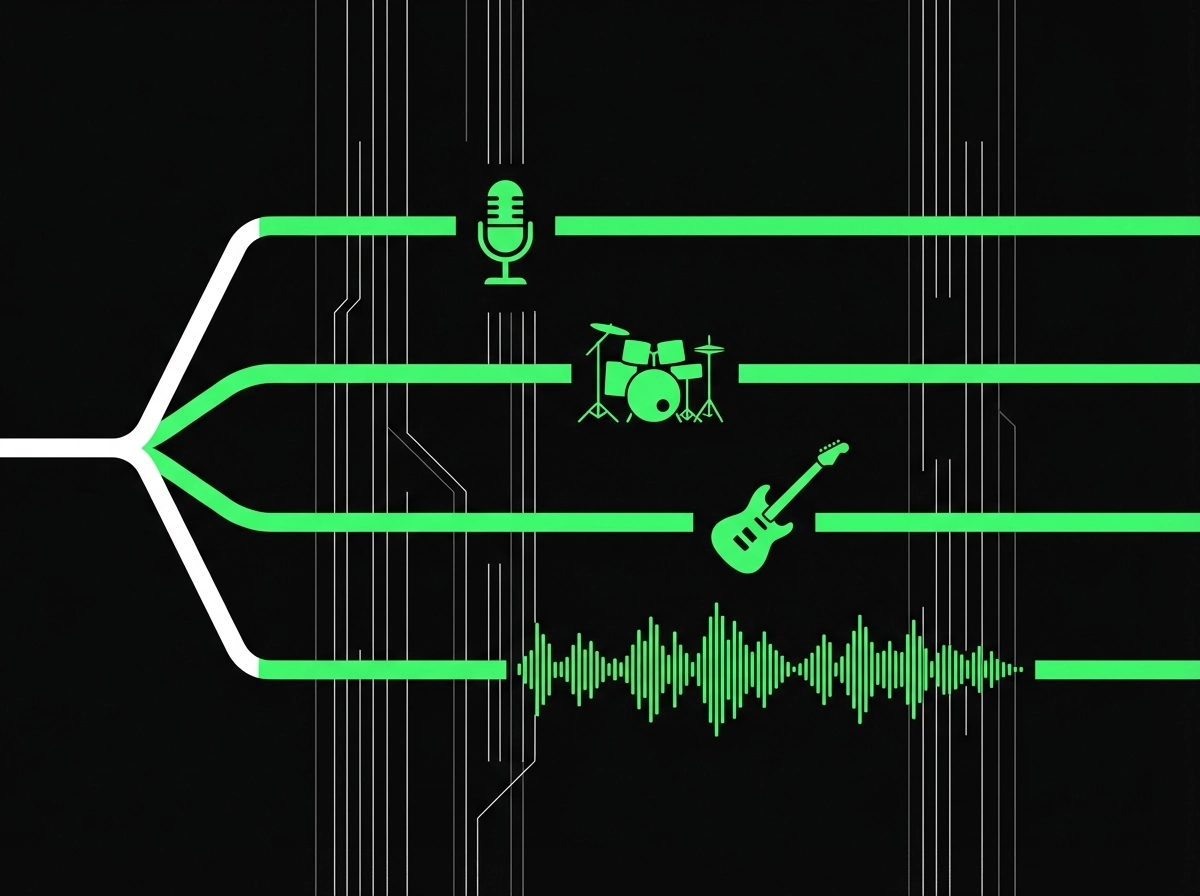
Isolate Rhythm Section
Need just the kick drum? Or a clean bassline? Our AI identifies and isolates the Drums and Bass with precision, giving you full access to the groove hidden in the mix.
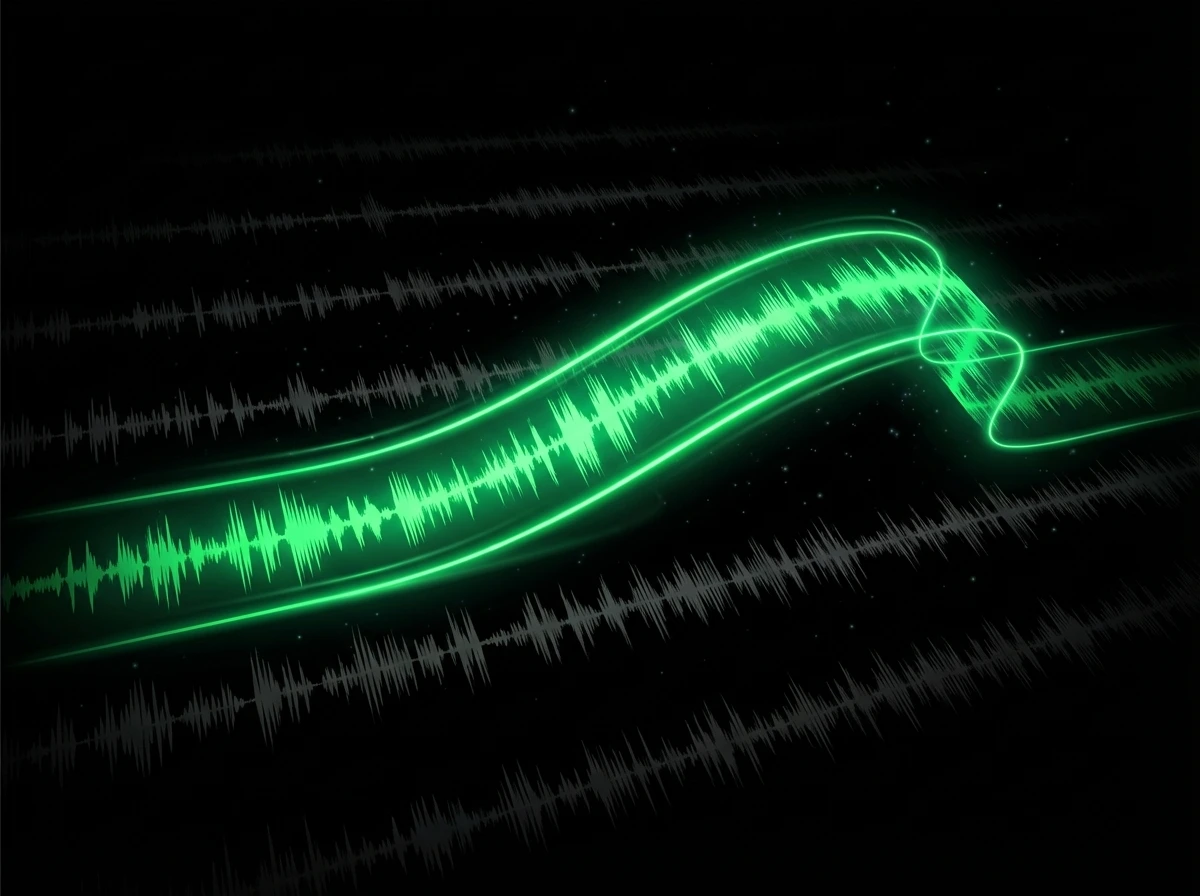
Clean Samples for Remixes
Stop struggling with EQ. Extract studio-quality samples without frequency bleed. Grab a drum loop or a melody line (Other) and drag it directly into your DAW or our AI Song Creator.
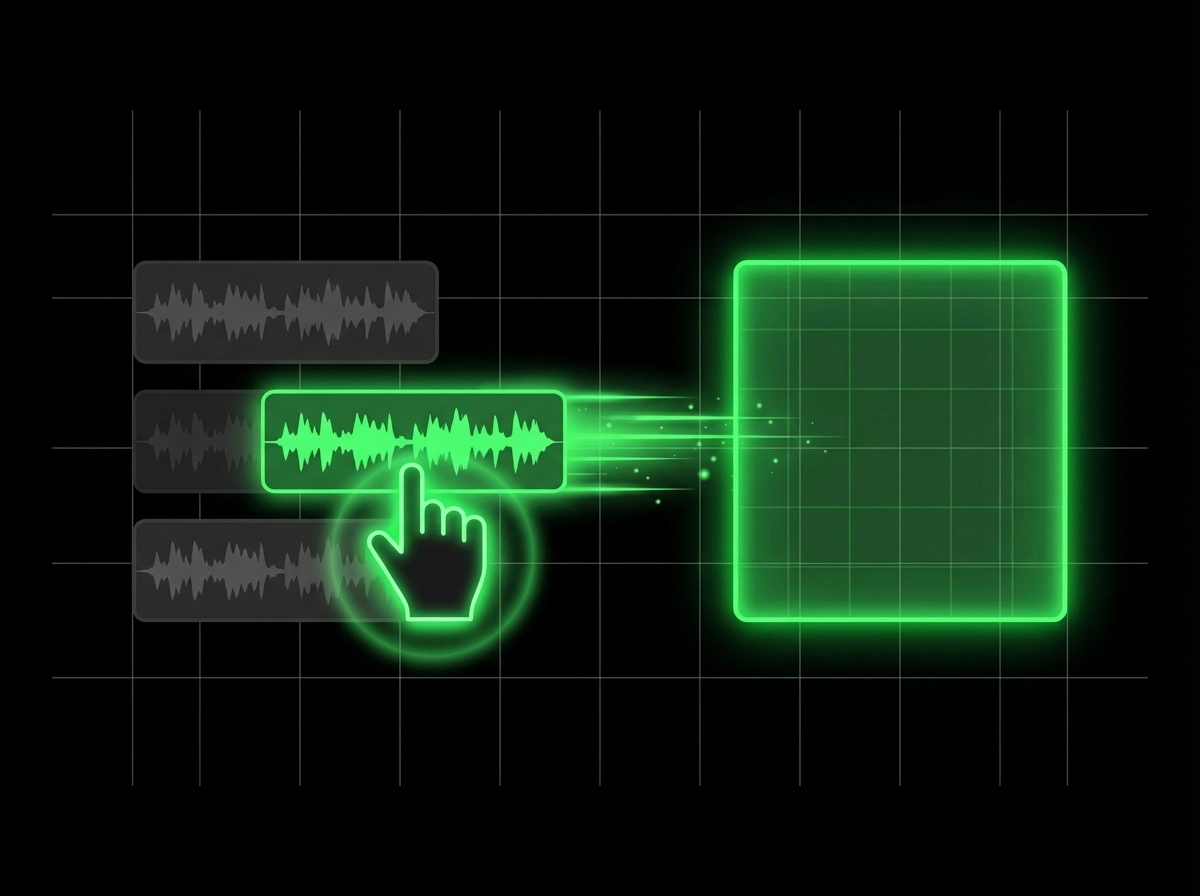
Create Backing Tracks
Drummers: remove the drums and play along. Bassists: mute the bass. Create your own custom "minus-one" tracks to practice your instrument effectively.
Empowering Every Musician & Producer
Real stories from creators who transformed their workflow with our AI Stem Splitter. From sampling to practice, discover how professionals use stem separation to elevate their craft.
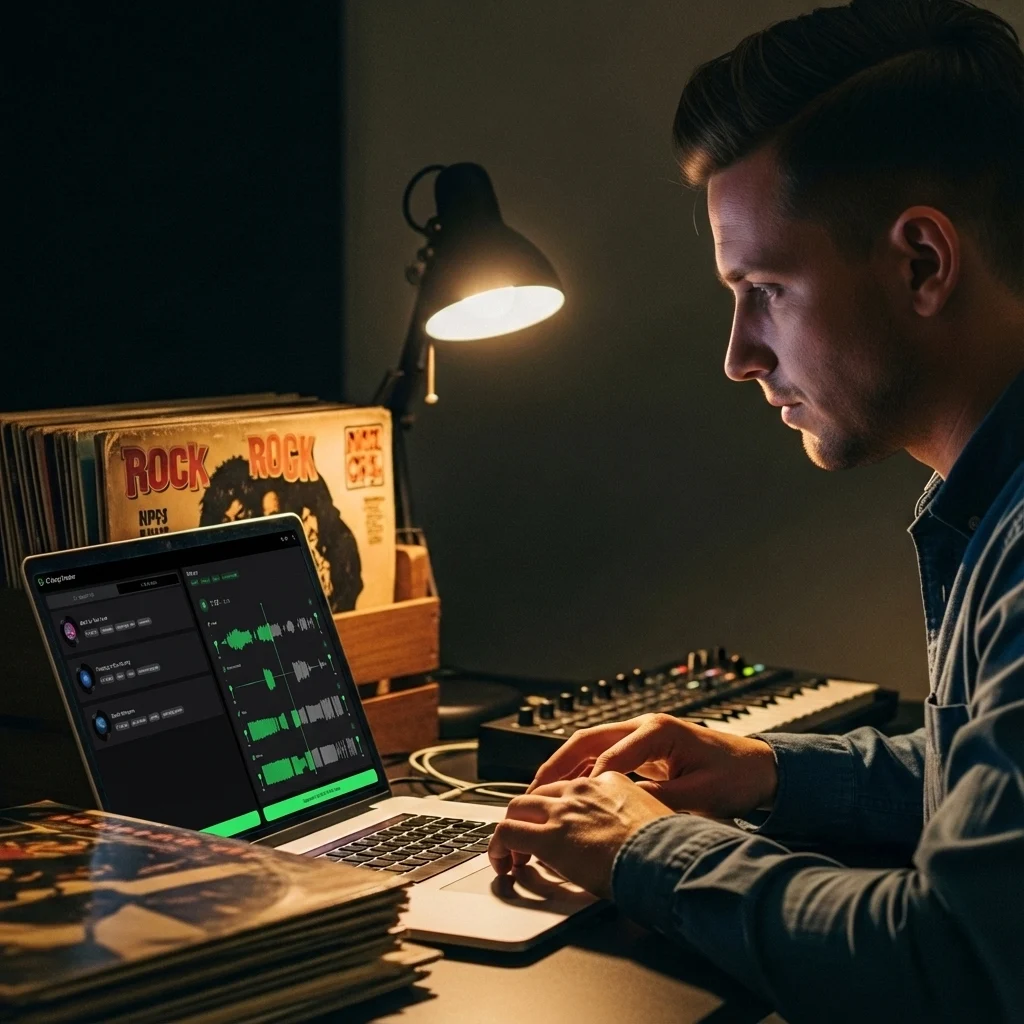
The Perfect Sample Flip
"I found an old jazz track with an amazing melody, but the drums were too messy. I used the AI Stem Splitter to remove the drums, kept the melody (Other), and built a lo-fi beat around it." — Sampling & Beatmaking
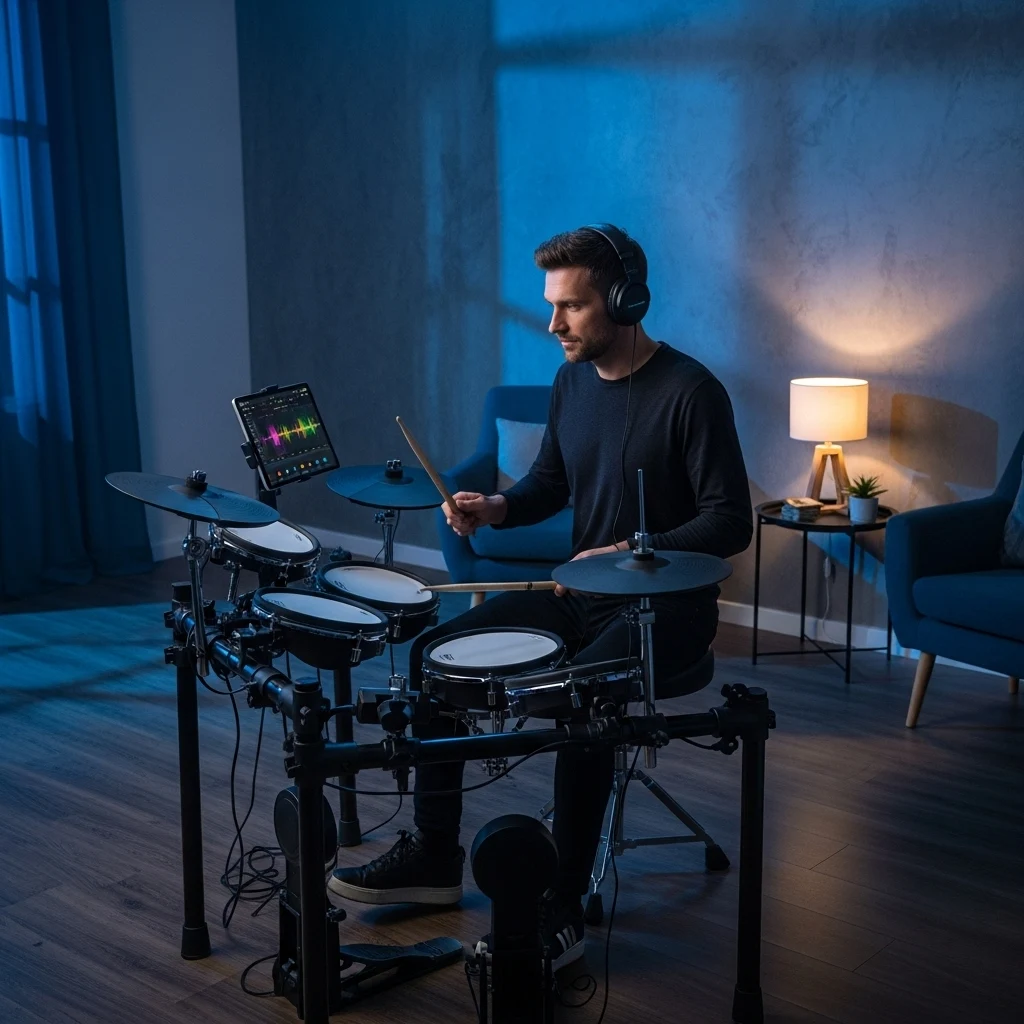
Drumless Practice Tracks
"YouTube backing tracks are low quality. Now I take my favorite rock songs, remove the drums completely, and record my own covers over the original high-quality production." — Music Practice
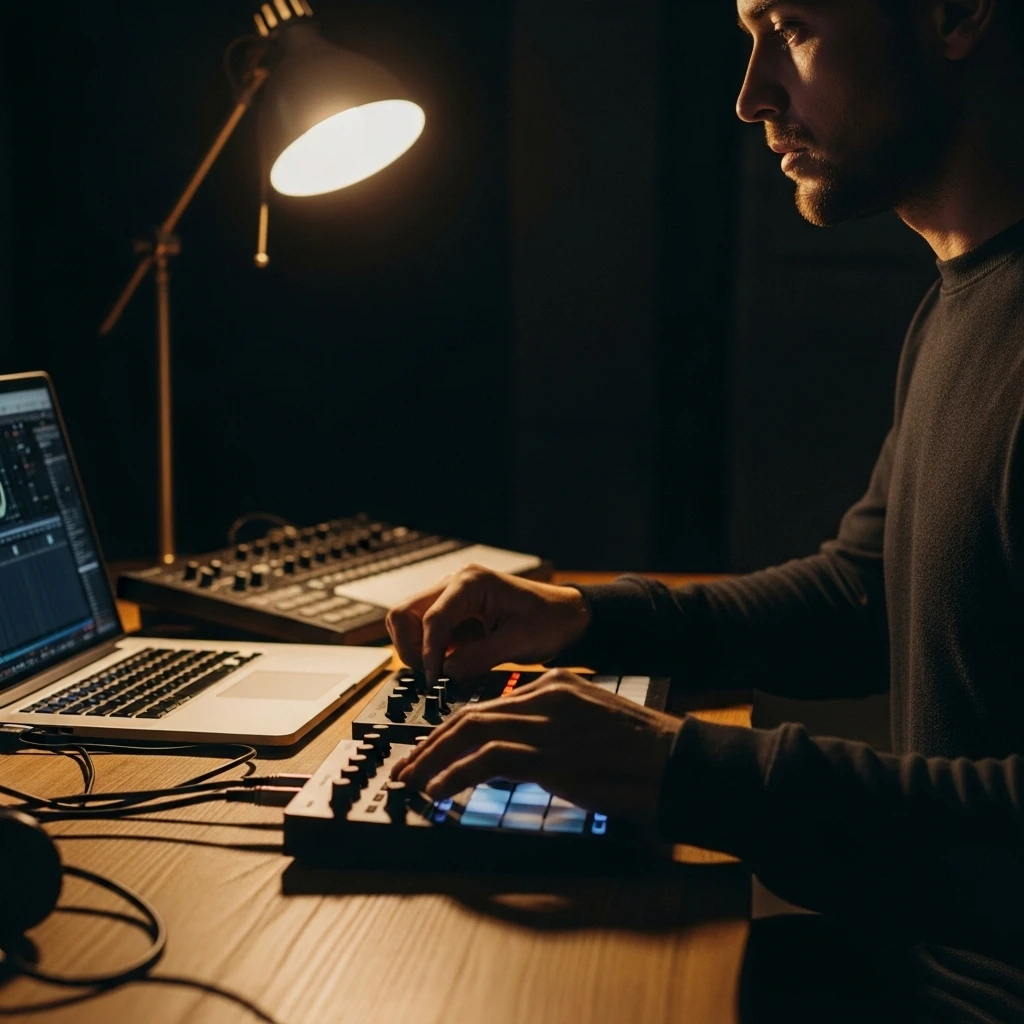
Mashups Made Easy
"I wanted the vocals from one song and the bassline from another. This tool gave me clean stems for both, allowing me to create a seamless mashup in minutes." — DJ & Mashups

Lock Into the Groove
"As a bass player, I needed clean bassless tracks to practice walking bass lines. The AI Stem Splitter removes just the bass while keeping drums and melody intact—perfect for locking into the pocket." — Bass Practice
Split Any Song into Stems in 3 Steps
Professional stem separation in under a minute. Upload, select your mode, and download studio-quality stems ready for your DAW.
Upload Audio
Upload MP3, WAV, or FLAC files. Our engine analyzes complex mixes instantly.
Select Separation Mode
Choose your output: 2-Stem (Vocal/Music) or 4-Stem (Vocal/Bass/Drums/Other).
Download Stems
Download individual tracks as a ZIP file or select specific stems to export in high-quality WAV format.
Frequently Asked Questions
Everything you need to know about AI-powered stem separation for professional music production and practice.
What instruments can the AI Stem Splitter isolate?
Our advanced model can separate a song into 4 distinct tracks: Vocals, Drums, Bass, and Other. The "Other" stem contains all remaining elements like guitars, synths, piano, and strings.
What is the difference between Vocal Remover and Stem Splitter?
A Vocal Remover only splits a song into two parts (Voice and Music). A Stem Splitter breaks the music down further, allowing you to isolate drums, bass, and other instruments individually.
Can I remove drums from a song to practice drumming?
Yes! This is a popular feature. Simply select the "Drums" stem and mute it (or download the "Other" stems) to create a drumless backing track for practice.
Can it separate background vocals from main vocals?
While most tools group all vocals together, our advanced separation engine is optimized to distinguish between lead vocals and harmonic layers better than standard splitters, giving you cleaner lead acapellas for remixing.
Is the separation quality good enough for professional sampling?
Yes. We use state-of-the-art AI to minimize "phase artifacts" and "bleeding," providing clean stems that professional producers use for remixing and sampling in their DAWs.
How do I turn a sample into a new song?
Once you isolate a stem (like a bassline or melody), you can upload it to our AI Song Creator as an inspiration track to build a completely new arrangement around it.