
AI MP3 Splitter for Vocals, Drums, Bass and Instrumentals
Upload an MP3 and let AISongCreator separate the full mix into clean stems for remixing, sampling, practice, and creator edits. This MP3 Splitter is designed for stem separation rather than simple timeline cutting, so you can turn a finished song into workable audio parts without installing desktop software. The goal is a practical handoff: listen, compare, download, and continue working with parts that match the task instead of rebuilding a song by ear.
MP3 Splitter Built for Real Stem Separation
Most search results for MP3 Splitter still focus on cutting files by time. AISongCreator targets the harder workflow users actually ask for: separating vocals, drums, bass, and instrumentals from an MP3 so the result can move into a remix, rehearsal, edit, or production session. The page also explains the difference between an MP3 cutter and an AI MP3 Splitter, which helps visitors choose the right tool before uploading a file.
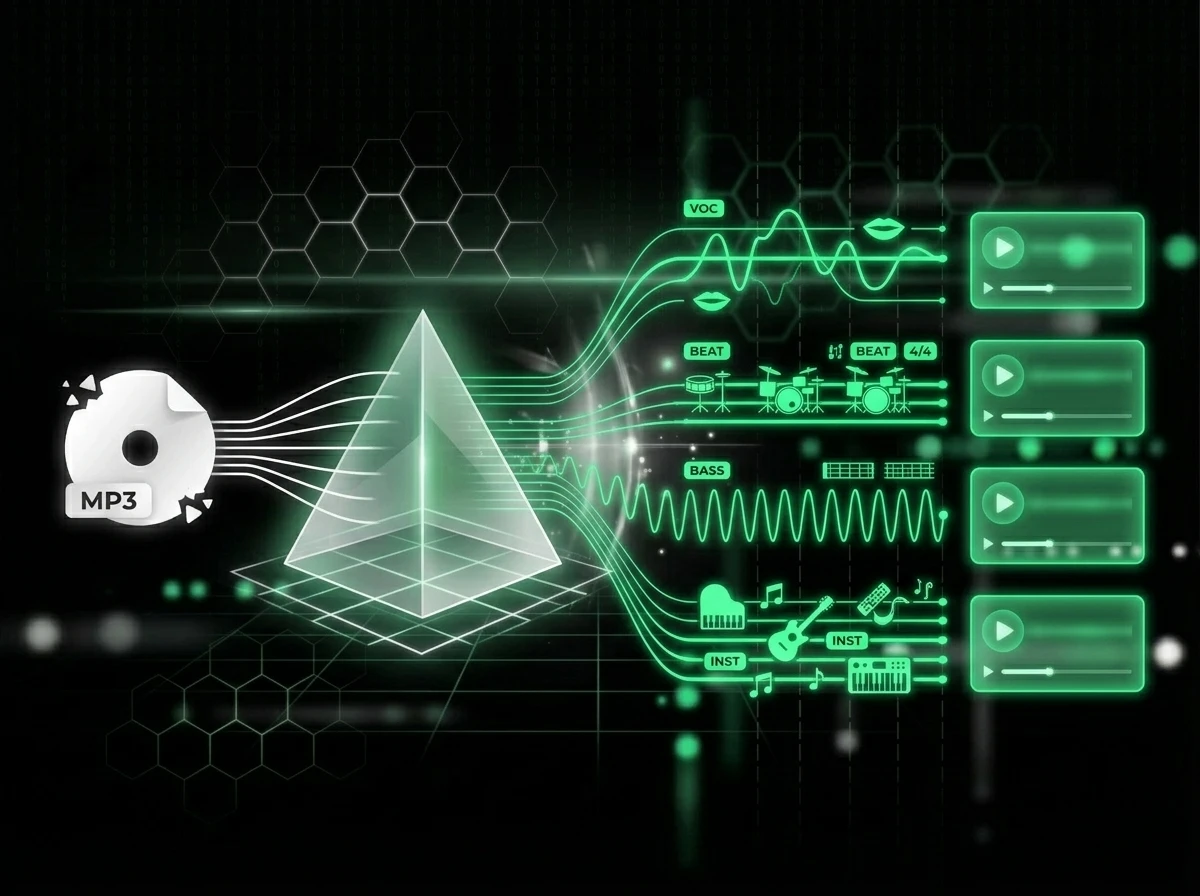
Split MP3 Files into Clean Stems
The AI MP3 Splitter analyzes the full mix and separates vocals, drums, bass, and other instruments into individual stems. Use this MP3 Splitter when you need remix-ready parts, karaoke-style instrumentals, or practice tracks instead of chopped audio clips.
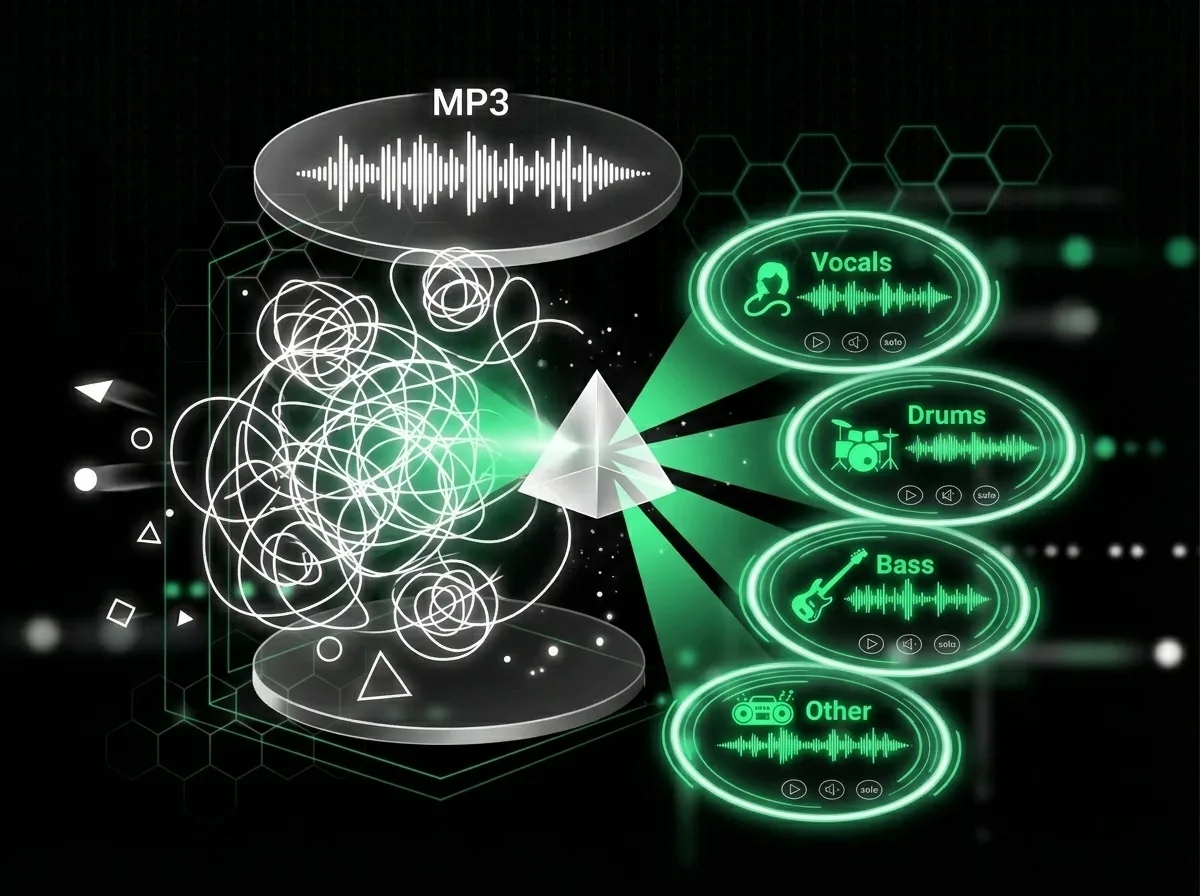
Preview Every Stem Before Download
Hear each separated part inside AISongCreator before you export. This MP3 Splitter helps you catch bleed, compare vocal and instrumental results, choose the right stem, and keep only the audio you can actually use in a DAW or video editor.
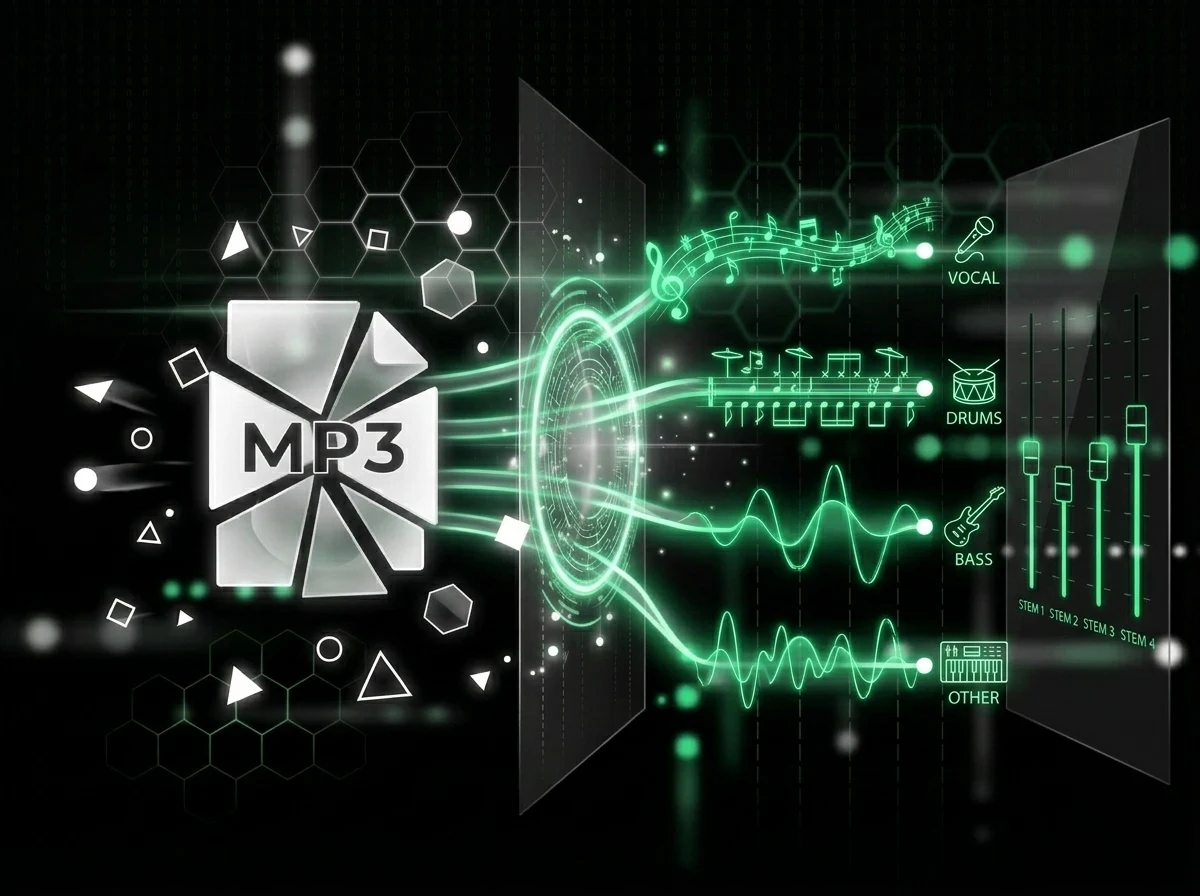
Move Faster from Sample to Session
Drop the separated stems into your DAW, practice over a drumless mix, or build a new arrangement from a reference track. The AI MP3 Splitter keeps the workflow browser based, so producers, DJs, and musicians can split MP3 online without setup friction.
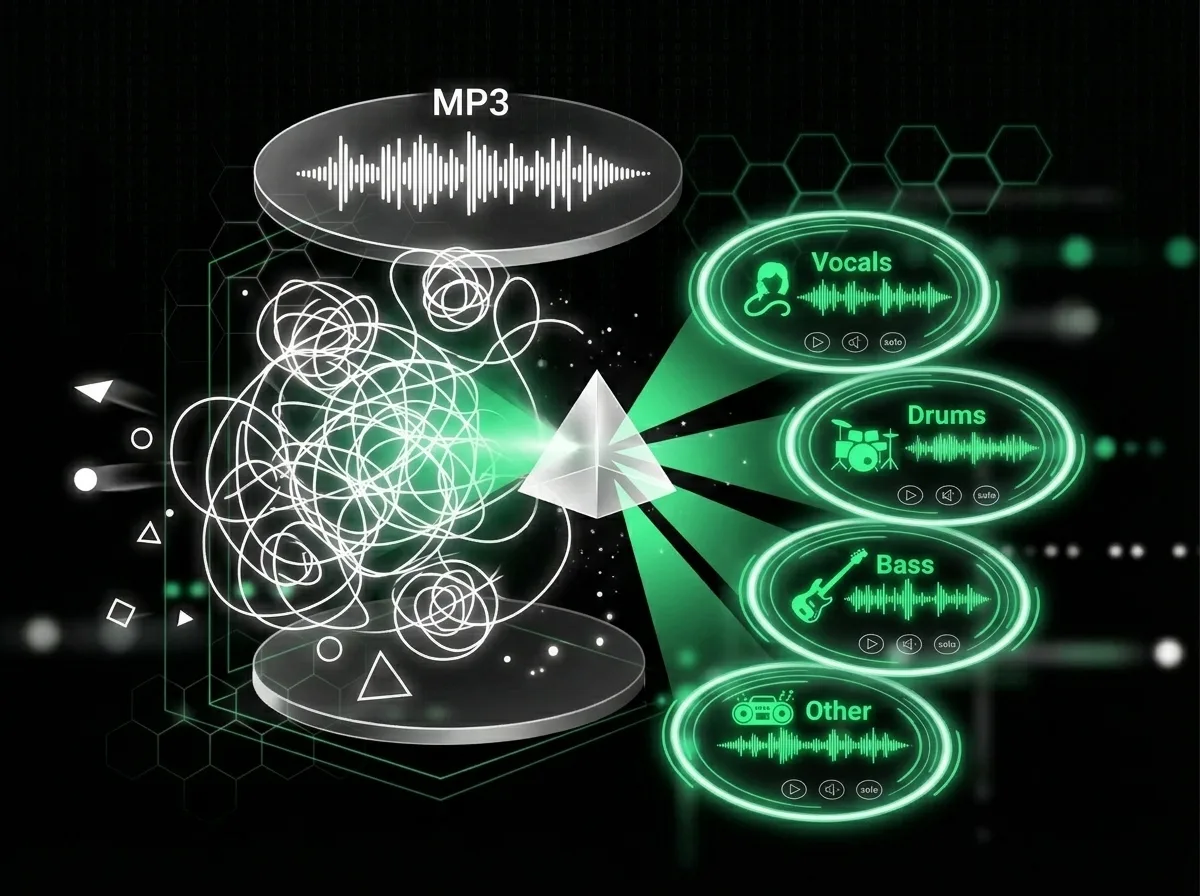
Control Files, Modes and Downloads
Choose vocal separation for acapella and instrumental work, or multi-stem mode when you need drums, bass, vocals, and other parts. AISongCreator keeps upload, preview, deletion, and ZIP download actions in one MP3 Splitter workflow for cleaner project handoff. That matters for teams sharing results with editors, musicians, or collaborators who need clear file names and predictable outputs.
Who Uses an AI MP3 Splitter
Search data and creator forums show the same pattern: people rarely want a basic cutter when they search for an AI MP3 Splitter. They want vocal isolation, drumless practice, acapellas, instrumentals, and faster ways to move MP3 audio into real creative work. These groups were selected from long-tail queries around split MP3 online, remix preparation, practice tracks, and creator editing workflows.

Beatmakers and Producers
Producer queries often mention reference tracks, loops, vocals, drums, and bass. Use the AI MP3 Splitter to pull a melody, groove, or vocal idea from an MP3, then rebuild it into a fresh session with fewer noisy leftovers and less manual EQ guessing.
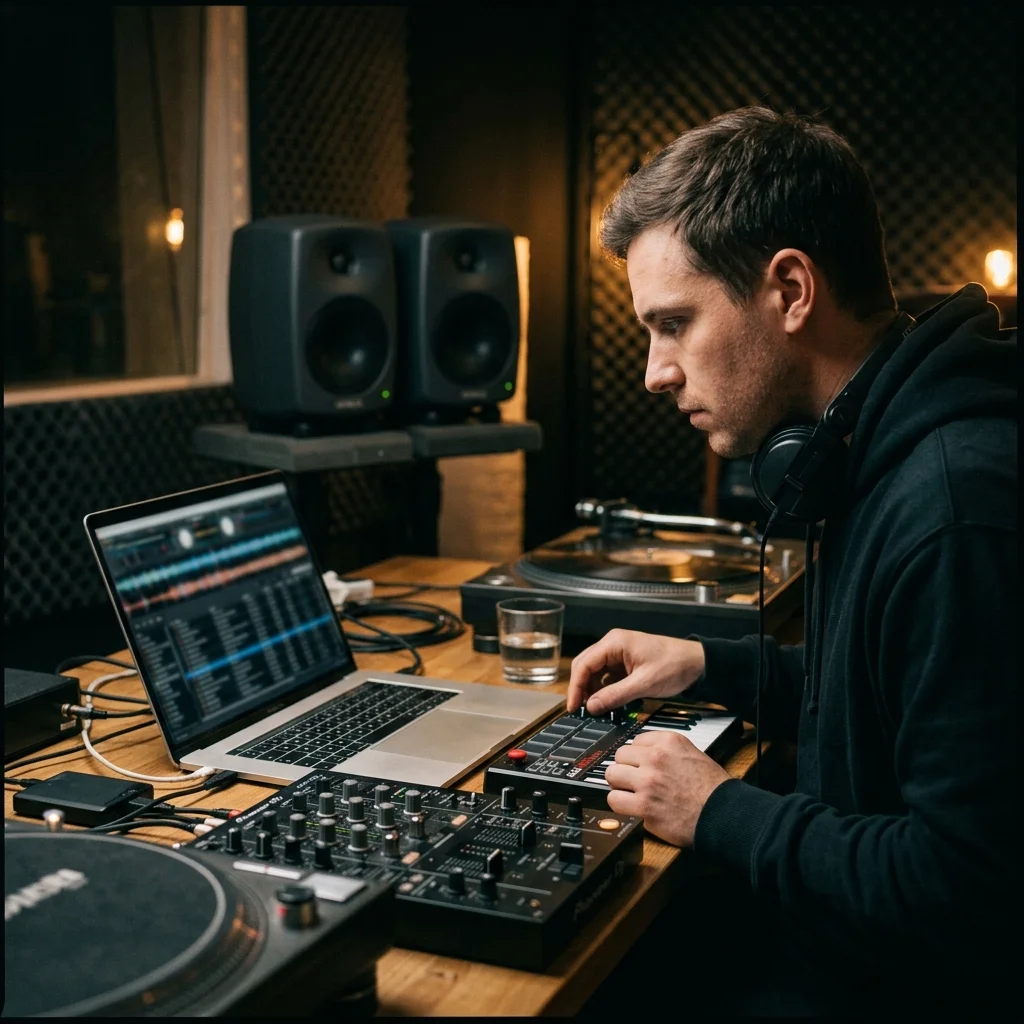
DJs and Remix Artists
Long-tail searches such as “free AI MP3 stem splitter vocals drums bass” show strong remix intent. Create acapellas, instrumentals, and drum-focused edits from MP3 files, then blend cleaner parts into mashups, transitions, and live set preparation.
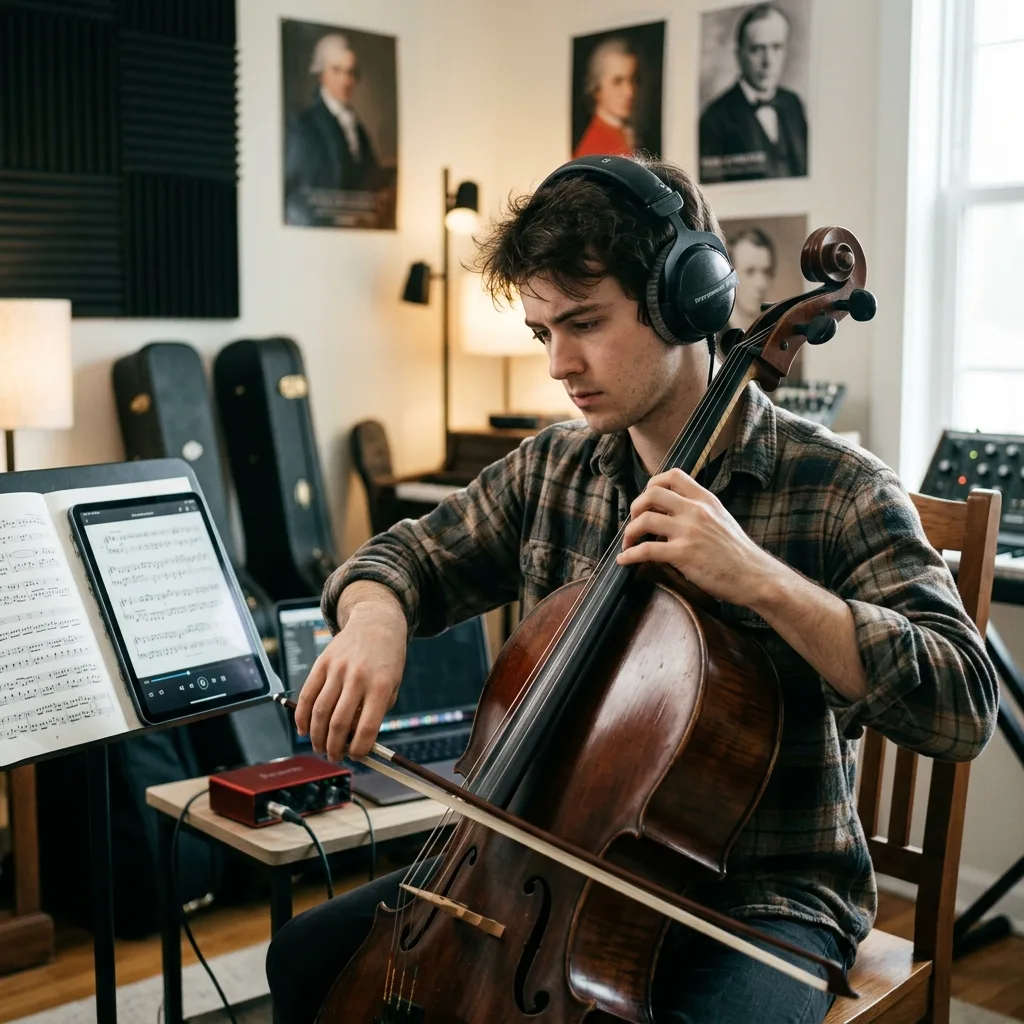
Musicians Practicing Parts
Practice-focused users ask for vocal-only, bassless, drumless, and instrumental versions of familiar songs. This MP3 Splitter helps singers, drummers, bassists, and guitarists isolate or remove parts so rehearsal feels closer to playing with a responsive backing band.
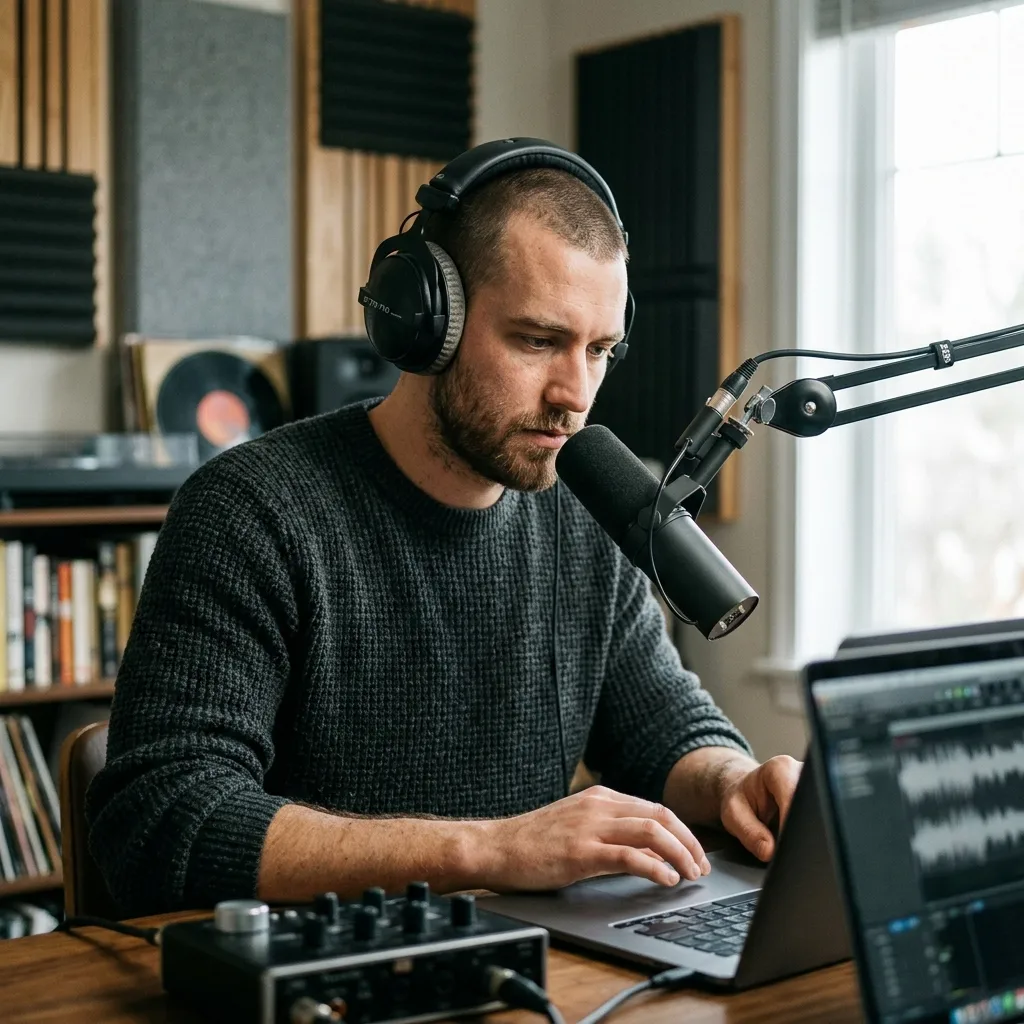
Video and Podcast Creators
Content creators commonly need to separate speech-like vocals from background music, reduce distractions, or prepare cleaner stems for short-form edits. AISongCreator keeps the MP3 Splitter online and simple, which matters when an edit needs to move quickly.
How to Use the MP3 Splitter Online
Split MP3 audio in a focused browser workflow: upload your track, choose the separation mode, review the output, and download only the stems that fit your project. The MP3 Splitter flow keeps quality checks close to export, so you can catch bleed, avoid unnecessary downloads, and move useful stems into the next tool faster.
Upload Your MP3
Drag in an MP3 file or choose a track from your music library. AISongCreator prepares the audio for AI stem separation in the browser, so you can start from the file format most creators already have.
Choose the Stem Mode
Select multi-stem separation for vocals, drums, bass, and other parts, or use vocal mode when you only need voice and instrumental outputs. This keeps the MP3 Splitter workflow aligned with remixing, practice, or editing goals.
Preview and Download
Listen to each result, check for bleed or artifacts, delete anything you do not need, and download the stems that fit your remix, rehearsal, podcast, or video editing workflow. If a stem sounds too busy, try a different mode or keep only the parts that improve the session.
AI MP3 Splitter FAQ
Answers to common questions about using a browser-based MP3 Splitter for vocal, drum, bass, and instrumental separation.
Is this MP3 Splitter the same as an MP3 cutter?
No. A basic cutter trims an MP3 by time. This AI MP3 Splitter separates the music inside the file into stems, so you can work with vocals, drums, bass, and instruments separately.
Can the AI MP3 Splitter separate vocals from instrumentals?
Yes. AISongCreator can create vocal and instrumental outputs, and multi-stem mode can also isolate drums, bass, and other musical elements for deeper editing, remixing, and practice.
Will there be audio bleed between stems?
Dense mixes can still leave some bleed because instruments overlap in the original recording. The MP3 Splitter is designed to reduce artifacts and give cleaner stems than manual EQ tricks, but final quality depends on the source file. For best results, start with the clearest MP3 available and preview every stem before downloading.
Can I split a full MP3 song online without software?
Yes. Upload the file in your browser, choose the separation mode, wait for AI processing, then preview and download the separated stems. No desktop installation is required.
What can I do after I split MP3 audio?
Use the stems for remixes, karaoke-style instrumentals, drumless practice tracks, content editing, sampling ideas, podcast cleanup, DJ edits, or as references for a new AISongCreator project. Many creators also use separated parts to study arrangement choices, test new vocal processing, or build quick alternate versions for social clips.
How is AI MP3 Splitter different from AI Stem Splitter?
The AI Stem Splitter page covers broader stem separation workflows. This MP3 Splitter page focuses on users starting from MP3 files and searching for a direct way to split MP3 online into usable stems.
Is this a free MP3 Splitter?
AISongCreator lets users start from the browser and see the available splitting workflow before committing to a larger production setup. Account status, credits, and plan limits may affect how many MP3 Splitter tasks you can run. This avoids overpromising while still keeping the AI MP3 Splitter entry point simple for first-time users.