



Hear What Text Prompts Can Become
Preview AISongCreator tracks, then use the Text to Music Generator to turn your own prompt into royalty-free music.

Eclipsed Hearts
Neon Ghosts
Midnight Confessions

Rise Above It All

Falling Leaves and Paper Dreams

Whispered Shadows
Create Music from a Written Prompt
Describe a scene, mood, genre, instrument, or tempo, then refine the generated track with focused style tags.
Plain Text Becomes Finished Music
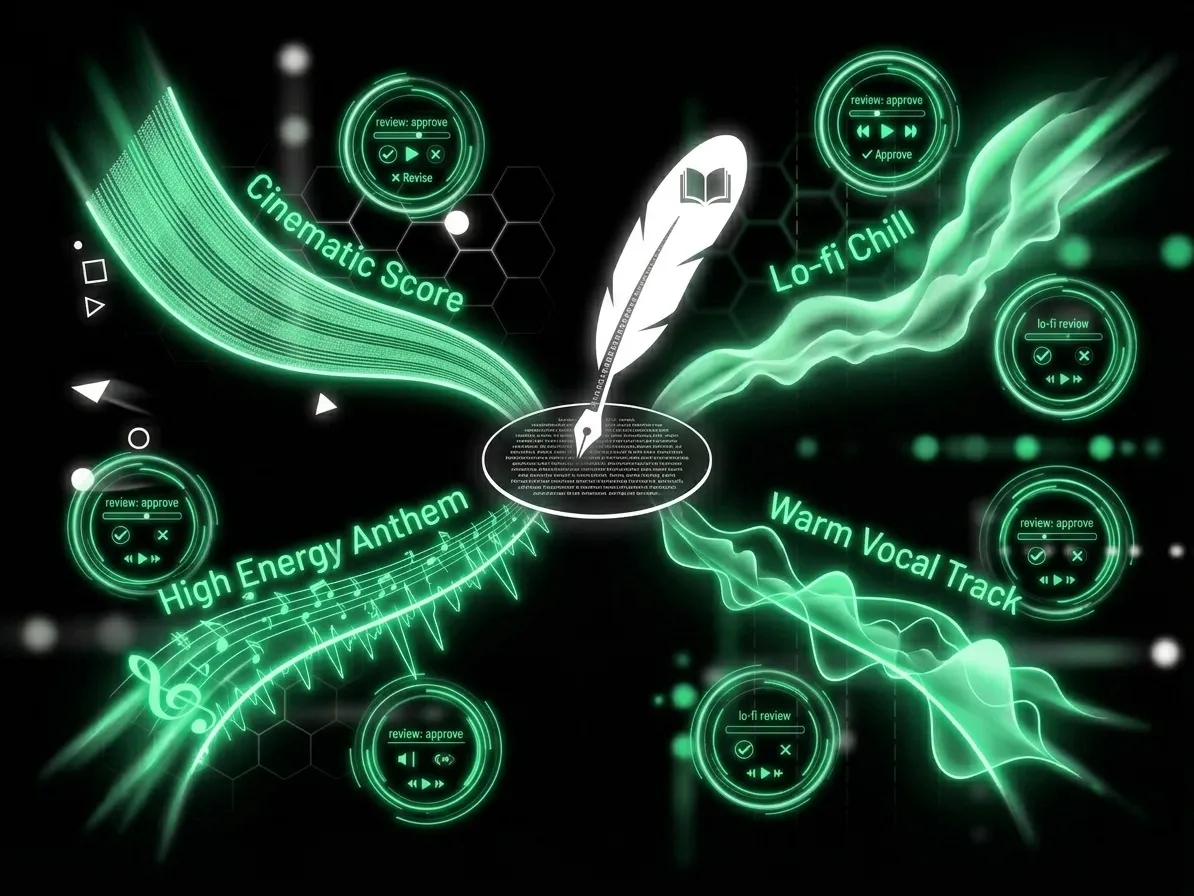
With AISongCreator, your sentence becomes the production brief. Type a video scene, lyric idea, brand mood, or chorus concept, and the AI Text to Music Generator builds a complete track around it. The Text to Music Generator reads intent from words like cinematic, lo-fi, high energy, warm vocal, or no vocals, then returns music you can actually review instead of another generic loop.
Style Tags Keep Prompts Focused
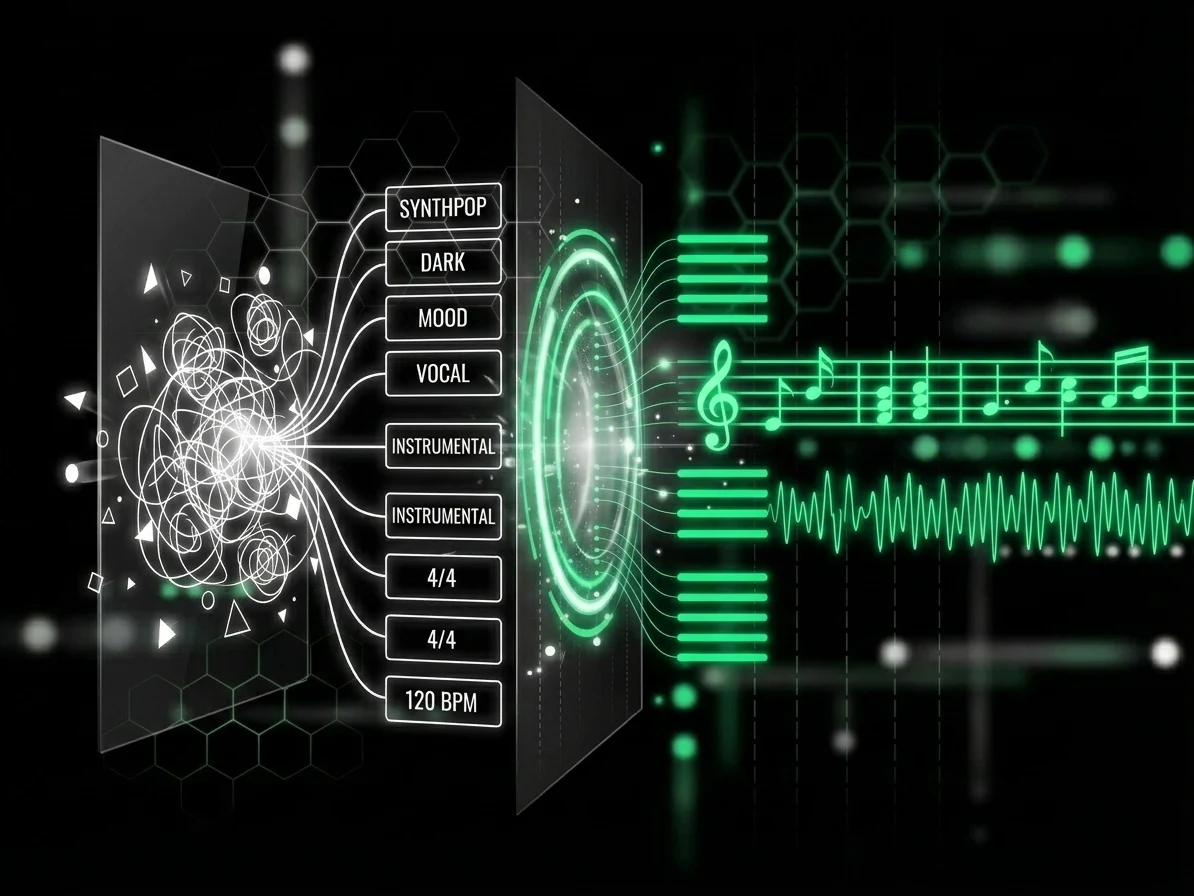
Prompt drift wastes credits and time. Our AI Text to Music Generator pairs your text with genre, mood, instrument, ambience, and vocal style tags, so a request for dark synthpop does not become cheerful dance music. Use the tags as guardrails, then regenerate variants when you need a tighter hook, softer intro, or cleaner instrumental.
Create Instrumental Music for Any Scene
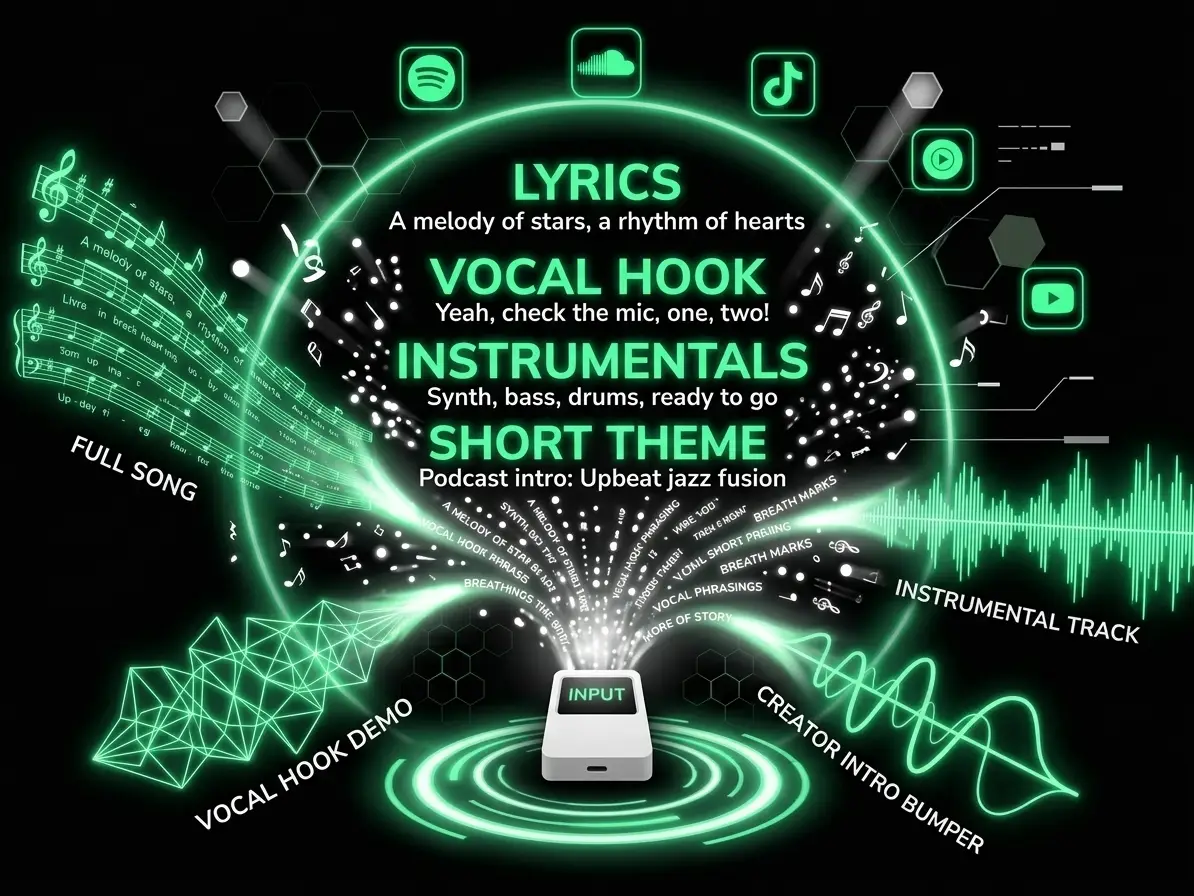
Describe a video, podcast, game, study session, or product scene. Add mood, genre, tempo, and instruments, or request no vocals when narration needs space.
Original Tracks Reduce Copyright Friction
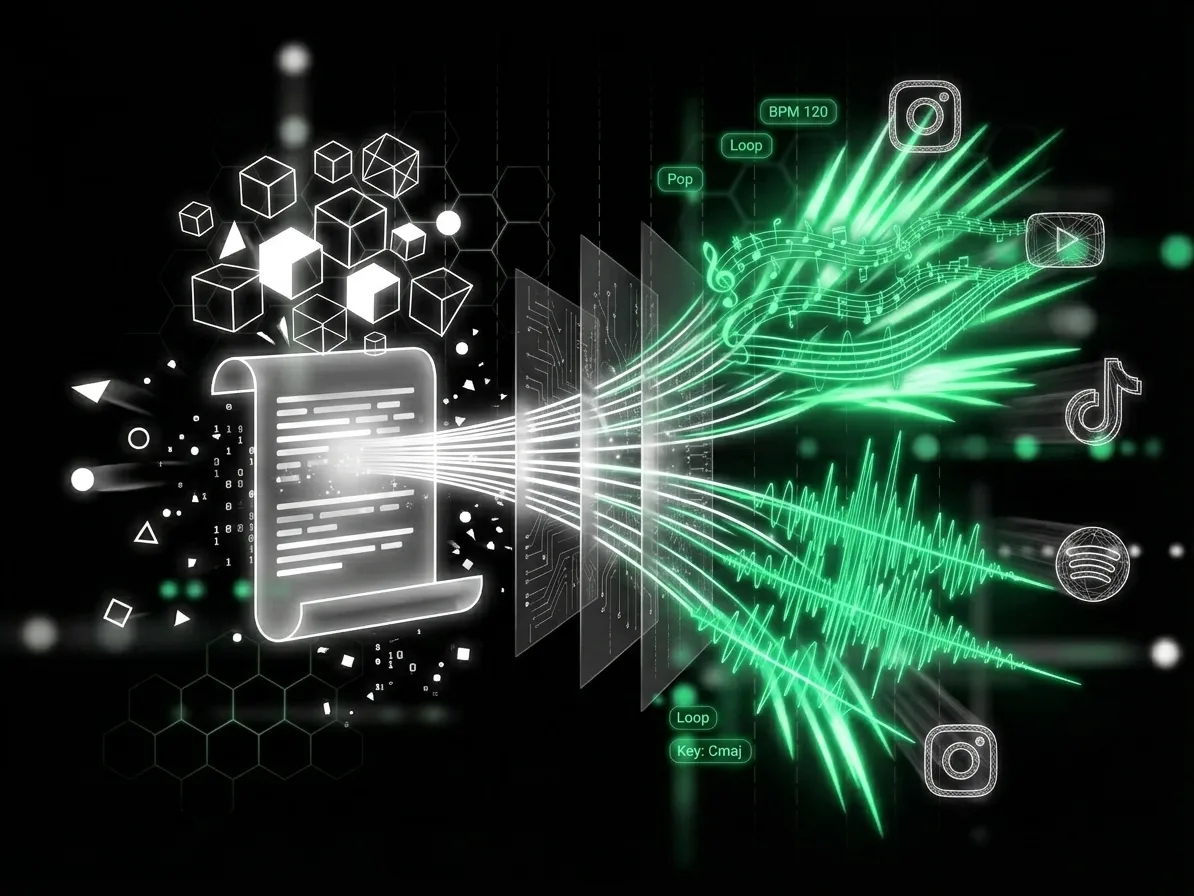
AISongCreator generates music from scratch, not from pre-recorded stock samples. That makes the Text to Music Generator useful when you need royalty-free music for YouTube videos, podcasts, ads, lessons, and client drafts. Commercial license details depend on your plan, but every generated track starts as original AI output rather than a recycled library cue.
Who Gets Faster Results From Text to Music
A Text to Music Generator helps creators, producers, teams, and students replace slow searching with prompt-based music creation.
Video Creators and Streamers
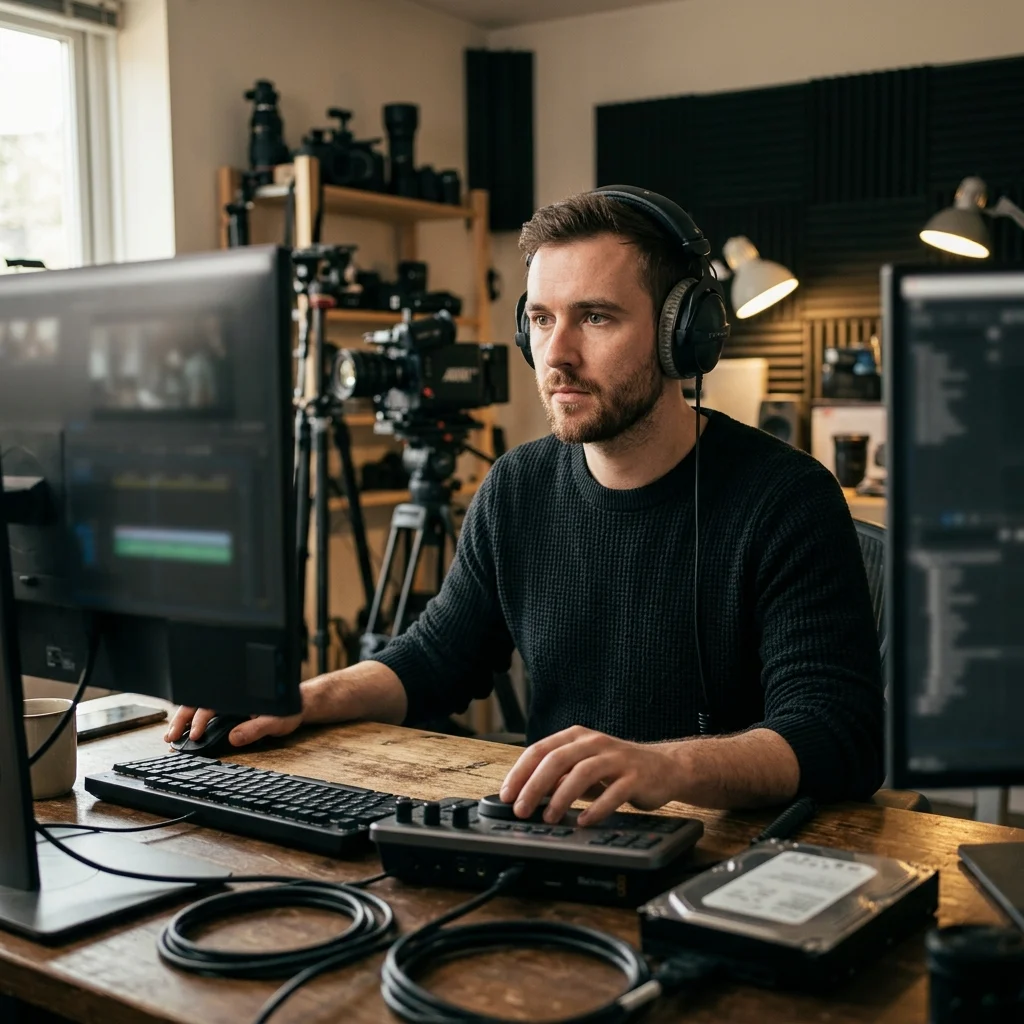
Searching royalty-free libraries can take 20 to 30 minutes before one clip fits your edit. Use this AI Text to Music Generator to create background music from text online, match the energy of a YouTube intro or Twitch scene, and publish with fewer copyright worries.
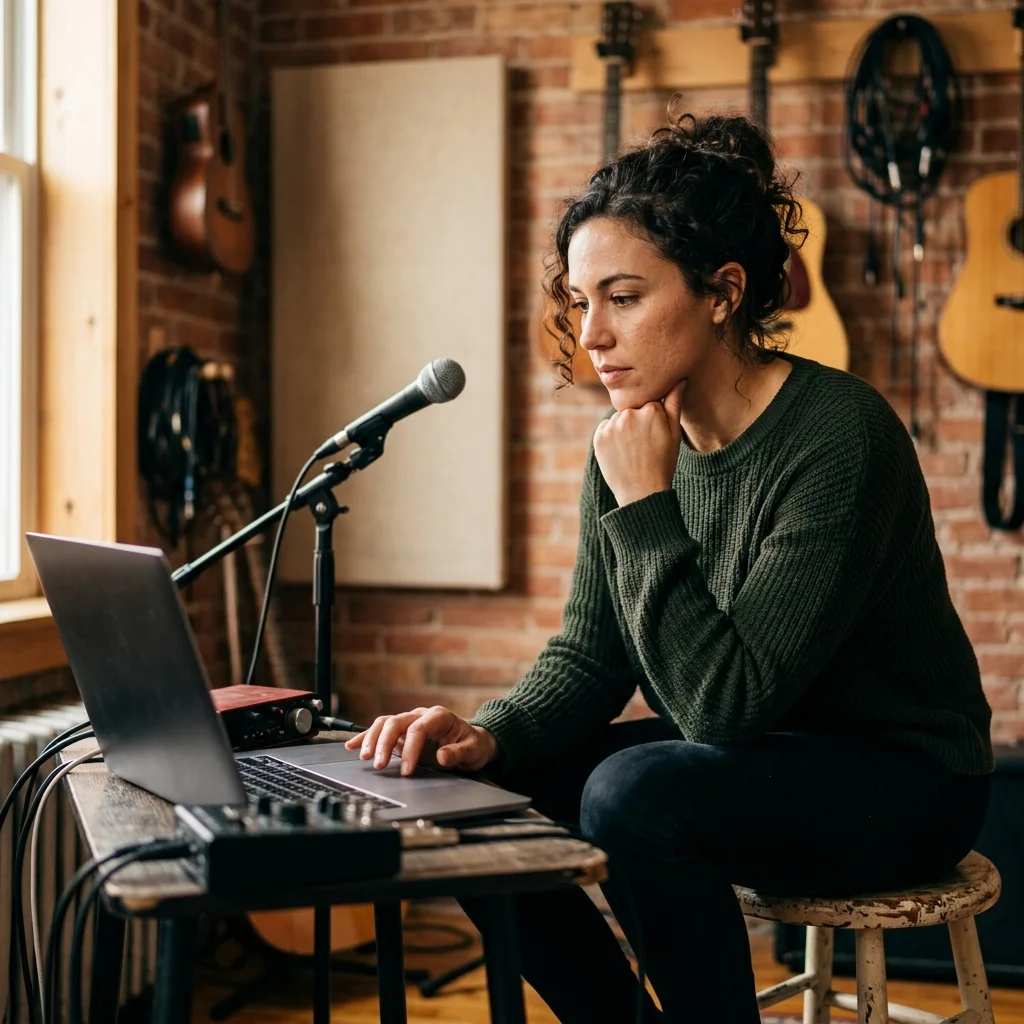
Independent Musicians
Blank sessions slow down demos when you do not have a drummer, vocalist, or production partner ready. An AI Text to Music Generator gives you a draft in minutes, so you can test 5 chorus directions, rewrite lyrics, and keep the strongest idea.

Marketing and Brand Teams
Custom audio for ads can cost hundreds per revision and still miss the campaign mood. Use an AI Text to Music Generator to brief the sound in one paragraph, generate royalty-free AI music from text, and compare multiple versions before a client review.
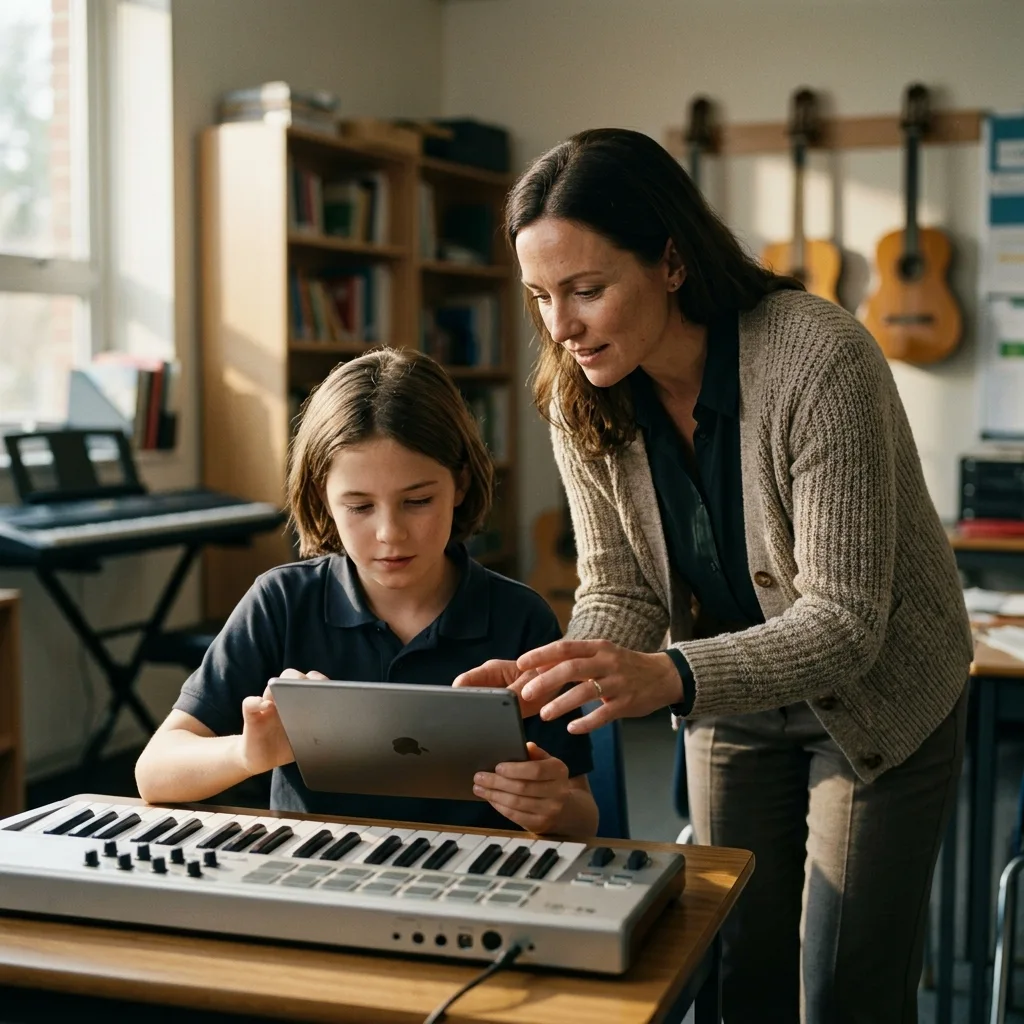
Teachers and Student Creators
Class videos, presentations, and student projects rarely have budget for commissioned music. The Text to Music Generator lets beginners describe a lesson theme, historical scene, or study mood in plain English and get a track without theory knowledge or studio setup.
Create Music From Text in Three Steps
With AISongCreator, an AI Text to Music Generator workflow starts with your prompt, adds focused style tags, then returns tracks to refine.
Describe the Result
Open AISongCreator and write what the track should do: a podcast intro, a breakup pop chorus, a calm study loop, or cinematic trailer music. The stronger your scene, emotion, and use case, the better the Text to Music Generator can map words to sound.
Choose Style Tags
Select genre, mood, instrument, ambience, and vocal style tags that support the prompt. A text prompt music generator works best when your natural language and tags agree, such as lo-fi, relaxed, soft drums, tape warmth, and no vocals.
Generate and Refine
Run the AI Text to Music Generator, listen to the result, then adjust one thing at a time: make vocals warmer, switch to instrumental-only, raise energy, or change the genre. Regenerate variants until the track fits your edit, demo, or campaign.
Frequently Asked Questions About the Text to Music Generator
Answers about writing prompts, choosing style details, generating instrumentals, and turning text into music.
What is a Text to Music Generator?
A Text to Music Generator creates music from written prompts instead of recorded instruments or stock loops. You describe the genre, mood, instruments, vocals, lyrics, or use case, and the AI builds an original track. AISongCreator's AI Text to Music Generator is designed for creators who need usable drafts fast.
How does AISongCreator generate music from text prompts?
AISongCreator's AI Text to Music Generator analyzes your prompt for musical intent, then combines it with selected style tags such as genre, mood, instrument, ambience, and vocal style. The system uses those signals to create a new arrangement from scratch, giving you a track shaped around your words.
What should I include in a text-to-music prompt?
Start with the intended use, then add the genre, mood, instruments, tempo, and one production detail. Concrete scenes give the generator clearer direction.
Can the Text to Music Generator make instrumental-only tracks?
Yes. The AI Text to Music Generator can create instrumental-only music when your prompt asks for no vocals or background music. This is useful for podcasts, study loops, product videos, stream scenes, and presentations where spoken content needs space.
Is music from AISongCreator royalty-free?
AISongCreator creates tracks from scratch, so the output avoids third-party stock samples and library recordings. That makes the Text to Music Generator a strong fit for royalty-free creator workflows. Commercial license availability can depend on your plan, so review the plan details before client or paid distribution.
How do I write a better text prompt for music?
Start with the use case, then add genre, mood, instruments, vocal style, and one production detail. For example, describe a night-drive synthpop track for a travel reel with warm female vocals and reverb-heavy drums. The AI Text to Music Generator responds better to concrete scenes than abstract words.
Do I need music production experience to use it?
No. A Text to Music Generator is built for plain language, so you do not need chord theory, mixing knowledge, or a DAW. Musicians can still add precise instructions, but beginners can start with a sentence and use tags to guide the result.
Can I generate AI music from text for YouTube or podcasts?
Yes. AISongCreator is useful for YouTube background music, podcast intros, social ads, course videos, and stream transitions. Use the Text to Music Generator to create a track that matches your scene instead of forcing your edit around a stock music search.
What makes this different from a stock music library?
A stock library makes you search existing tracks; a Text to Music Generator creates a new track for your prompt. That means you can ask for the exact mood, pacing, instruments, and vocal choice your project needs, then regenerate variations instead of scrolling through hundreds of near misses.