


More Music Tools
Make an Original Nursery Rhyme From an Idea
Shape Nursery Rhymes Around One Clear Idea
A familiar topic, words that fit the melody, and a suitable musical setting give your nursery rhyme a clear purpose. Use these starting points to guide the first draft.
Turn Everyday Moments Into Singalong Ideas
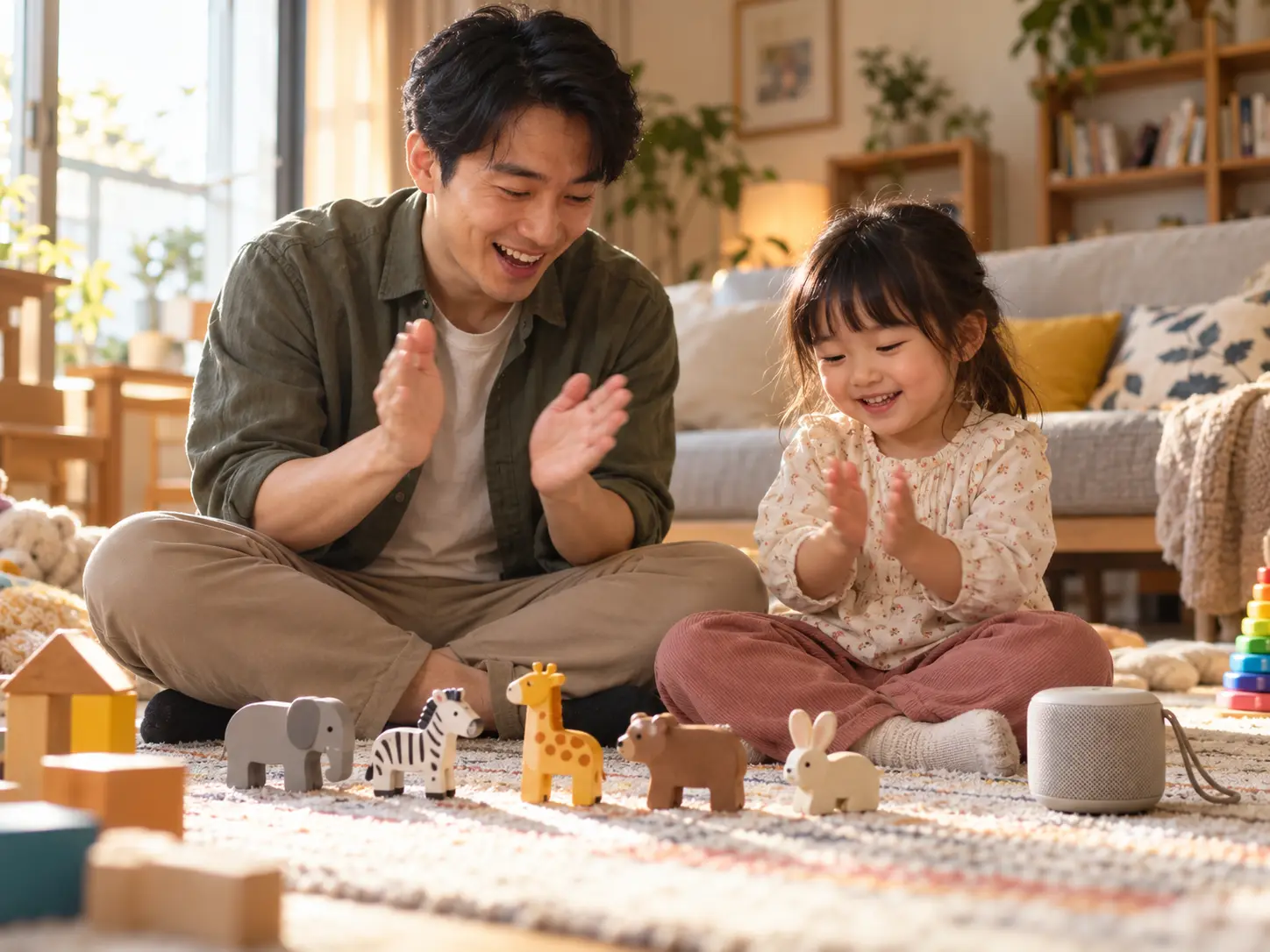
A nursery rhyme becomes easier to follow when each verse stays close to one thing a child can see or do. Describe counting toy animals, washing hands, finding colors on a walk, or putting shoes beside the door. Tell the AI nursery rhyme generator who will hear the song and whether it belongs in a family singalong, a classroom activity, or a bedtime routine. Ask for one short action per line and a chorus that returns to the same words. These instructions guide generation rather than guarantee a fixed structure. Before using a counting or alphabet song, check every number, sequence, and letter sound yourself. Keep the first brief focused; several unrelated lessons can leave the song crowded and harder to sing.
Bring Your Own Short Rhyming Lyrics
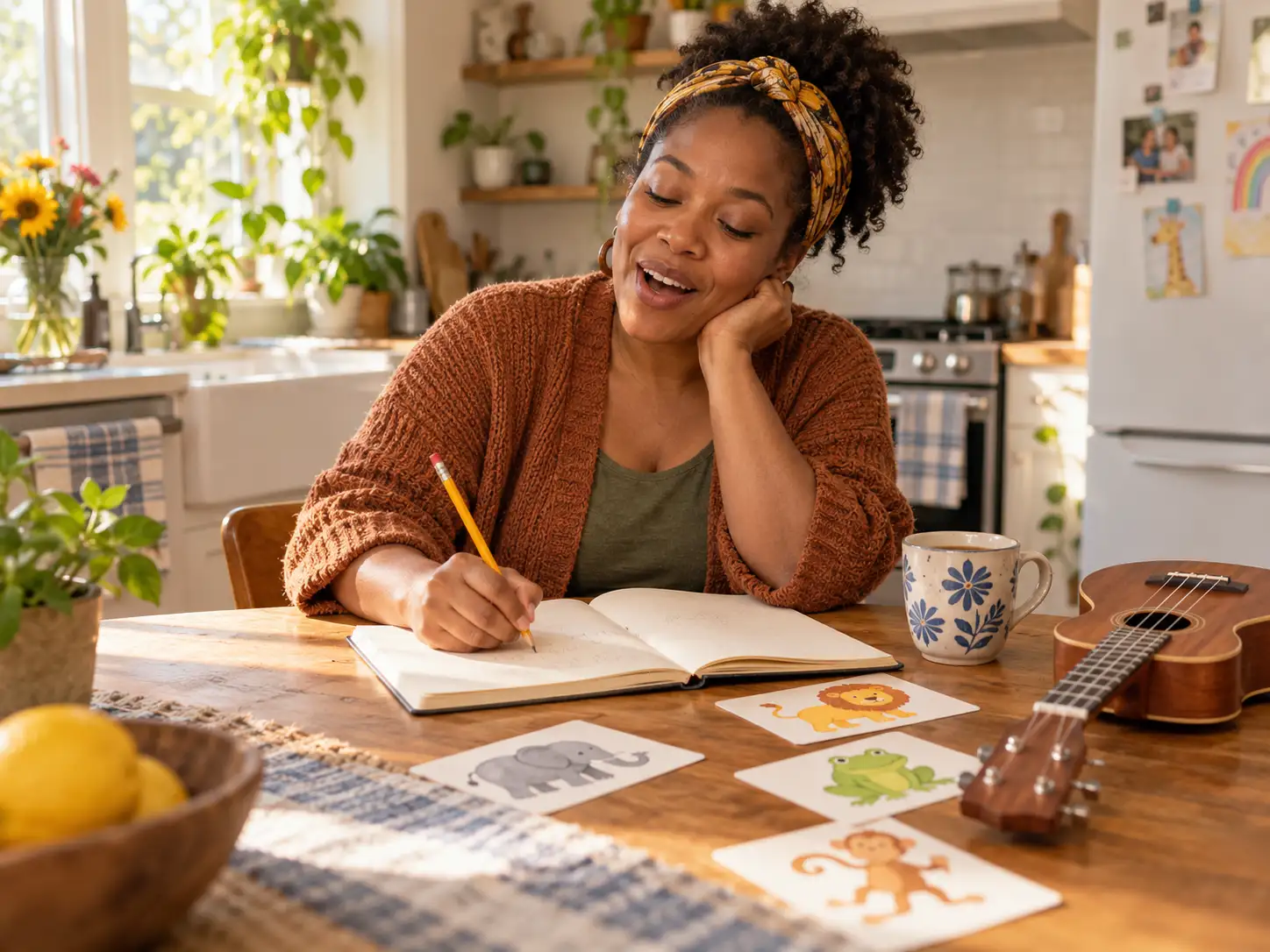
Use Custom mode when you already have an original verse, a classroom phrase, or a repeated line you want sung. Put your lyrics in the lyrics field and describe the musical style separately. Short lines leave more room for breathing and repetition than a paragraph of instructions. Try reading the nursery rhyme aloud before generating; if a line is awkward to say, simplify it before asking for a melody. Keep the main idea in the refrain and use clear everyday words around it. Keep words you want sung in the lyrics field and musical instructions in the style field. The generated performance can still change phrasing or pronunciation. If you need ideas for the words first, visit the AI Lyrics Generator and revise its draft for your audience.
Choose a Bouncy Song or a Quiet Lullaby
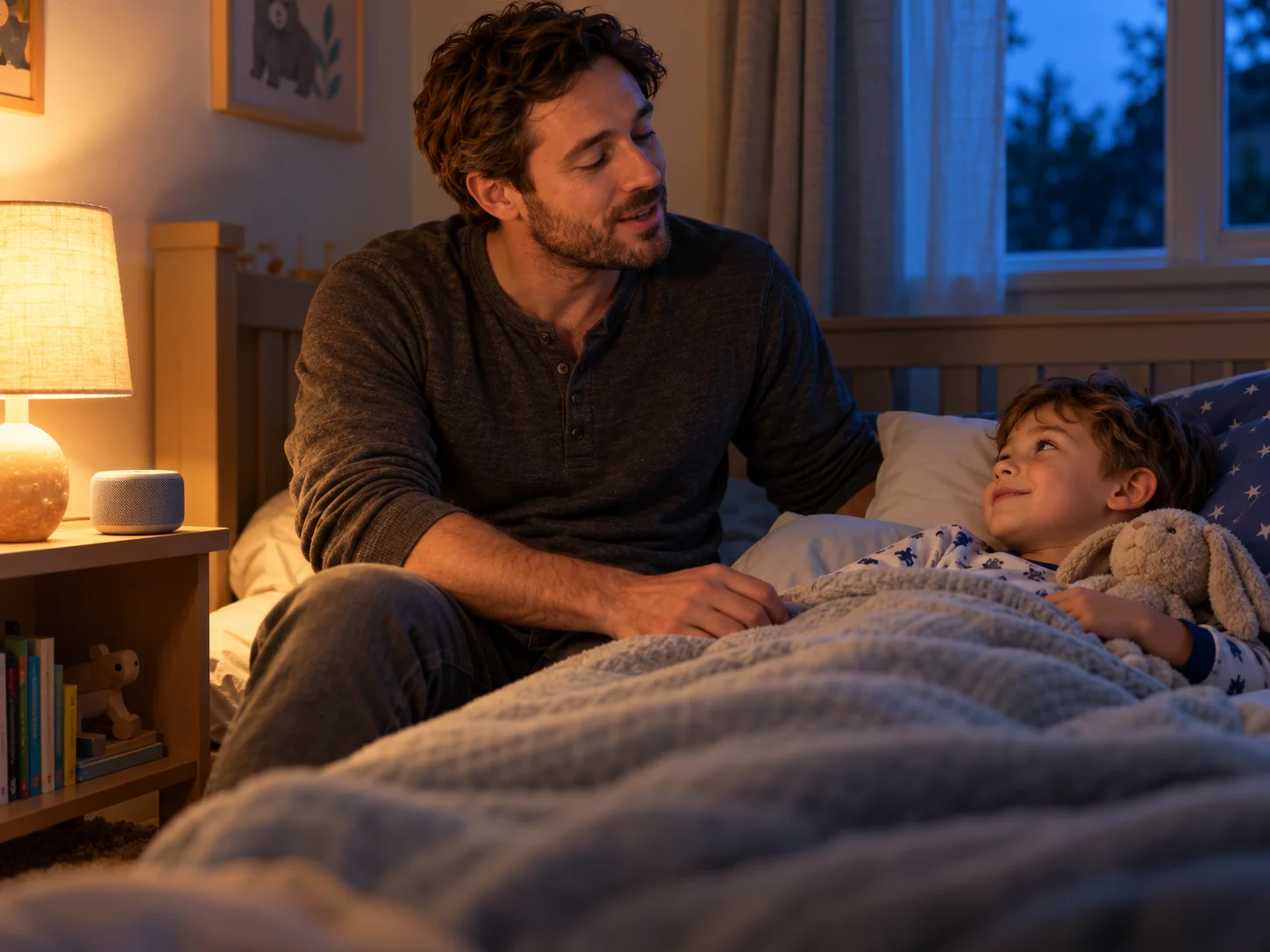
The setting matters as much as the topic. For a movement break, request a steady pulse, handclaps, and space between action lines. For bedtime, try an unhurried lullaby with soft piano, music-box tones, and a reassuring vocal. Choose a few compatible instruments rather than filling the brief with every available tag. A nursery rhyme for group singing needs an easy refrain; background music for a puppet story may work better without vocals. The AI nursery rhyme generator lets you explore these directions with the same basic idea. Listen for a comfortable pace and whether the voice sits clearly above the accompaniment. Change one instruction at a time when you regenerate, so you can hear whether the next version fits the activity more closely.
Create a Nursery Rhyme in Three Steps
Use the existing song workflow to move from a clear brief to a reviewed audio draft. Keep the audience and the activity in mind at each step.
Choose a Topic and Open Simple Mode
Select Simple mode in the generator above. Describe one theme, the intended audience, and the activity: for example, an original animal-sound nursery rhyme for a preschool singalong. Add a musical direction such as cheerful acoustic folk, clear singing, and a repeated chorus. Use Inspire Me for editable examples, then replace the details with your own idea. The AI nursery rhyme generator works best with a coherent brief rather than a list of unrelated requests.
Set the Style or Enter Your Lyrics
Pick a small set of theme, style, mood, and instrument tags that support the same nursery rhyme. If exact wording matters, switch to Custom mode, enter lyrics you wrote or have permission to use, and describe the accompaniment separately. Leave the instrumental option off for singing, or enable it for a backing track beneath your narration. For a birthday celebration specifically, try the AI Birthday Song Generator.
Generate Listen and Revise
Sign in, check your available credits, and generate the song. Listen from beginning to end before playing it for children. Check vocabulary, pronunciation, the order of any numbers or letters, and whether the rhythm leaves room to join in. Revise a difficult line or simplify the arrangement and generate again if needed. Check your current plan for download access and permitted uses. If the final activity or video needs a precise length, edit the exported audio in your usual editor.
AI Nursery Rhyme Generator Questions
Practical answers about original songs, lyrics, vocals, video projects, and account access.
Can I create a nursery rhyme without writing lyrics?
Yes. Choose Simple mode and describe the subject, audience, mood, and sound you want. The AI nursery rhyme generator can create both words and music from that brief. If you need specific lines, use Custom mode instead and provide your own lyrics. Review generated lyrics and the full audio before using the song with children.
Can I make counting songs or alphabet songs?
You can request counting, alphabet, color, animal, or routine themes in your prompt. State the sequence clearly and keep the lesson focused. Generated songs are creative drafts, so accuracy and suitability are not guaranteed. An adult should check the numbers, letters, pronunciation, and meaning before using the nursery rhyme in a classroom or at home.
Does it create nursery rhyme videos or animations?
This workflow generates music audio. It does not create animated characters, illustrated scenes, or a finished nursery rhyme video. If your project needs visuals, create or source them separately and combine them with the audio in your video editor. Check the applicable license before publishing or monetizing the finished project.
Can it sing with a child's voice or copy a familiar singer?
You can describe a warm, bright, soft, or playful vocal character, but the generator does not promise an authentic child's voice, a particular age, or a specific person's voice. Write musical attributes rather than requesting a singer imitation. Preview the vocal and choose another direction if it does not suit the nursery rhyme.
Can I recreate a well-known nursery rhyme?
Our workflow is intended for original music. It does not guarantee reproduction of an existing melody, recording, arrangement, or performance. Use lyrics you wrote or have permission to submit, and check any third-party material separately. A familiar traditional title does not establish the rights to every modern recording or adaptation of that song.
Is the AI nursery rhyme generator free?
Generation uses the credits available on your signed-in account. Check the current pricing page for allowances, model access, and plan limits. Do not assume unlimited free generation or free downloads. Preview access, generation credits, and download eligibility are separate parts of the existing AISongCreator account workflow.
Can I download songs for a classroom or monetized video?
Downloads require eligible paid access, and permitted uses depend on your plan and the applicable license. Review the current plan details and terms of use before using a nursery rhyme in a client project, monetized channel, or commercial teaching resource. Generation does not clear rights to third-party lyrics or other material you submit.
Can I choose the language and exact song length?
You can request a language in the prompt or supply lyrics in that language, but pronunciation, accent, and phrasing vary and need review by a fluent listener. A prompt alone does not guarantee an exact runtime or cue point. If your nursery rhyme must fit a lesson slot or animation, listen to the result and edit the final audio to the required length.
Are the preview tracks nursery rhyme examples?
The preview tracks are general AISongCreator music samples, not nursery rhyme examples. Generate a song from your own theme or lyrics to hear your nursery rhyme.