Use clean audio you can legally train. Longer varied samples usually improve stability.
AI Singing Voice Generator For Safer Vocal Models
The AI singing voice generator helps you train a custom singing voice with clean samples, private model controls, cover vocal workflows, and AI voice singing generator guidance that keeps rights and quality visible. Use the AI singing voice generator when vocal quality, consent, and model management all matter.
Train A Private Singing Voice Model
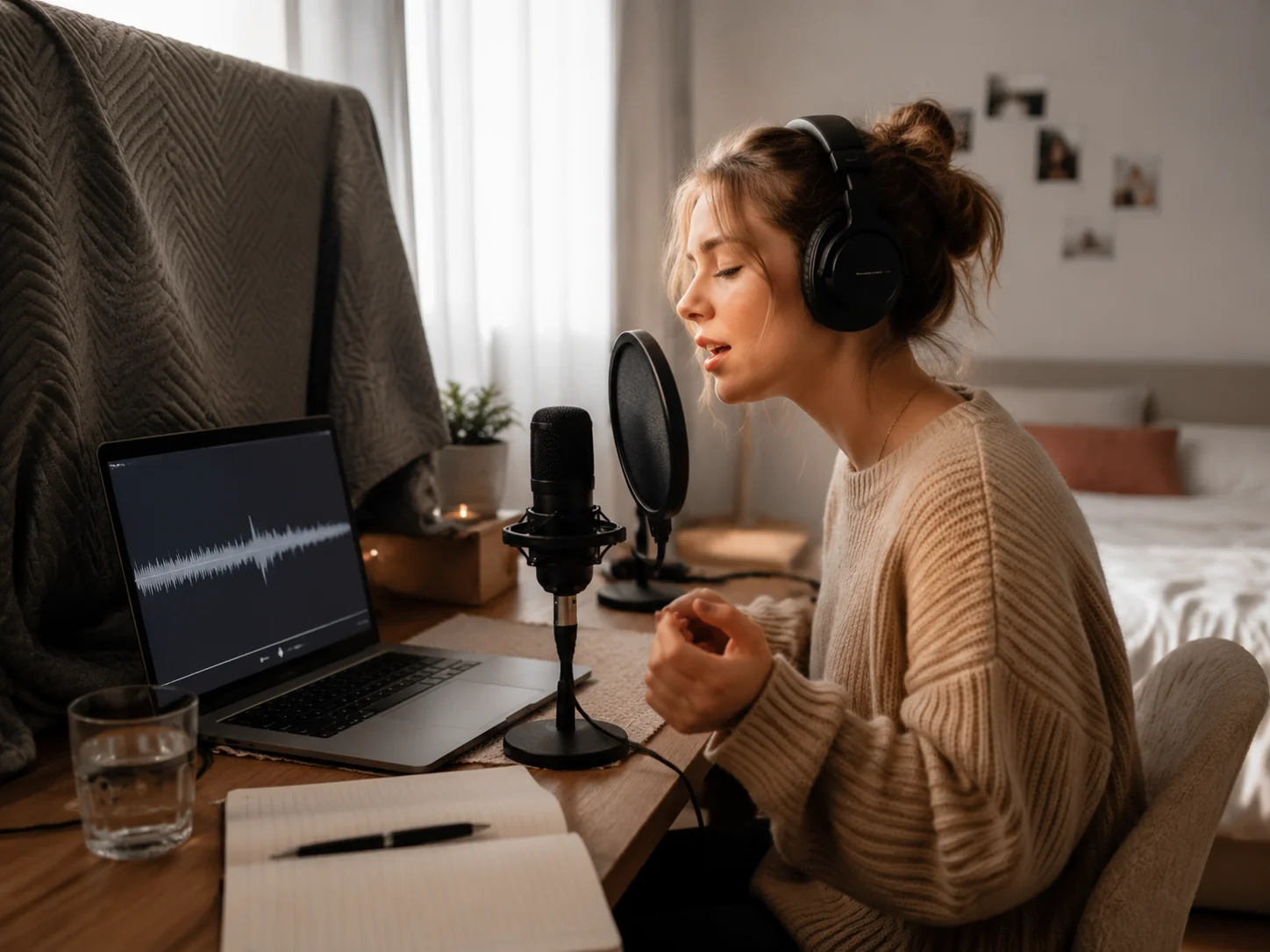
AISongCreator turns clean vocal samples into a custom model you can reuse for covers, topline demos, and original vocal tracks. The AI singing voice generator is built around model naming, visibility choices, and sample ownership, so your custom singing voice stays organized before it enters a song workflow.
Prepare Better Samples Before Training
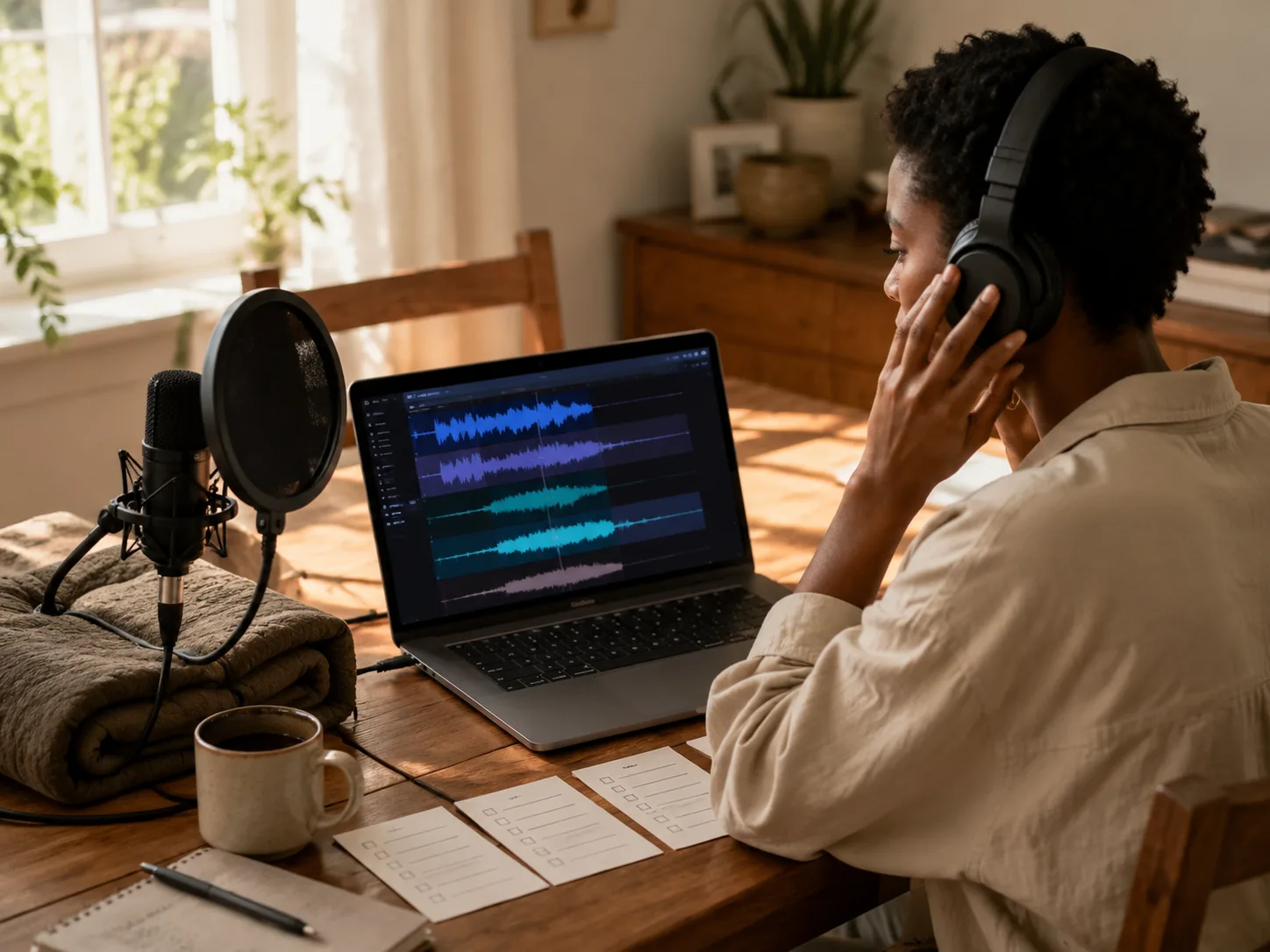
Strong results come from dry, clear, rights-cleared recordings. The AI singing voice generator gives you practical prompts for steady pitch, natural phrasing, and varied dynamics, while the AI voice singing generator workflow reminds you to avoid noisy rooms, heavy reverb, and voices you do not have permission to clone.
Create Cover Vocals And Original Demos
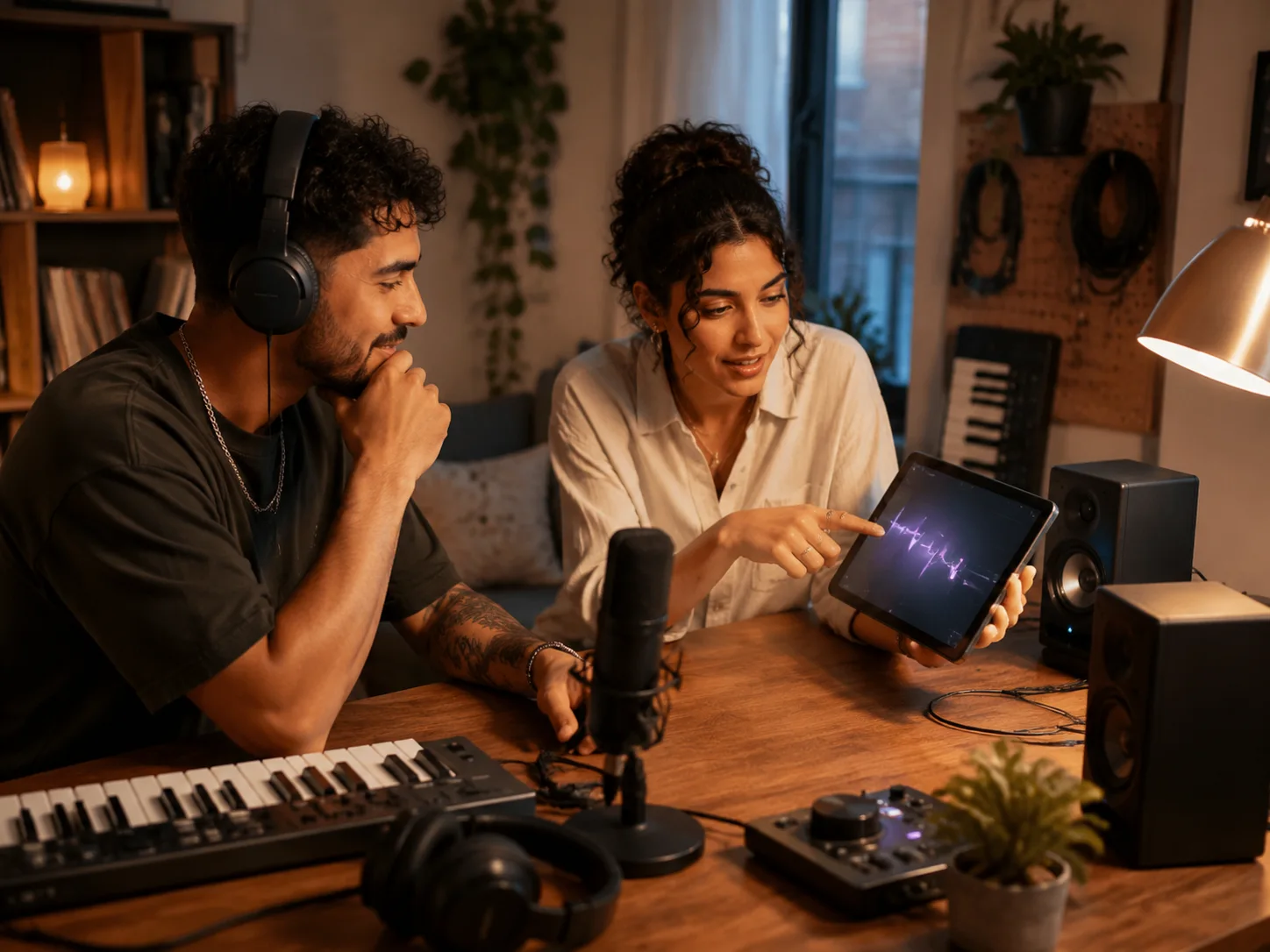
Apply a trained model to cover vocals, hook sketches, songwriting pitches, and producer reference tracks. This AI singing voice generator helps you test a melody before a session, compare vocal tone across arrangements, and export a more useful demo than a flat guide vocal.
Manage Rights Privacy And Exports
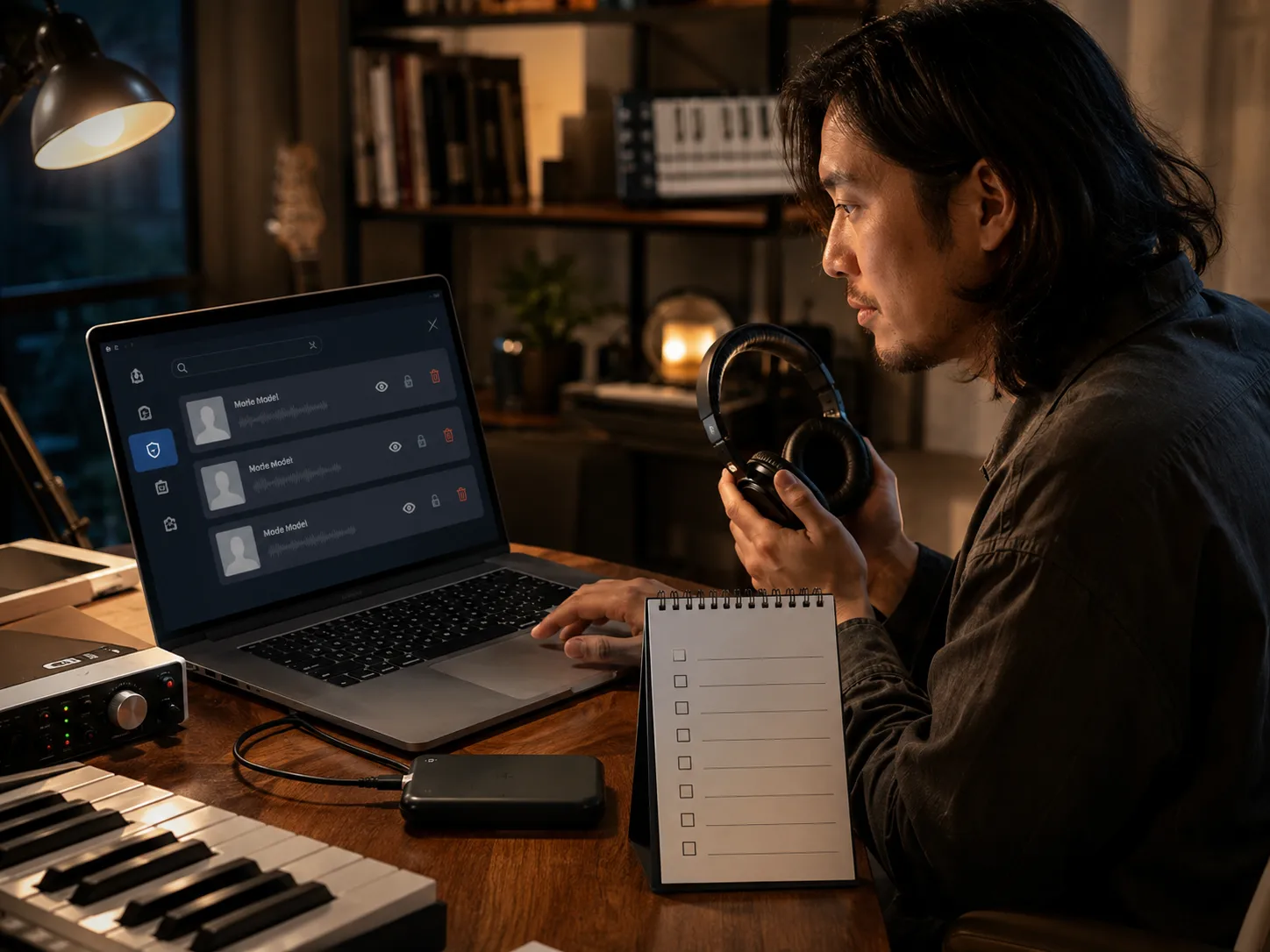
A serious AI voice singing generator must make boundaries clear. Keep models private when needed, search by model ID, delete outdated models, and review whether the source voice, song, and release plan are allowed before export. AISongCreator keeps that AI singing voice generator review close to the creative workflow.
Who Uses This AI Voice Singing Generator
The AI singing voice generator supports creators who need fast vocal direction, cleaner demos, private models, and practical rights checks.
Songwriters Testing Hooks
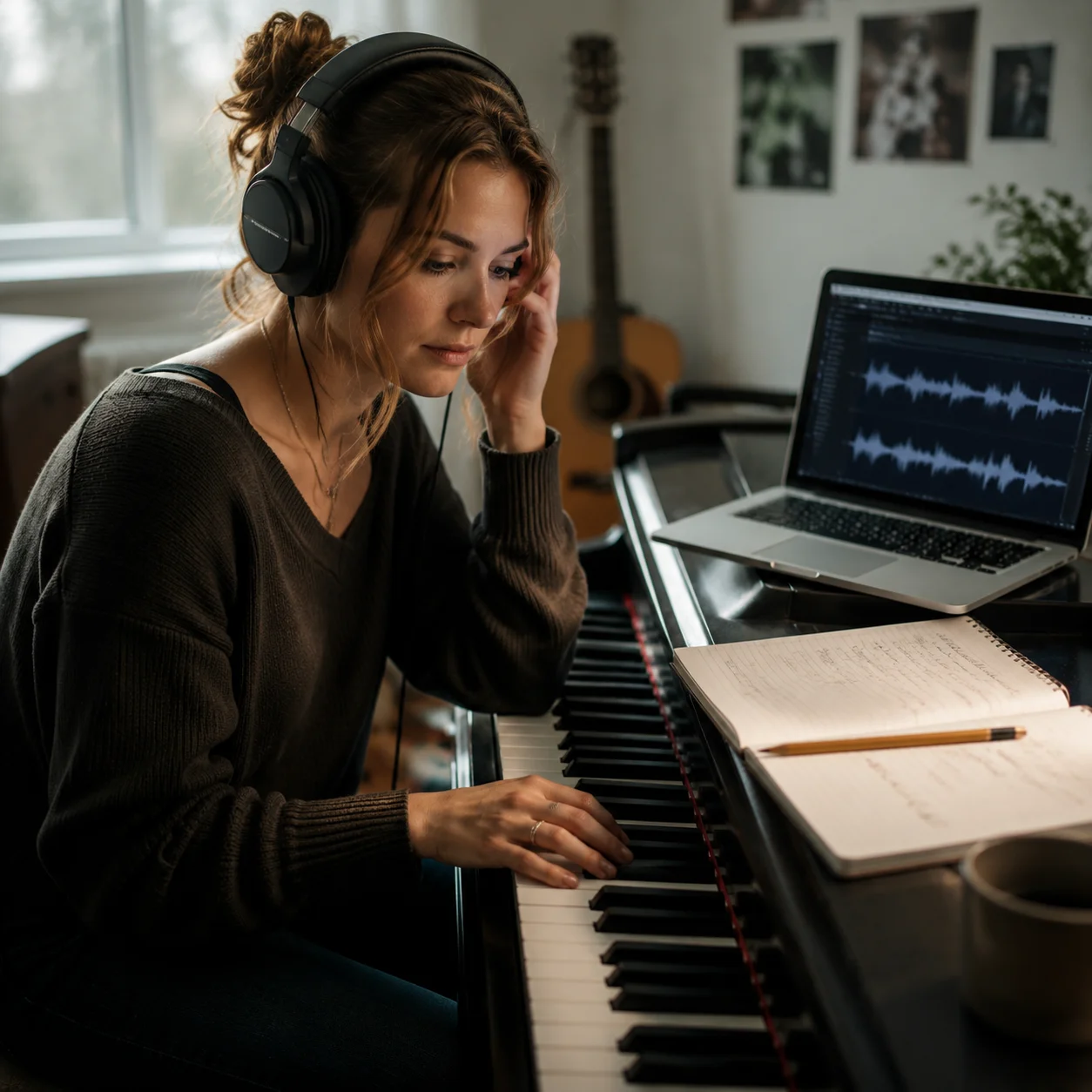
A melody idea can lose momentum while waiting for a singer. Use the AI singing voice generator to hear 3 hook shapes, compare phrasing, and decide which chorus deserves a studio pass. A private custom singing voice keeps draft vocals consistent across revisions.
Producers Building Reference Vocals
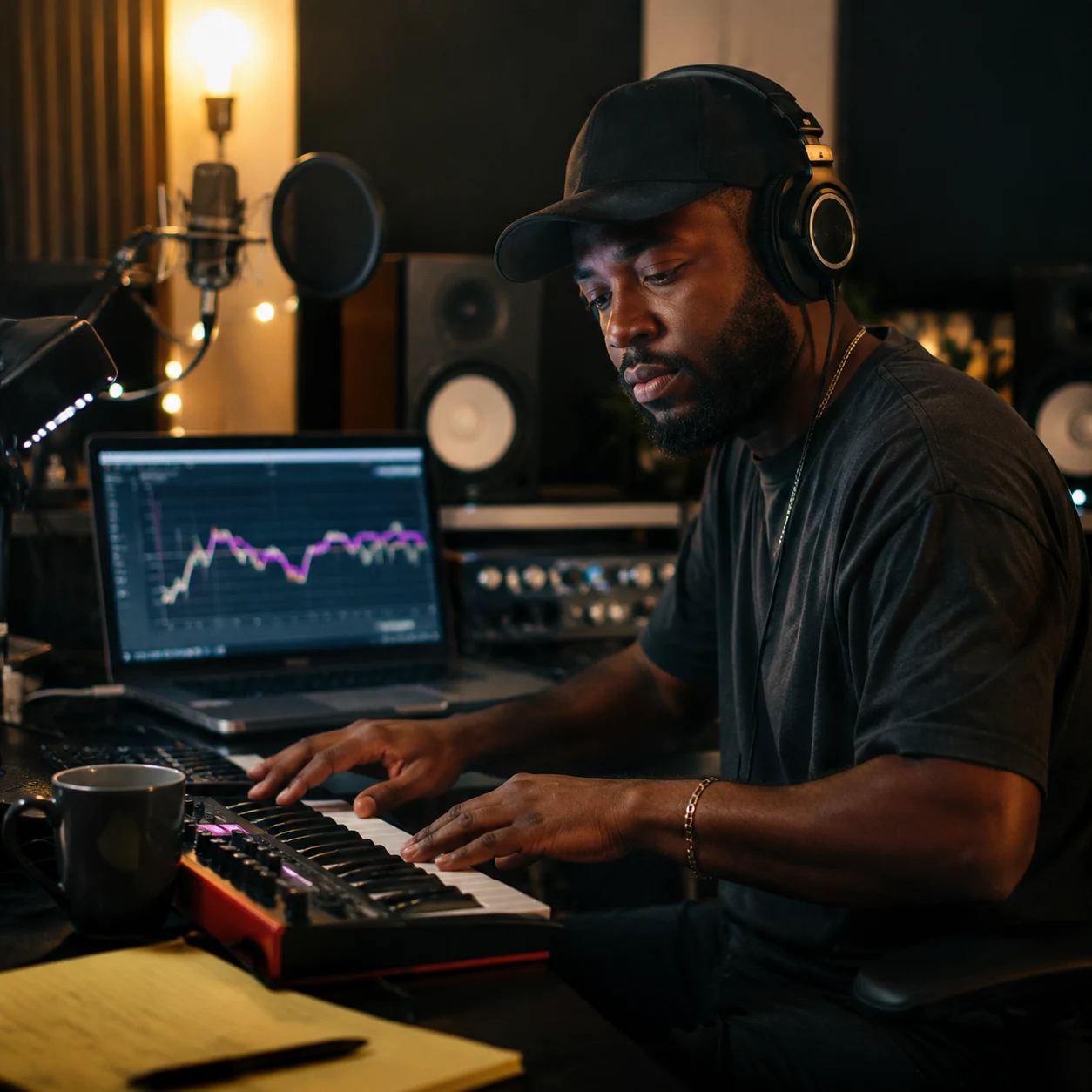
Producer references need timing, tone, and emotion, not just MIDI melody. The AI voice singing generator helps create lead vocals, doubles, and backing ideas from a trained model, giving collaborators a clearer target before booking recording time or hiring session talent.
Video Creators Making Sung Branding
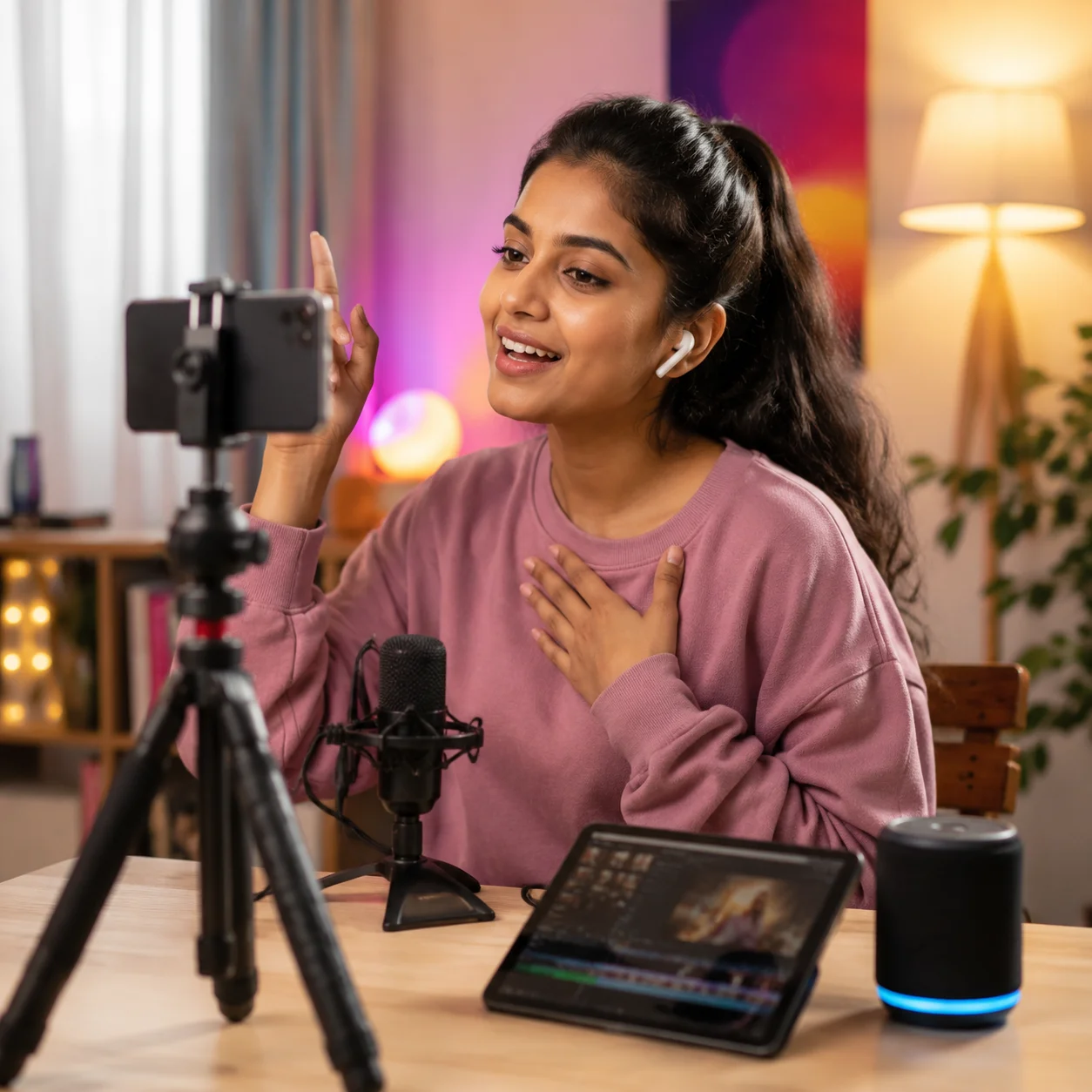
A sung intro or parody segment can make a channel feel recognizable, but copyright and consent matter. AISongCreator helps creators build vocals from permitted voices, keep models private, and test short hooks for YouTube, TikTok, podcasts, or livestream scenes.
Artists Managing Their Own Voice Models
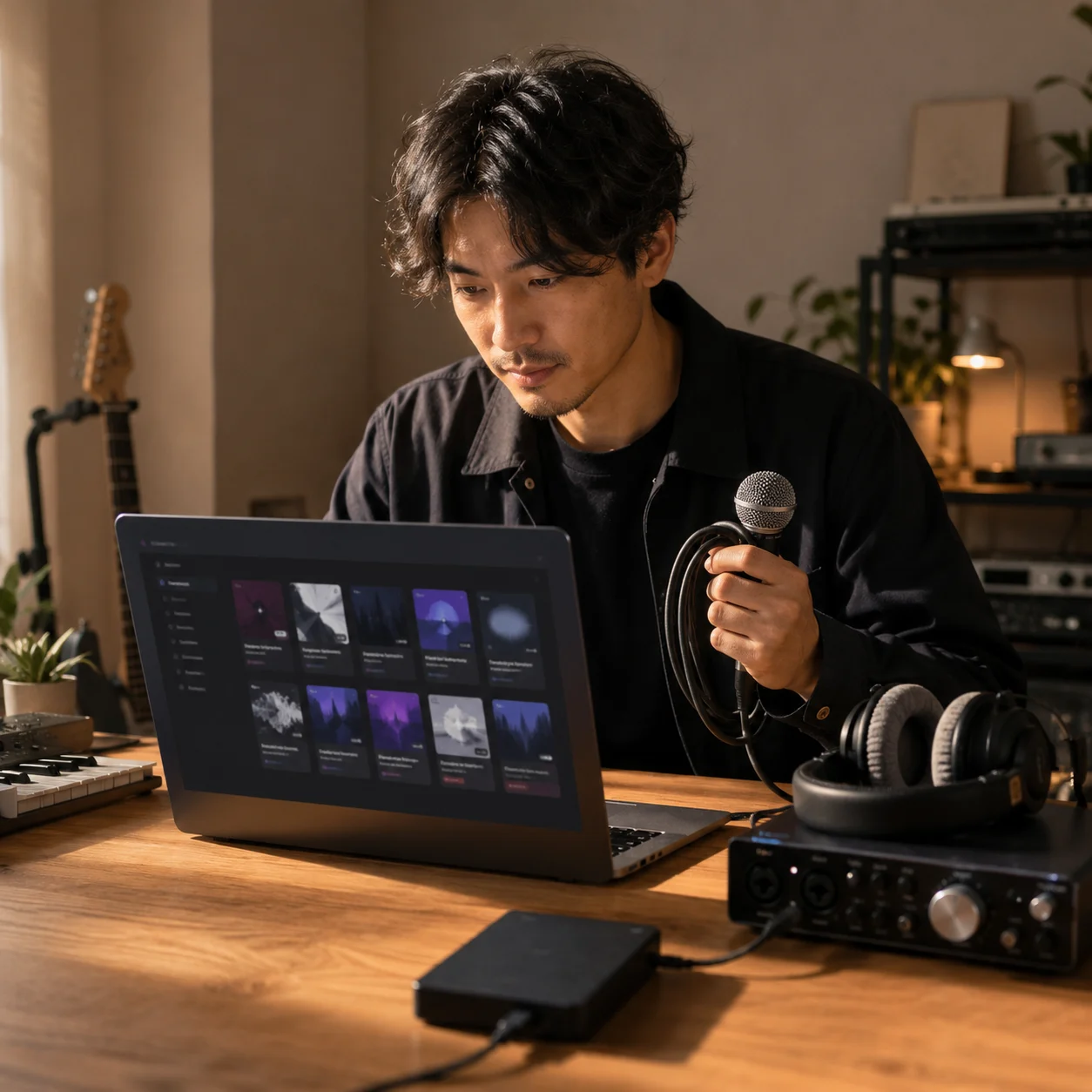
Artists who record often need reusable vocal references for demos, alternate keys, and cover experiments. The AI singing voice generator lets them train from their own clean samples, search models later, delete old versions, and keep control over which voice model is public or private.
Build A Cleaner Singing Voice Workflow
With AISongCreator, an AI singing voice generator workflow starts with consent, clean samples, and a model you can manage later.
Record Or Upload Clean Samples
Use your own voice or a voice you have permission to train. Aim for dry vocal audio, consistent mic distance, clear vowels, and varied phrases. The AI voice singing generator learns more stable tone when the sample is clean instead of buried under reverb or background music.
Train And Name The Model
Give the model a clear name, choose the profile settings, and keep it private unless you want others to find it. The AI singing voice generator builds a reusable custom singing voice that can be searched, selected, deleted, or retrained as your sample quality improves.
Generate Vocals With Rights In Mind
Use the model for cover vocals, original vocal demos, and songwriting references. Before publishing, confirm that you have rights to the voice, source song, recording, and release use. AISongCreator keeps this AI singing voice generator workflow focused on quality and permission together.
AI Singing Voice Generator FAQ
Answers about AI singing voice generator training, AI voice singing generator quality, consent, private models, covers, demos, and commercial use.
What is an AI singing voice generator?
An AI singing voice generator trains a vocal model from audio samples and uses that model to create new sung performances. AISongCreator is an AI singing voice generator for custom singing voice workflows, including cover vocals, original demos, AI voice singing generator model management, and rights-aware review. The AI singing voice generator works best when the source voice is permitted and the recording is clean, because the AI singing voice generator depends on sample quality.
How is an AI voice singing generator different from TTS?
An AI voice singing generator focuses on pitch movement, phrasing, vibrato, breath, and melody instead of plain speech. Text-to-speech reads words; a singing model tries to follow musical performance behavior, so clean vocal samples and stable melodies matter much more.
How much audio should I upload?
AISongCreator requires enough audio to train a usable model, and longer varied samples usually improve stability. For the AI singing voice generator, clean minutes are more valuable than noisy hours: use dry vocals, clear words, steady pitch, and several phrase types.
What kind of sample works best?
Dry vocal recordings work best: low room noise, limited reverb, consistent volume, and clear consonants. The AI voice singing generator may sound unstable if the sample has heavy effects, background instruments, clipping, long silence, or big pitch problems across the take.
Can I keep my singing voice model private?
Yes. The workflow supports private model management, search, deletion, and selection. A private model is important when the voice is personal, licensed, or still being tested. Use public visibility only when you are comfortable with the model being discoverable.
Can I create AI cover vocals?
Yes, you can use a trained model to create cover vocals, but rights still matter. Before uploading a cover, confirm that you can use the source song, composition, recording, and voice. The AI singing voice generator does not remove copyright or consent obligations.
Can I use generated vocals commercially?
Commercial use depends on your plan and on whether you have rights to the voice and source material. AISongCreator supports professional workflows, but the safest AI voice singing generator results come from your own voice, licensed voices, original songs, and clear release permissions.
Why does my generated voice sound unstable?
Unstable vocals often come from noisy samples, too little training material, heavy effects, inconsistent pitch, or melodies outside the learned range. Improve the source recording, add cleaner phrases, and retrain the AI singing voice generator model before judging the workflow.
Can I delete or retrain a model?
Yes. You can manage, delete, and retrain models as your recordings improve. Many creators keep a first AI singing voice generator model for experiments, then build a cleaner version after recording better vowels, stronger choruses, and more consistent sample dynamics.
Does the tool support multiple languages?
The AI voice singing generator can work across languages, but pronunciation depends heavily on training material. Include samples in the language you want to sing, use clear diction, and test short phrases before relying on a model for a full multilingual release.
Is it legal to clone any singer?
No. You should only train voices you own, voices you have licensed, or voices you have clear permission to use. Cloning a real person without consent can violate law, contracts, platform rules, or personal rights, even when the AI singing voice generator works technically.
What formats can I upload?
The upload flow supports common audio formats used by creators, including MP3, WAV, OGG, M4A, AAC, FLAC, and WMA. For better AI singing voice generator results, choose the cleanest source you have rather than the most compressed file.