




Create Your AI Cover in 3 Simple Steps
No studio. No singing lessons. No expensive equipment. Just pick a voice, drop in your track, and watch the AI work its magic.
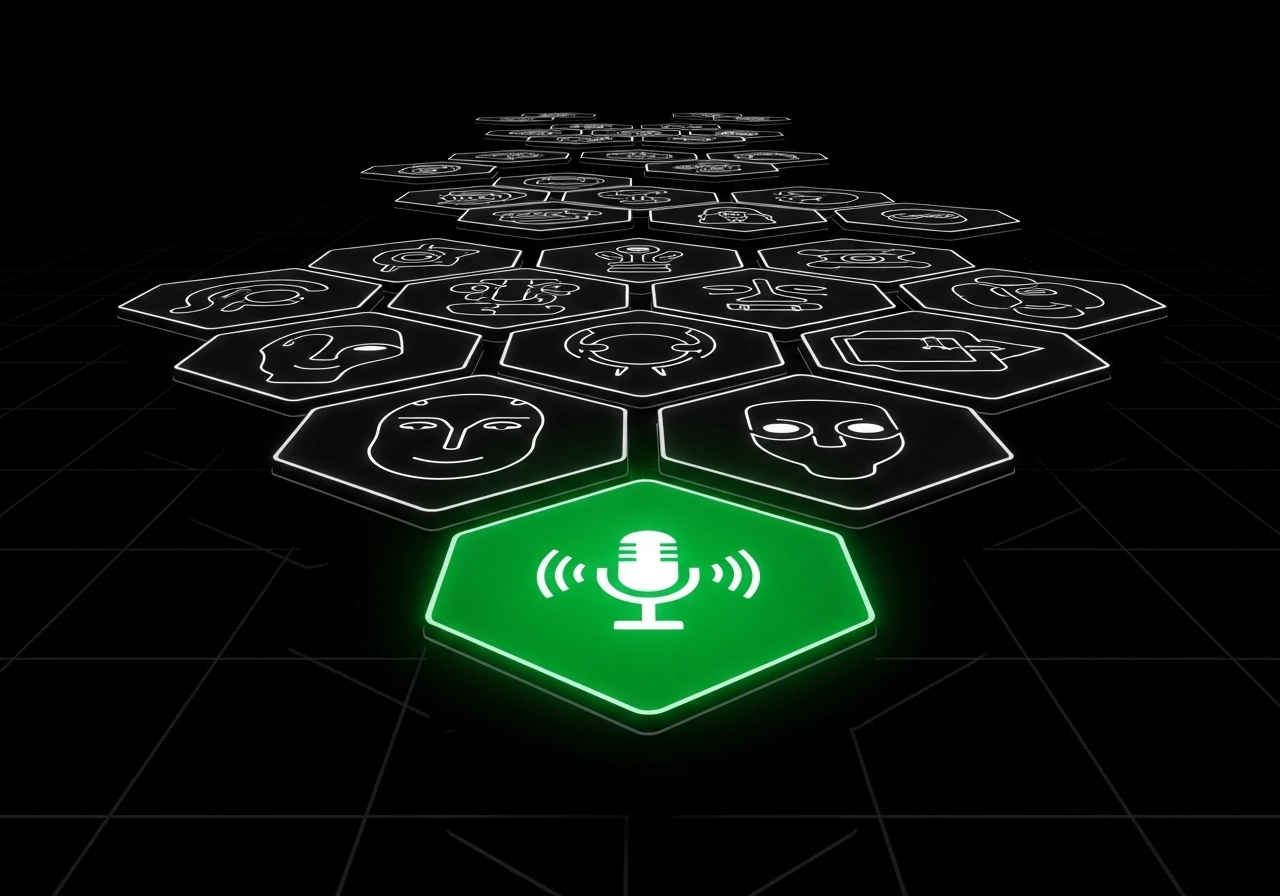
Pick Your Perfect Voice
Choose from our voice model library or train your own. Celebrity impressions, anime characters, gaming icons, or clone your own voice — find the perfect match for any song.
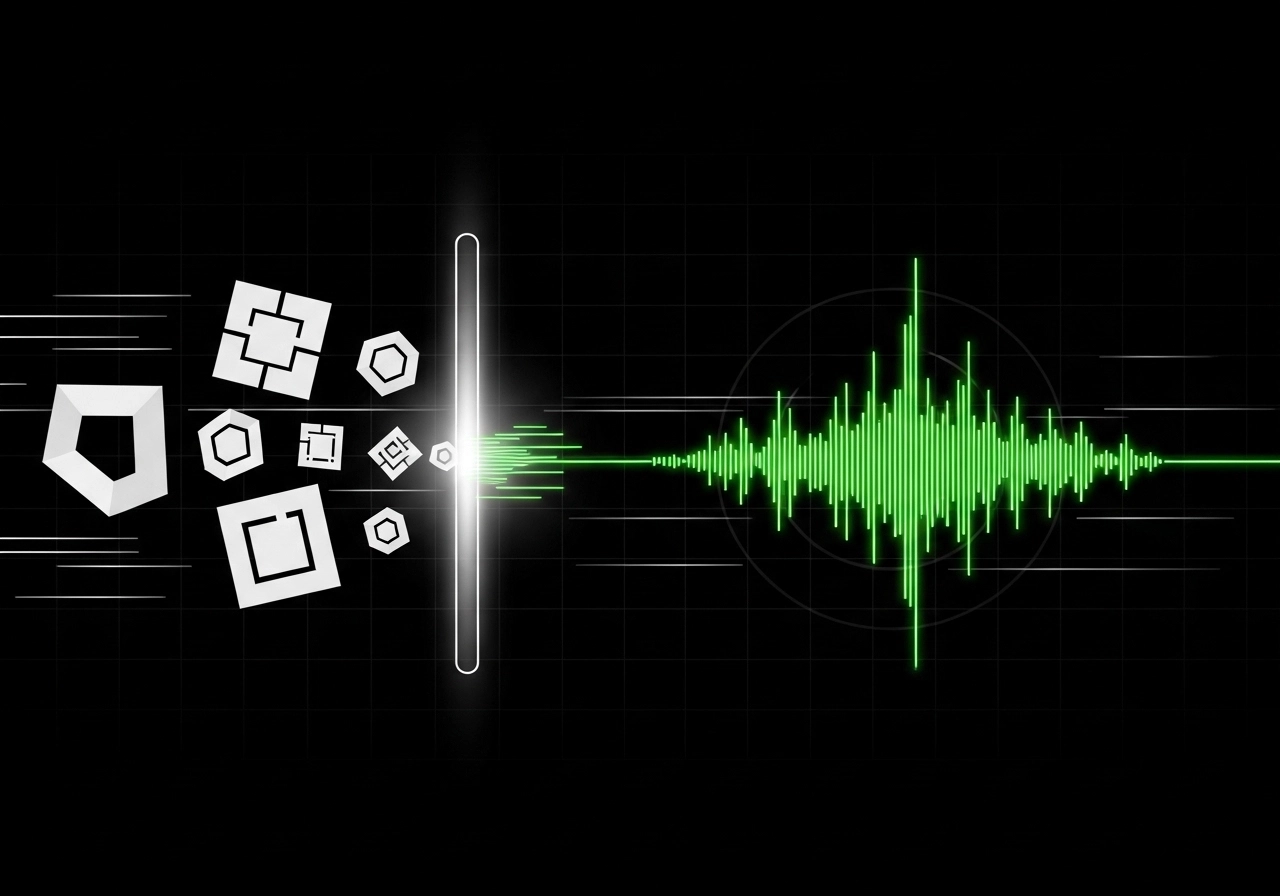
Drop In Any Song
Upload your track and our AI separates vocals automatically. Works with all 7 major audio formats — MP3, WAV, FLAC, and more. Zero prep work required.
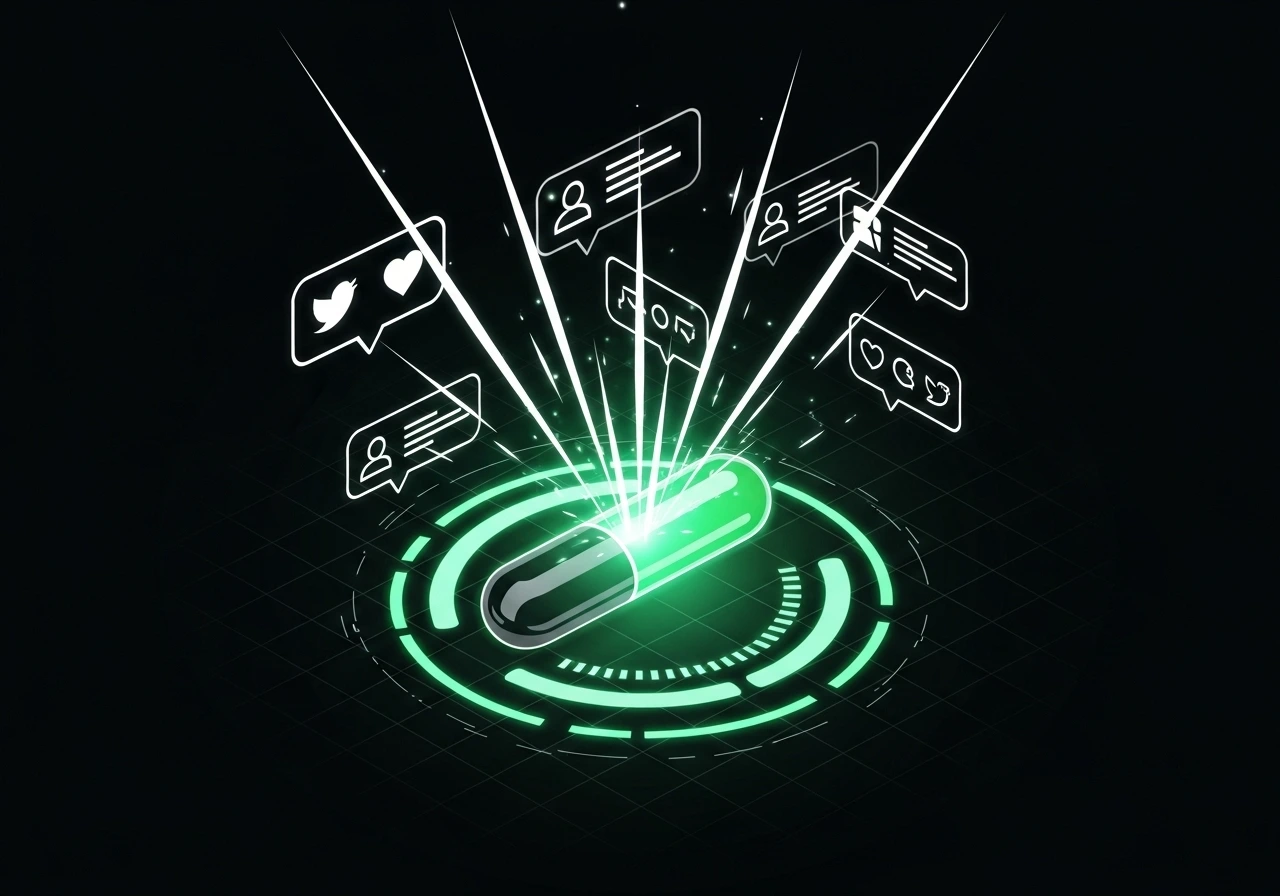
Download & Share
Get your AI cover in studio quality, ready for TikTok, YouTube, or Spotify. Most covers are ready in under 3 minutes.
Join 50,000+ Creators Making AI Covers
From bedroom producers to viral TikTokers — see how creators are using AI covers to grow their audience.
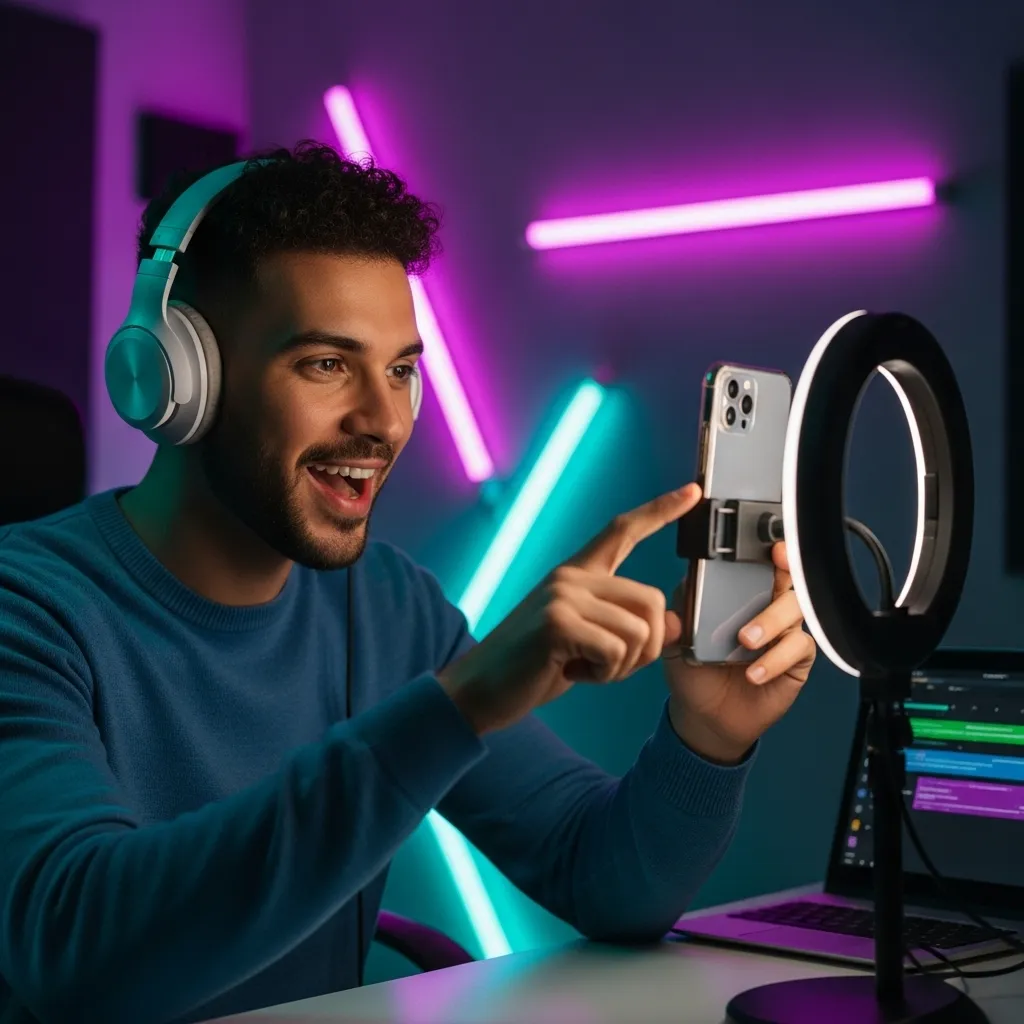
TikTok & YouTube Creators
Create scroll-stopping AI covers that rack up views. Skip the copyright drama and licensing maze — just create and post.
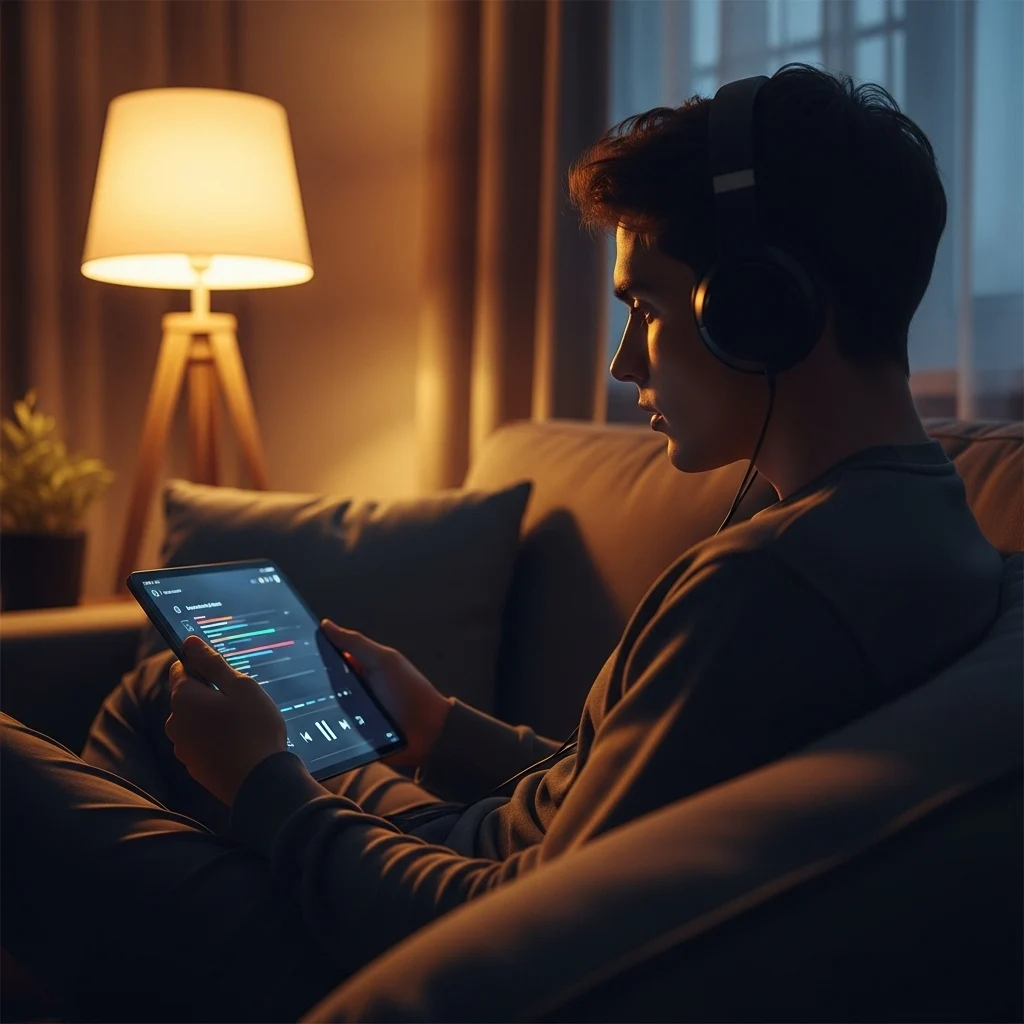
Music Fans & Hobbyists
Ever wondered what your favorite song would sound like in a different voice? Now you can find out in minutes.
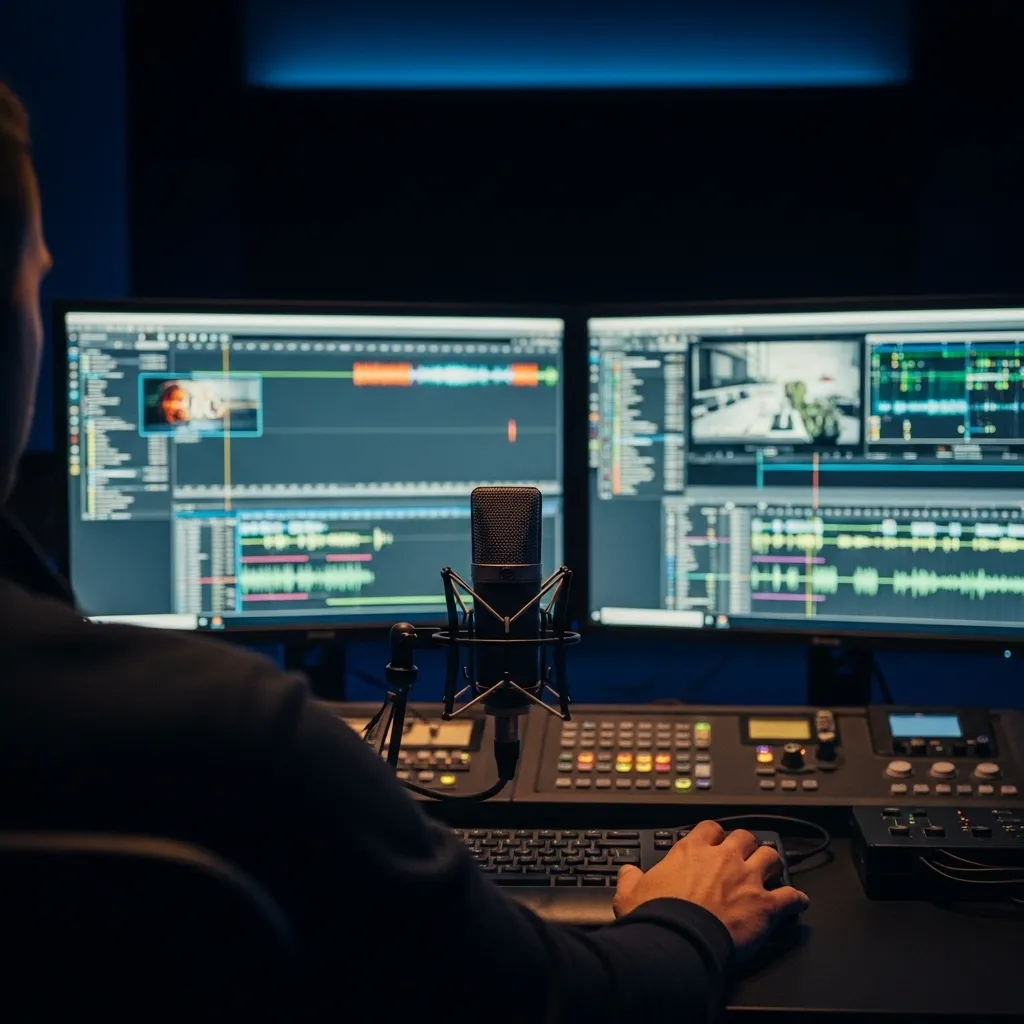
Podcasters & Video Editors
Add custom AI vocals to intros, outros, and background tracks. Make your content sound professionally produced.
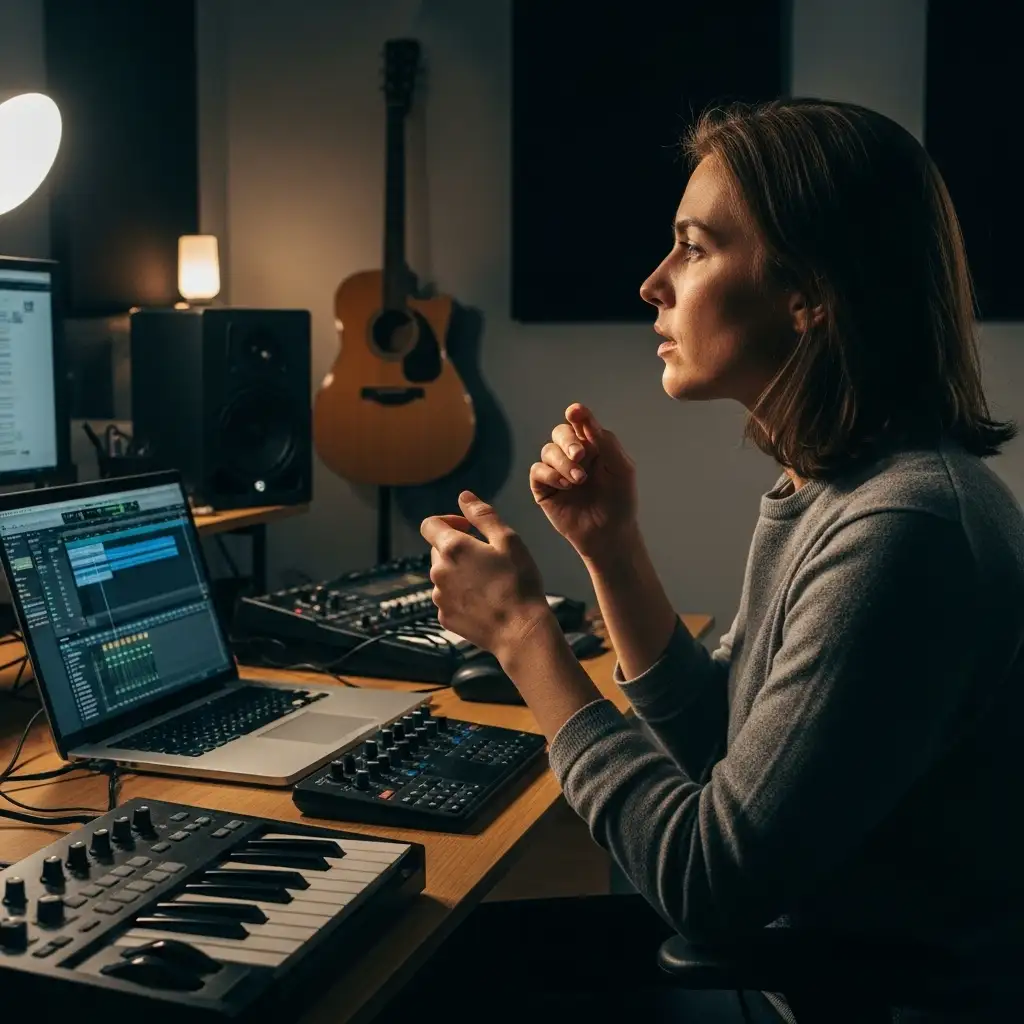
Songwriters & Producers
Test melodies with different vocal styles before committing to a singer. Speed up your creative process 10x.
Your First AI Cover in Under 5 Minutes
Seriously. It's that simple. No tutorials needed.
1. Pick a Voice
Browse our voice model library or upload your own. Pop stars, anime characters, gaming legends, classic singers — we've got the voice you're looking for.
2. Upload Your Track
Drag and drop any song. Our AI automatically separates vocals from instrumentals. Supports MP3, WAV, OGG, M4A, AAC, FLAC, and WMA.
3. Generate & Download
Hit generate and grab a coffee. Your studio-quality AI cover will be ready in 2-3 minutes, downloadable in high-quality audio.
Got Questions? We've Got Answers
Everything you need to know about creating AI song covers.
How do I make an AI cover of a song?
It's simple: pick a voice model from our library, upload your song (MP3, WAV, or other formats), and hit generate. Our AI separates the vocals, applies the new voice, and delivers your cover in 2-3 minutes. No technical skills needed.
Is this AI cover generator free to use?
You can try the AI cover generator with free credits when you sign up. After that, covers cost a small amount of credits per generation. No subscription required — just pay for what you use.
What's the best AI song cover generator?
The best AI cover generator depends on your needs. Ours stands out for voice quality, speed (2-3 minutes), format support (7 audio types), and the ability to train custom voice models. Plus, you can use voices from our growing community library.
Are AI song covers legal to post online?
AI covers exist in a legal gray area. For personal use and non-monetized content, you're generally safe. For commercial use, you need rights to the original song. Many creators post AI covers on TikTok and YouTube — just check each platform's policies on AI-generated content.
What exactly is an AI song cover?
It's like karaoke, but the AI does the singing. Our technology replaces the original vocals with an AI-generated voice while keeping the instrumental track intact. The result? A cover that sounds like someone else is singing the song.
How long does it take to generate a cover?
Most covers are ready in 2-3 minutes. Longer songs or complex vocals might take up to 5 minutes. You'll get a notification when it's done.
What audio formats can I upload?
We support all the popular formats: MP3, WAV, OGG, M4A, AAC, FLAC, and WMA. No need to convert anything — just upload and go.
Can I use copyrighted songs?
You can upload any audio file, but you're responsible for how you use the output. For personal use, you're generally fine. For commercial use or public sharing, make sure you have the necessary rights to the original song.
Where do the voice models come from?
Two places: our public library (with a growing collection of pre-trained voices) and user-created models. You can also train your own voice model using our AI Singing Voice Generator.
Can I post AI covers on TikTok or YouTube?
Yes! Many creators do. Just be mindful of the platform's policies on AI content and make sure you have rights to the underlying song. Some platforms require disclosure that AI was used.
What makes a good AI cover?
Three things: a well-trained voice model, clean source audio (studio recordings work best), and a song that matches the voice's range. Better inputs = better covers — so start with quality audio when you can.
Does it work with songs in other languages?
Absolutely. Our AI handles English, Japanese, Korean, Spanish, and many other languages. Results depend on the voice model's training data, but most models work well across languages.