Drag and drop your audio file here, or click to browse
Supports: MP3, WAV, OGG, M4A, AAC, FLAC, WMA

Remove Background Music
Show Case
Remove Background Music from Audio and Video Exports
AISongCreator helps you remove background music from songs, interviews, podcasts, and video exports with an AI remove background music workflow built for cleaner vocals and clearer dialogue. Instead of relying on EQ tricks that leave bleed behind, you can upload one file, isolate the voice track, and download a result that is easier to edit, subtitle, remix, or reuse.
Four Ways to Remove Background Music with Less Cleanup After
This remove background music page focuses on the real workflows users search for most: cleaner dialogue, clearer vocals, faster reuse, and fewer artifacts after separation.

Recover Dialogue from Mixed Audio
With AISongCreator, you can remove background music from interviews, tutorials, podcasts, and social clips while keeping spoken audio clearer than simple noise reduction. That matters when you need cleaner dialogue for subtitles, translation, transcription, or client delivery—not just a rough preview. For editors handling fast-turnaround jobs, AI remove background music results are often the difference between usable dialogue and a clip you have to discard.

Pull Vocals Forward Without Manual EQ
You can remove background music from songs and mixed voice recordings without spending time on manual EQ cuts that still leave bleed behind. Our AI focuses on vocal isolation first, giving you a stronger starting point for cover practice, acapella prep, remix drafts, and rehearsal edits. For music creators who compare tools by speed and clarity, AI remove background music workflows feel much more direct than patching together multiple filters.

Move from Upload to Reuse Fast
Most users searching remove background music online want a workable result fast, not a complicated restoration chain. Upload the file, run separation, preview the cleaner voice track, and move straight into trimming, captioning, publishing, or remixing with less wasted setup time. If you have ever compared AI remove background music tools, this is the practical payoff users care about most.
Who Needs to Remove Background Music Most Often
The strongest demand comes from creators who need cleaner voice tracks fast, especially when the original audio was never recorded for clean post-production reuse.

Cover Creators and Singers
You want a cleaner vocal or a more isolated voice reference before rebuilding a cover. Remove background music first, then hear phrasing, timing, and pitch detail without the full instrumental crowding the performance. For fast prep, an AI remove background music pass can save a surprising amount of manual cleanup.

DJs and Remix Producers
You need a faster way to recover a vocal idea from a finished mix. This remove background music workflow helps you isolate vocals for mashups, transitions, edits, and remix sketches without relying on rough phase tricks. Many producers reach for an AI remove background music workflow when they need something usable before opening the DAW.
Video Editors and Podcasters
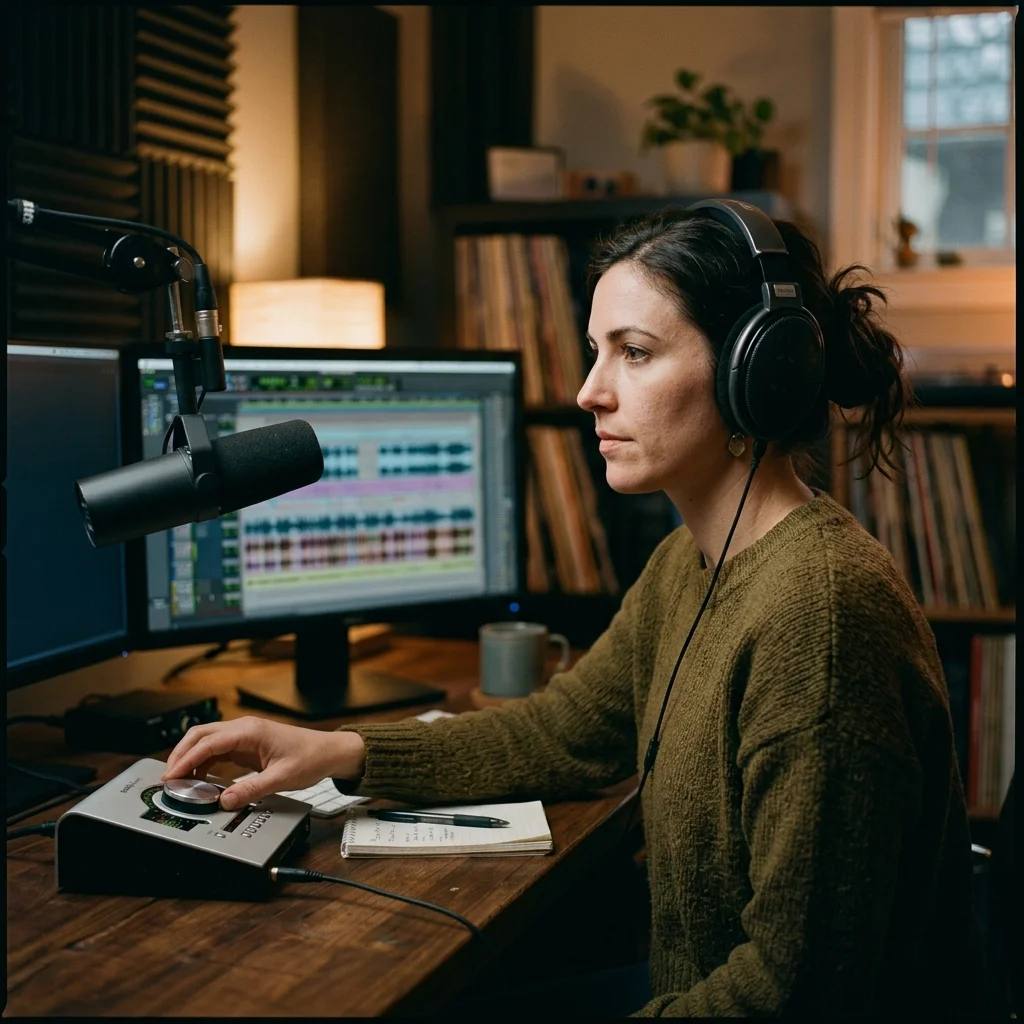
Background music under dialogue often makes clips harder to subtitle, translate, or republish. You can remove background music from exported audio and recover cleaner dialogue for interviews, tutorials, podcasts, reels, and client content. That is why AI remove background music searches are growing among editors who work on short deadlines.

Educators and Transcription Workflows
Lectures, demos, and learning clips sometimes include distracting music beds that reduce speech clarity. Use this page to remove background music before captioning, archiving, lesson reuse, or transcript generation. In these cases, AI remove background music output is easier to review than a raw mixed recording.
Remove Background Music in Three Direct Steps
With AISongCreator, your remove background music workflow stays simple: upload the source, isolate the voice, then download a cleaner result for editing or reuse.
Upload the Source File
Open AISongCreator and upload the song, interview clip, podcast segment, or video-exported audio you want to clean. Common formats like MP3, WAV, M4A, AAC, OGG, and FLAC are supported, so you can start without prep work.
Run Vocal-Focused Separation
Choose the vocal-focused mode when your goal is to remove background music and pull speech or singing forward. The model analyzes the mix and separates the voice from the instrumental layer instead of just suppressing frequencies broadly.
Preview and Download
Listen to the cleaned result before saving it. If the isolated voice track fits your project, download it and move straight into subtitles, editing, practice, reposting, or remix preparation.
Frequently Asked Questions
These are the questions users ask most when they compare online vocal-cleanup tools and need vocals or dialogue to stay usable after separation.
Can AISongCreator remove background music from spoken audio?
Yes. AISongCreator can remove background music from interviews, tutorials, podcasts, and video audio while keeping dialogue clearer than basic EQ or generic noise reduction. It works best when you need cleaner speech for subtitles, transcripts, translation, or content reuse.
Does this remove background music workflow work for songs too?
Yes. You can use this remove background music page on mixed songs to recover a cleaner vocal-focused track for covers, remix prep, acapella extraction, or rehearsal. If you need broader layer control beyond vocals, our stem workflow is the better next step.
What file formats does AISongCreator support for upload?
AISongCreator supports common audio formats including MP3, WAV, FLAC, M4A, AAC, OGG, and more. That gives you a practical way to remove background music from song files, podcast exports, and audio pulled from video edits without extra conversion.
Is it free to remove background music online here?
Yes. AISongCreator offers free access so you can test the remove background music workflow on your own files first. That lets you hear the separation quality in a real editing or cleanup scenario before deciding whether you need more usage. For many first-time users, that first AI remove background music test is enough to judge whether the workflow fits.
Will removing background music damage the voice track?
Not necessarily, but no tool can promise perfect isolation on every source. AISongCreator is designed to preserve the main voice far better than manual filtering, though dense mixes can still produce some bleed or artifacts. In most cases, the cleaned result is much easier to edit and reuse.
What is the difference between music removal and noise reduction?
Music removal targets the instrumental layer inside a mixed recording, while noise reduction focuses on hiss, hum, room tone, or steady background sound. If your real problem is a song or music bed under speech, remove background music is the more accurate workflow.