Why MP3 Tags Matter
Messy tags mean lost songs. Use our free MP3 tag editor to keep your library organized and your music players happy.
Find Any Song Instantly
Properly tagged MP3 files let you sort and search by artist, album, or genre—no more scrolling through hundreds of unnamed tracks.
See Album Art Everywhere
Music players display cover art, build smart playlists, and show track info based on your ID3 tags.
Sync Across All Devices
Correct metadata ensures your music shows the right info on your phone, car stereo, and every app you use.
A Complete MP3 ID3 Tag Editor in Your Browser
Edit one file or your entire collection. No downloads, no sign-ups—just open and start editing your MP3 metadata.
Edit MP3 Tags in Seconds
Fix a typo in the artist name or add missing album info. Upload, edit, download—done. No account needed, no software to install.
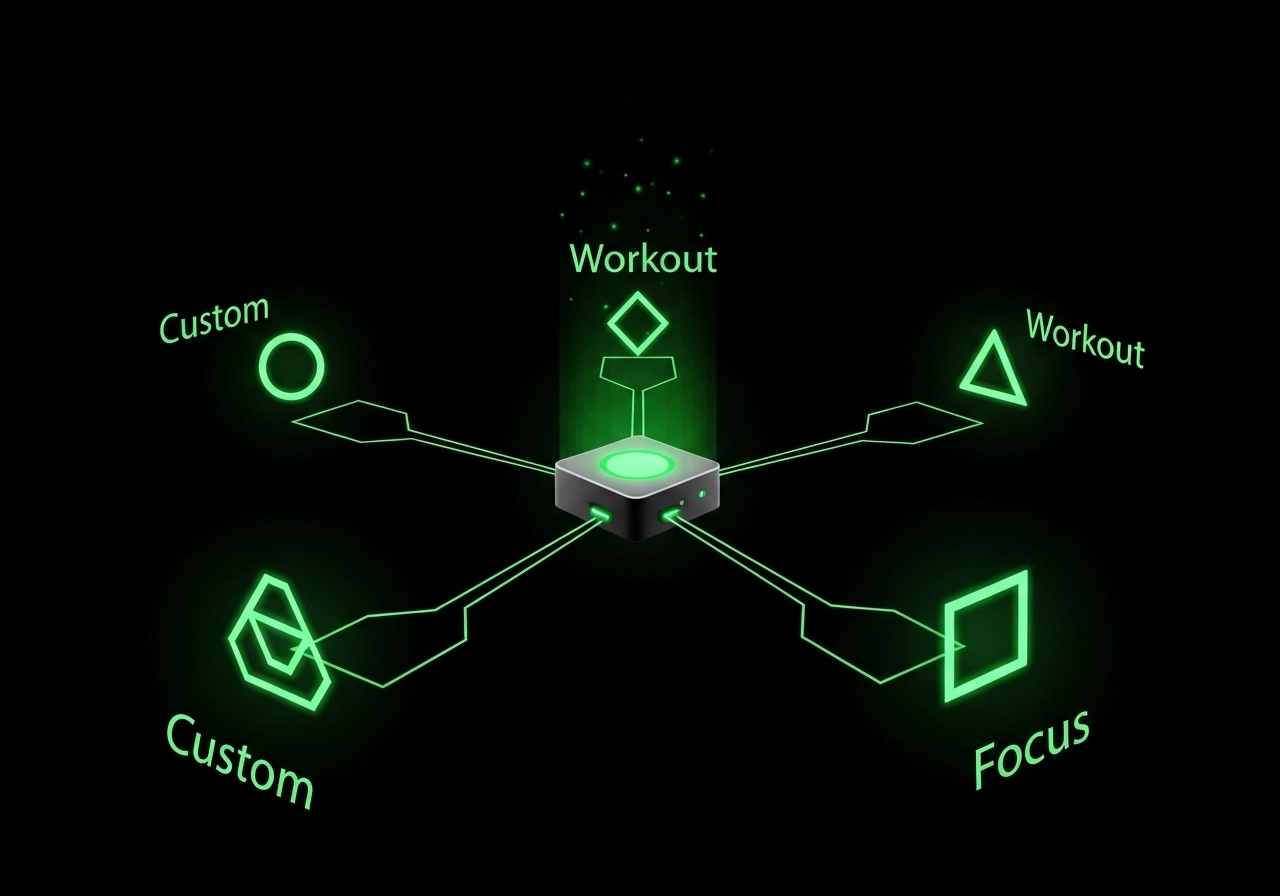
Add Custom Tags for Any Purpose
Go beyond standard ID3 labels. Create tags like "Workout," "Focus," or "Road Trip" to build playlists that match your mood. Available with Pro.
Supported Formats for MP3 Tag Editing
Our MP3 ID3 tag editor works with MP3, FLAC, WAV, OGG, and more. Edit ID3v2 tags and embed JPEG or PNG album art directly into your files.
The most common audio format with ID3 tags
Uncompressed, high-fidelity audio
Open-source format with Vorbis comments
Lossless audio with full metadata support
Standard album art format
High-quality with transparency
Lightweight image format
Frequently Asked Questions About MP3 Tag Editing
What are MP3 tags and why should I edit them?
MP3 tags (also called ID3 tags) are metadata embedded in audio files—title, artist, album, year, genre, and cover art. Editing them helps music players display the correct info and keeps your library organized.
Is this MP3 tag editor completely free?
Yes. Basic tag editing (title, artist, album, year, genre, cover art, lyrics, and comments) is completely free with no limits. Custom tags like Mood and Scene require a Pro subscription.
Is my music safe when I edit tags online?
Your files never leave your device. All processing happens in your browser using JavaScript—we don't upload or store your audio on any server. When you close the page, your data is gone.
What audio formats can I edit with this tool?
We support MP3, WAV, OGG, M4A, AAC, FLAC, and WMA. For album art, you can embed JPEG, PNG, GIF, or WebP images directly into your files.
How do I add album art to my MP3 files?
Upload your audio file, then click the "Add Album Art" section. Select a JPEG or PNG image from your device. The cover art will be embedded when you download the edited file.
Can I edit multiple MP3 files at once?
Currently, this tool edits one file at a time. For batch editing large collections, consider desktop software like Mp3tag or MusicBrainz Picard.
How long does it take to edit an MP3 file?
Most files process in under 10 seconds. Upload your file, make your changes, and download—the entire process takes less than a minute.
Will editing tags affect my audio quality?
No. Editing MP3 tags only modifies the metadata header, not the audio data itself. Your sound quality remains exactly the same.